Effects¶
Every effect, one block each: its preview, what it does, and what each control means: together. An effect writes per-pixel color into its Layer's buffer each tick; modifiers reshape the result and a driver sends it out. Effects that name an index color read the global palette (the palette control on Drivers) via colorFromPalette. Each block's emoji are its tags() (origin/creator/audio: see the tag emoji legend); Dim is its native axes (Layer extrudes a lower-dim effect onto a bigger grid). Effects are grouped into sections by origin, and each block carries that effect's preview, behavior, and control descriptions together. (For how this page maps to the source/asset folders, see the folder-structure decision.)
Effects are built from the shared power functions: the drawing, field and motion routines every effect composes; that page lists each one with its callers.
Jump to: MoonLight · MoonModules · WLED · FastLED · projectMM-native
Some WLED-origin effects show a preview gif from WLED-Utils by scottrbailey (the canonical WLED effect gif set, cross-linked with credit); these show WLED's rendering. Effects with a local
../../assets/…gif show our own output.
MoonLight effects¶
| Name | Preview | Controls | Links |
|---|---|---|---|
| ColorTrails 💫🖌️💨🌫️ · 3D Emitters pouring color into a flow that carries and folds it. What makes this one worth reading is what the flow is NOT: there is no velocity field. One noise value per row shifts that row sideways, one per column shifts that column up or down, and the two shears compose into something that reads as a swirling current. A 128x128 grid is steered by 256 numbers rather than 16k, which is why it runs on hardware where a real solver does not. Three emitters feed it: circles on an orbit, a Lissajous point tracing a figure that never closes on itself, and the rim of the panel with its hue walking around. The flow pulls the border inward, so it is a source rather than a frame. Compare with Fluid: that one solves for pressure and gets vortices forming out of the flow's own history, at roughly twenty passes over the grid against this one's one. Reach for the solver when the medium is the subject, and for this when the subject is the color being carried. |
— | speed: how fast the emitters travel.flow: how far a row or column is pushed, which is the strength of the current.flowSpeed: how fast the flow itself drifts and reverses.scale: the flow's spatial frequency: a few broad bands or many fine ones.persistence: how long color survives, as a half-life, so a trail is the same length in seconds at any framerate.colorSpeed: how fast the emitters walk the palette.size: the orbit's radius and the Lissajous figure's reach.mode: all three emitters, or one at a time to see what each contributes. |
MoonLight · concept by Stefan Petrick, composition by Jeff (mindful_stone / 4wheeljive) in AuroraPortal · via MoonLight |
| DistortionWaves 💫 · 2D Two interfering sine waves beat against each other into a moiré color field. |
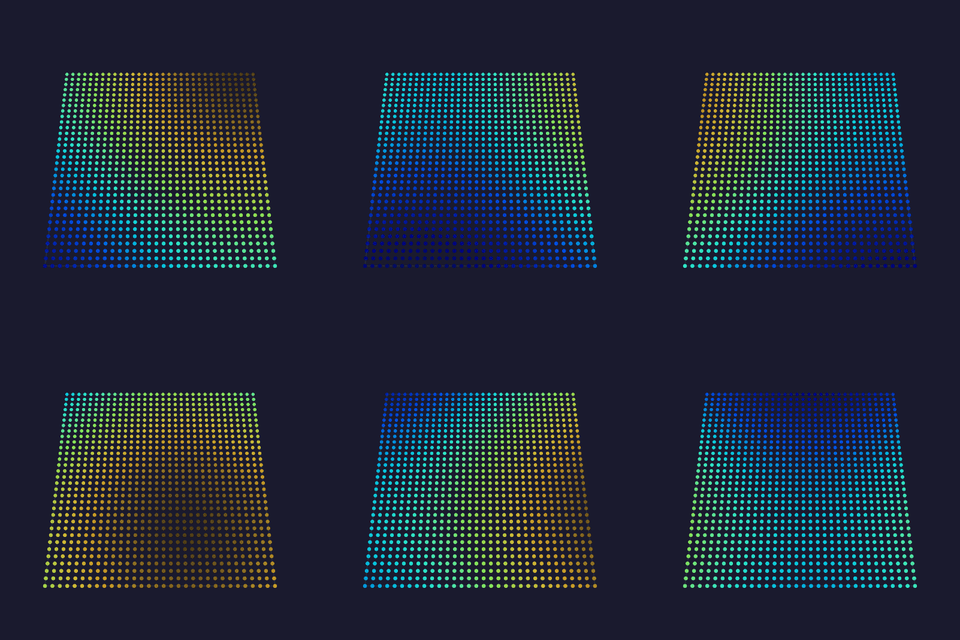 |
freq_x / freq_y: horizontal/vertical wave frequency (1–8).speed: animation rate (0 = frozen). |
Tests Technical WLED · by ldirko & blazoncek (WLED port) · gallery · via MoonLight |
| FixedRectangle 💫 · 3D A solid color filling a positioned box within the grid, with an optional alternating-white checker on the box's pixels. |
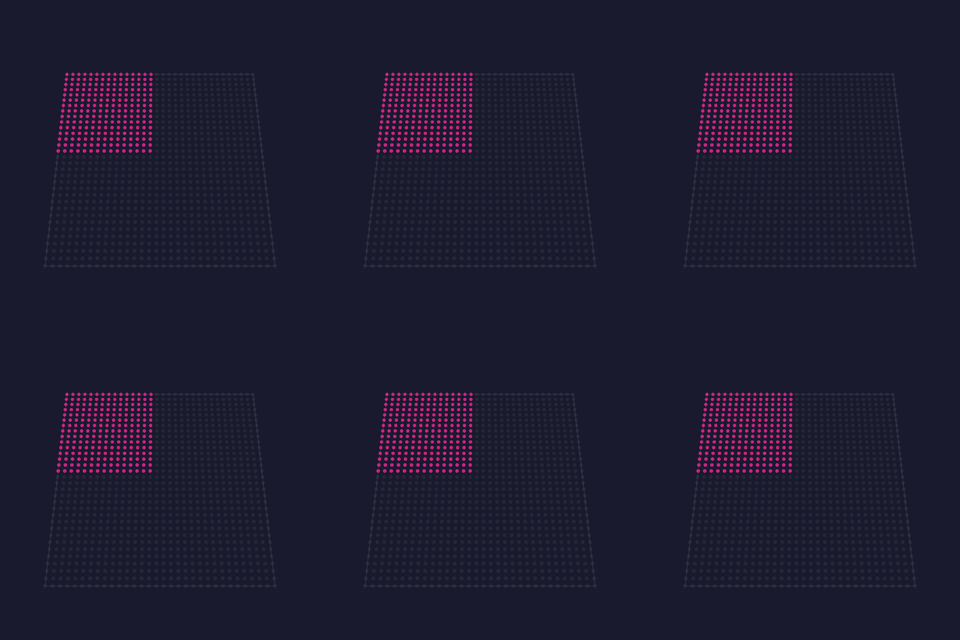 |
red / green / blue / white: the box color.X position / Y position / Z position: the box's origin corner.Rectangle width / Rectangle height / Rectangle depth: the box extent on each axis.alternateWhite: alternate box pixels to white in a checker pattern. |
Tests Technical MoonLight · by limpkin · via MoonLight |
| FreqSaws 💫🎶 · 2D Audio-reactive sawtooth waves: each column maps to a frequency band whose magnitude drives a per-band oscillator speed, so louder bands sweep their sawtooth up the column faster, with three phase methods. |
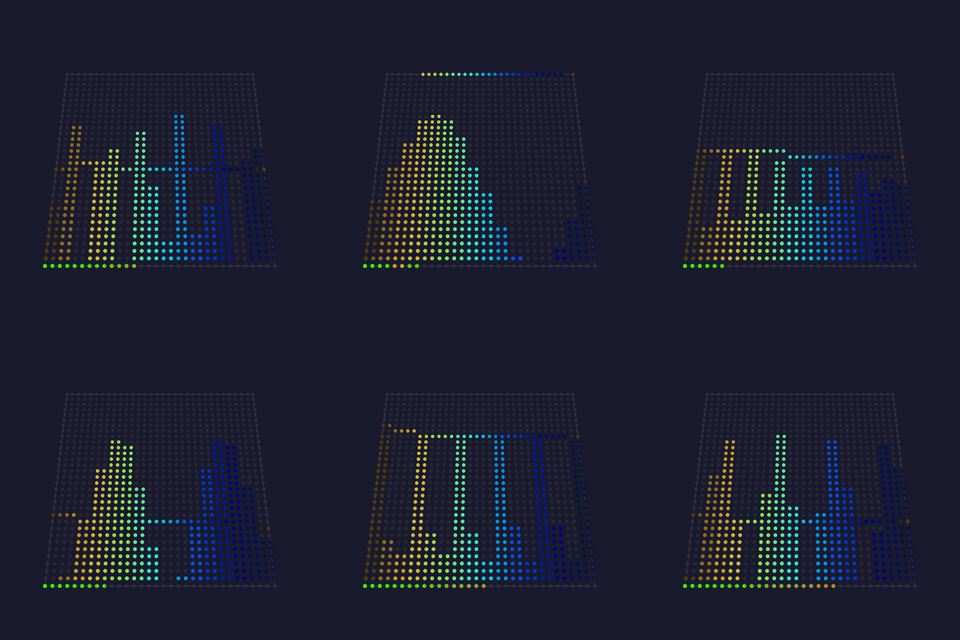 |
fade: background decay per frame.increaser: how fast a band's speed ramps up with its magnitude.decreaser: how fast a silent band's speed decays.bpmMax: ceiling on a band's oscillation speed.invert: flip alternate columns vertically.keepOn: keep oscillating even when a band is silent.method: phase model (Chaos, Chaos fix, BandPhases). |
Tests Technical MoonLight (audio) · by @TroyHacks · via MoonLight |
| LavaLamp 💫🦅 · 2D Three slow blobs through a black→red→orange→yellow→white ramp: atmospheric lava look. |
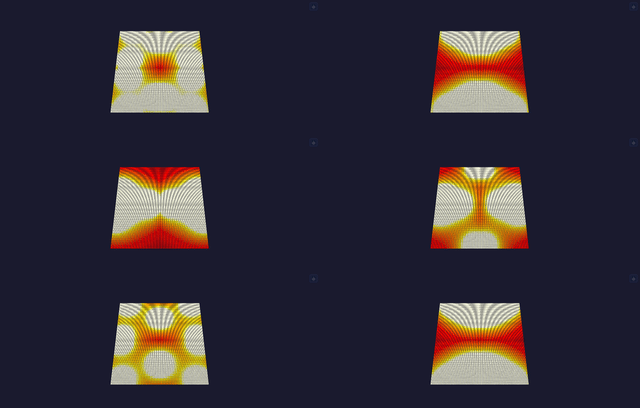 |
bpm: blob drift speed.radius: blob influence radius.intensity: field gain into the black→red→orange→yellow→white ramp. |
Tests Technical projectMM original (metaball lava lamp) |
| Lines 💫 · 3D Sweeps axis-aligned planes in sync; red/green/blue name the X/Y/Z axis: a preview-orientation test pattern. |
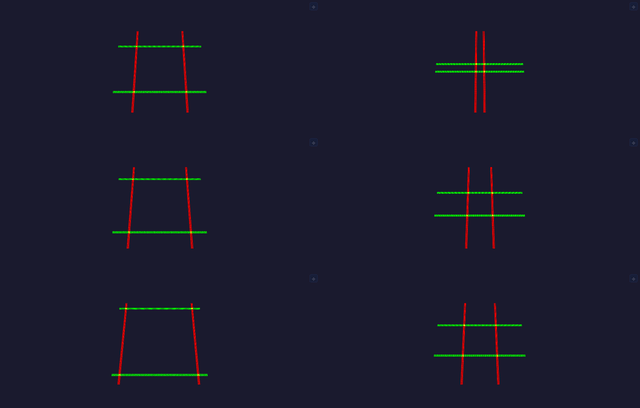 |
speed: sweep BPM.axis: which plane sweeps (all, x (red), y (green), z (blue)). |
Technical MoonLight · via MoonLight |
Metaballs 💫🦅 · 2Dcount blobs orbit via integer sin/cos; metaball field per pixel: bright HSV merge/split. |
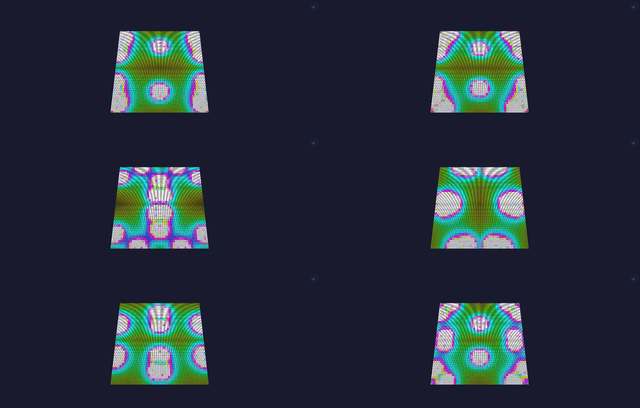 |
bpm: orbit speed.radius: blob influence radius.count: number of orbiting balls (1–8).hue_shift: rotate the palette index. |
Tests Technical projectMM original (metaballs) |
| Particles 💫🦅✨ · 2D A swarm of drifting particles with persistent fading trails. |
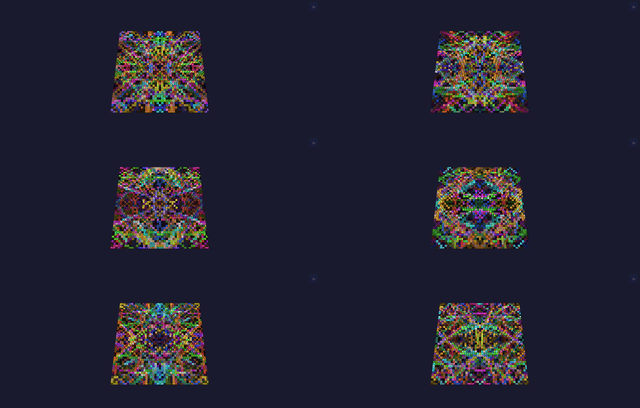 |
count: number of particles (1–255).speed: drift velocity.fade: trail persistence (higher = longer tails).hue_shift: rotate every particle's hue. |
Tests Technical MoonLight · by WildCats08 / @Brandon502 · via MoonLight |
| Plasma 💫🦅 · 2D/3D Summed sine waves on orthogonal + diagonal axes; large rolling blobs (3D on volumetric layouts). |
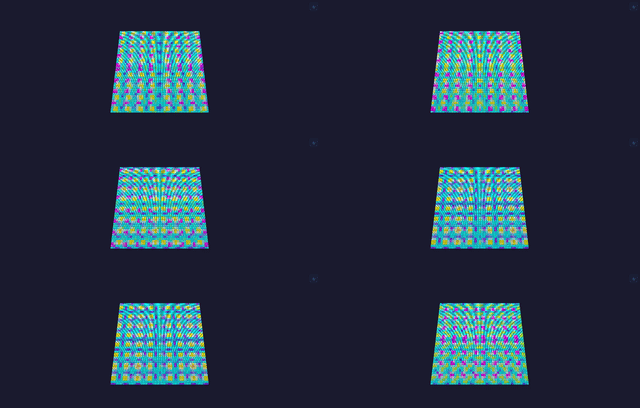 |
bpm: roll speed.scale_x / scale_y: blob size on each axis (larger = bigger, calmer blobs, lower spatial frequency).hue_shift: rotate the palette index. |
Tests Technical FastLED / WLED lineage (classic plasma) |
| Praxis 💫 · 2D An algorithmic palette pattern driven by two beat oscillators (a macro and a micro mutator) whose frequencies and ranges reshape the hue field over time. |
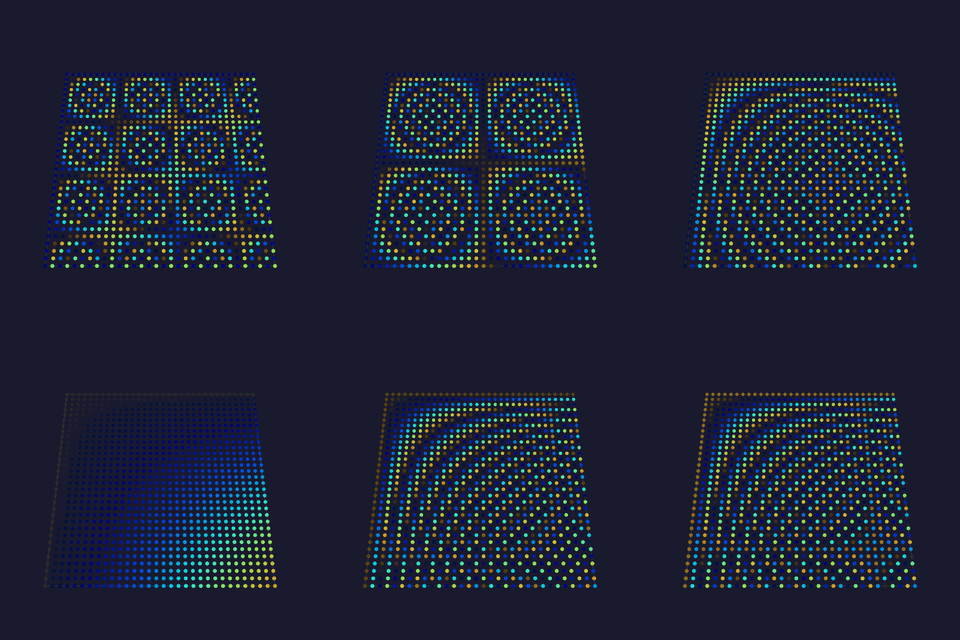 |
macroMutatorFreq / macroMutatorMin / macroMutatorMax: the coarse mutator's beat frequency and its oscillation range.microMutatorFreq / microMutatorMin / microMutatorMax: the fine mutator's beat frequency and range. |
Tests Technical MoonLight · by MONSOONO / @Flavourdynamics · via MoonLight |
| Rainbow 💫 · 2D Diagonal animated rainbow: always-visible default/test effect. |
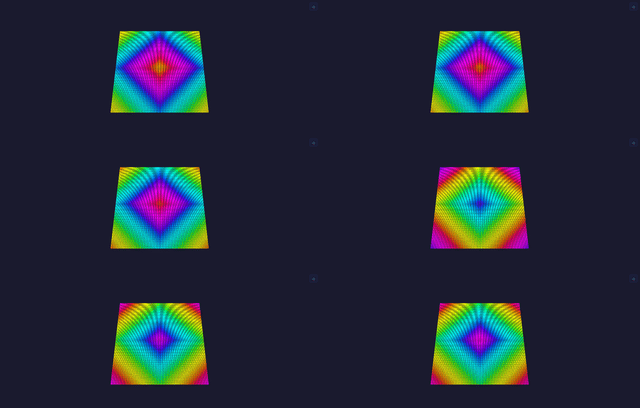 |
speed: animation BPM (one full hue cycle per beat). |
Tests Technical FastLED · Mark Kriegsman (rainbow) · via MoonLight |
| Random 💫✨ · 3D Lights one random light per frame in a random palette color over a fading background: a sparse, palette-tinted sparkle. |
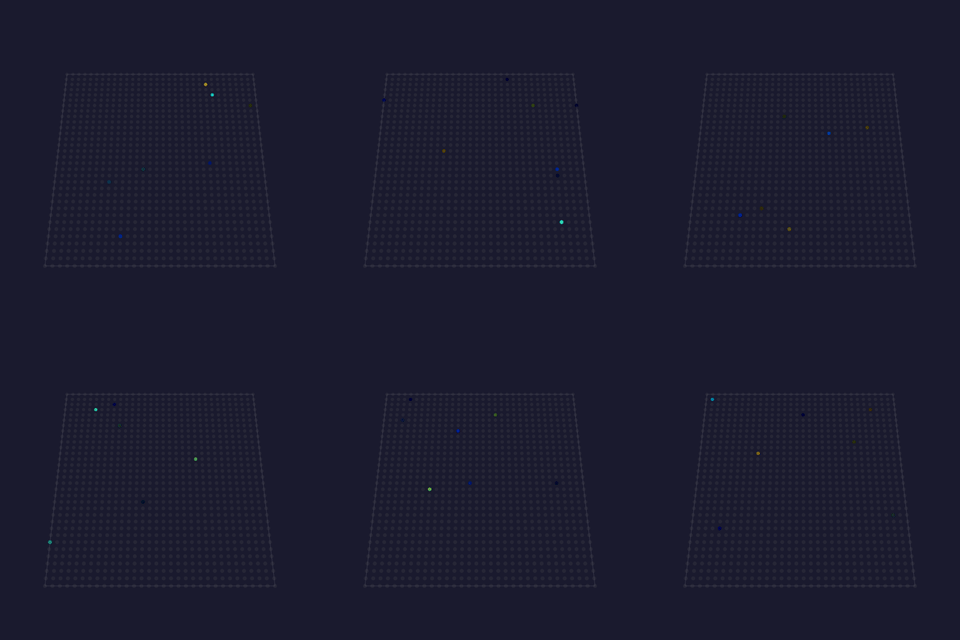 |
fade: how fast prior sparkles fade to black. |
Tests Technical MoonLight · via MoonLight |
| Rings 💫🦅🖌️🎡 · 2D Expanding concentric rings from random centers, additive overlap (calm defaults). |
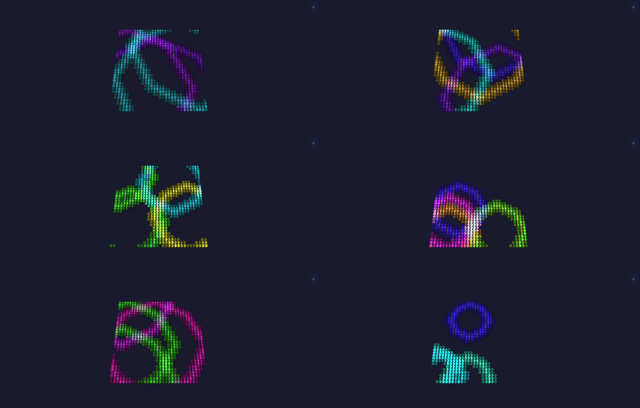 |
count: number of concentric rings (1–255).speed: expansion rate.thickness: ring band width.hue_shift: rotate every ring's hue. |
Tests Technical projectMM original (concentric rings) |
| Ripples 💫🦅 · 3D Distance-from-center sets a per-column wave phase; the lit surface ripples like water. |
 |
speed: wave animation rate (0 = frozen, 99 = fast).interval: wavefront spacing (low = tight rings, high = wide). |
Tests Technical MoonLight · via MoonLight |
| RubiksCube 💫 · 3D A 3D Rubik's Cube projected onto the volume: it scrambles, then plays its solution back one turn at a time, the six faces in their standard colors. |
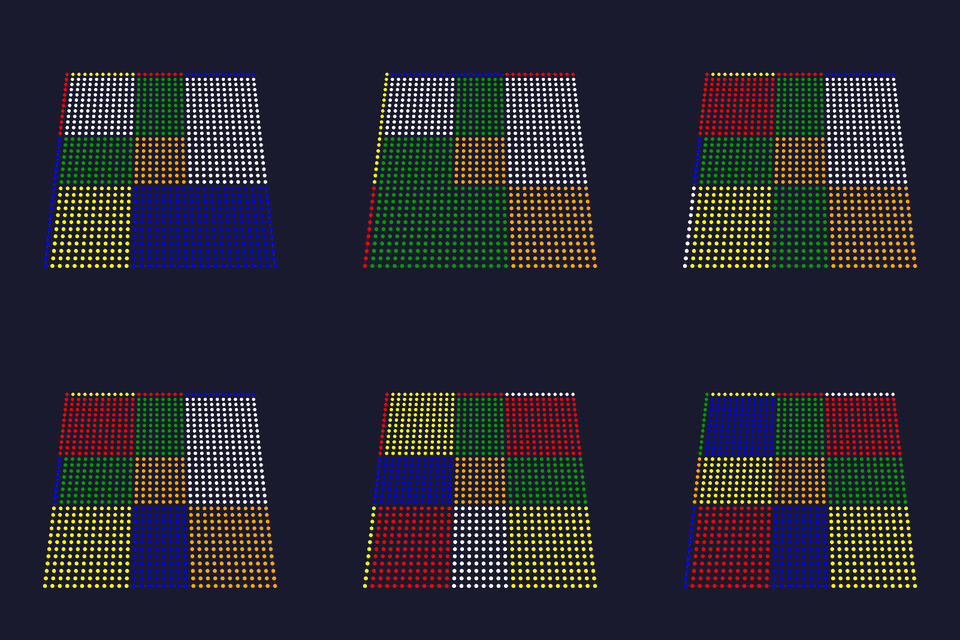 |
turnsPerSecond: how fast the cube turns.cubeSize: the cube order (2×2 up to 8×8).randomTurning: turn endlessly at random instead of scramble-then-solve.usePalette: color the six faces from the system-wide palette instead of the classic Rubik's colors. |
Tests Technical MoonLight · by WildCats08 / @Brandon502 · via MoonLight |
| Fireworks 💫✨ · 2D Shells rise, stall, and burst into sparks that arc over and fall. Every stage is a particle-kernel call: spawn, gravity, angleEmit, drag, age. Nothing schedules the apex: the shell decelerates under gravity and bursts when its vertical velocity crosses zero, so a faster launch bursts higher without a second control. Physics is driven by elapsed time, not frame count, so the same settings behave identically on a desktop at thousands of fps and an ESP32 at a few hundred (architecture § tick rate). |
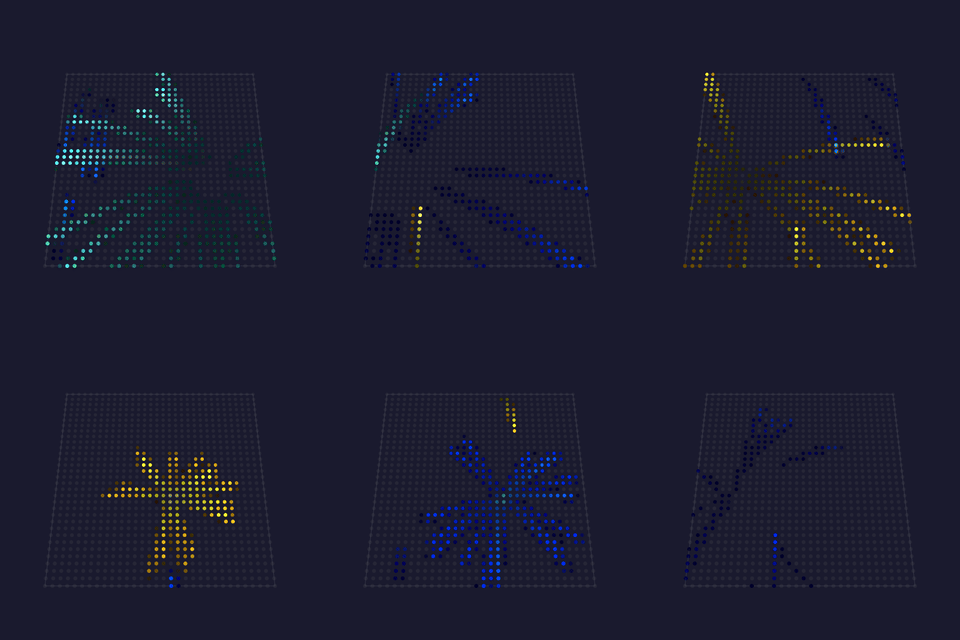 |
launchRate: how often a new shell goes up.launchSpeed: how hard it is thrown, and so how high it bursts.gravity: how fast everything falls, per 60 Hz of simulated time.sparks: sparks per burst.sparkLife: how long a spark survives.drag: air resistance flattening the arc.fade: trail length (the Layer's decay, not the pool's). |
projectMM original, on the WLED Particle System's firework family by Damian Schneider / @DedeHai |
| Fish Tank 💫🎶✨👾 · 2D An aquarium on a light wall: fish of three shapes swim across a dark tank, each in its own color from the active palette, tails beating. Movement is a particle-pool entry per fish with constant velocity, respawning at the far edge when it swims off; the shape is drawn through the draw::sprite power function. Unlike the other sprite effects, the art carries shade ROLES (body, outline, highlight, fin, eye, band) rather than fixed colors, and each fish fills them from its own place on the palette, so one drawing yields as many colorways as there are fish. Uses the global palette: every fish takes a body color from it, with its band a paler version of that same color rather than a second pick, which would read as two fish fused together. |
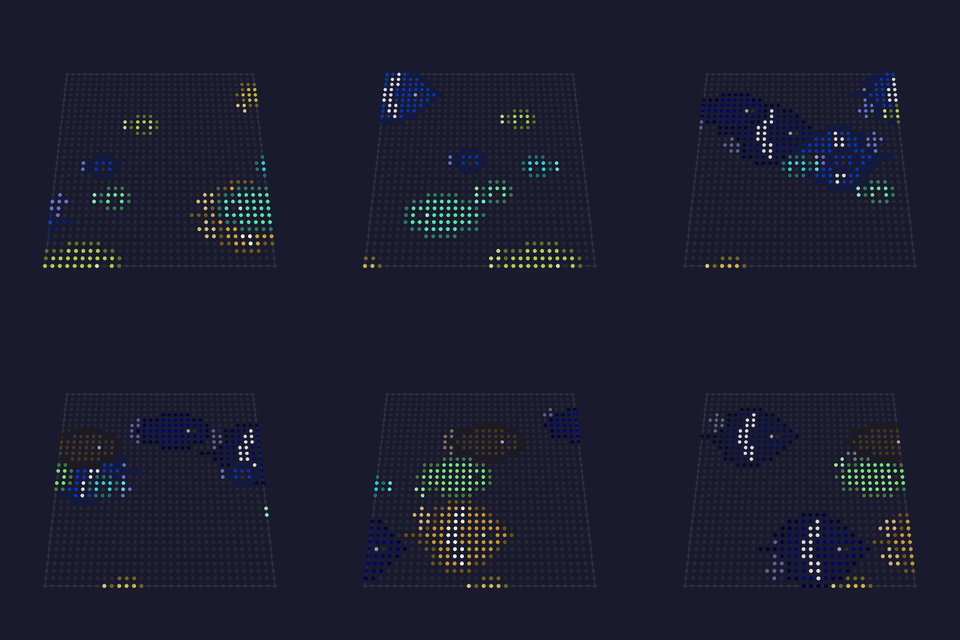 |
fish: how many broad tropical fish (0-8).slim: how many slender fish (0-8).school: how many tiny schooling fish (0-8).speed: swim rate in body-lengths, so motion reads the same on any grid; each fish varies around it, and the smaller shapes drift slower, which reads as depth.spriteSize: integer magnification (crisp nearest-neighbor); 0 = auto, scaling with the grid so a fish reads as a fish on a 16x16 matrix and on a 768-wide desktop grid alike.soundReactive: move to the music: each sprite follows its own frequency band, so the scene breathes rather than surging as one block, and silence stands it still. Without an audio source the sprites keep moving normally. |
projectMM original; inspired by the aquarium screensavers of the After Dark era, the pixel art drawn fresh for this effect |
| Flying Toasters 💫🎶✨👾 · 2D The classic screensaver on a light wall: chrome toasters with flapping wings and slices of toast drift diagonally across the dark, forever. Each flier is a particle-pool entry with constant velocity (respawning off the upper-right when it leaves the lower-left), rendered through the draw::sprite power function; the wing flap runs on a shared BeatPhase with a per-toaster offset so the flock never syncs. The sprites carry their own colors (chrome, wing, crust), so the global palette does not apply. Needs a grid at least the toaster's size (12×9). |
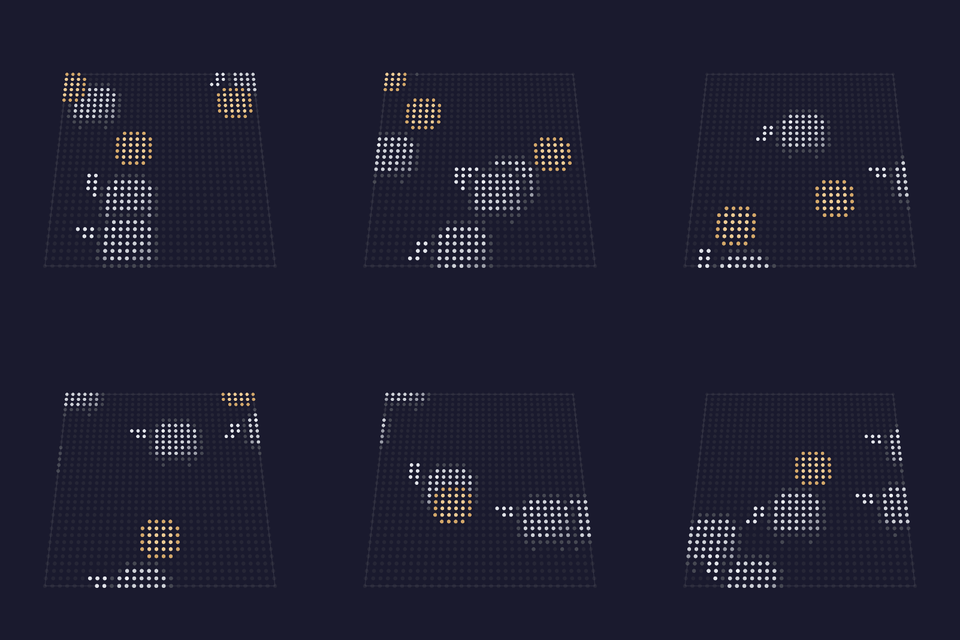 |
toasters: how many fly (1–12).toast: how many slices trail along (0–8).speed: drift rate in sprite-widths, so flight reads the same on any grid; each flier varies ±25% around it.spriteSize: integer magnification for toasters AND toast (crisp nearest-neighbor); 0 = auto, scaling with the grid so a toaster reads as a toaster on a big wall.soundReactive: move to the music: each sprite follows its own frequency band, so the scene breathes rather than surging as one block, and silence stands it still. Without an audio source the sprites keep moving normally. |
projectMM original; inspired by After Dark's Flying Toasters (Berkeley Systems, 1989), suggested by Frank (softhack007): the pixel art here is drawn fresh for this effect |
| MovingHead 💫🎶🎯 · 1D Aims a rig of moving heads as one instrument. Pan and tilt sweep on two sine waves at different rates, so a beam traces a path rather than a line, and formation decides how the heads relate to each other, which is what turns a row of fixtures into a show rather than several fixtures doing the same thing. The first effect that AIMS a fixture rather than only coloring it. It writes pan and tilt through the role setters, which do nothing on a light that carries no such channel, so the same effect on an LED strip paints the color pattern and moves nothing. - fan: neighbors differ by a fraction of the sweep, so the beams open and close like a hand. - mirror: the halves face each other; the classic look, best on an even-numbered rig. - chase: a wave travelling down the row, the same sweep delayed head by head. - cross: alternate heads oppose, a tight scissoring that looks fast at a low BPM. - unison: every head as one, the reference the others read against. sines into a path instead of a diagonal. much of its sweep pointing away from the audience, so the default is a band around center. each head takes its brightness from its own frequency band so the rig ripples rather than pulsing as one block, and a beat widens the sweep and flares the color with a short decay so a kick is visible rather than a one-frame flicker. Silence holds the rig still, which is what makes it read as reactive rather than merely animated. A fixture chain is one-dimensional, so lay the rig out as a 1 x N grid (width 1, height N): extrude duplicates the x=0 column, so N x 1 would copy the first head's aim over every head. Uses the global palette. Origin: projectMM original |
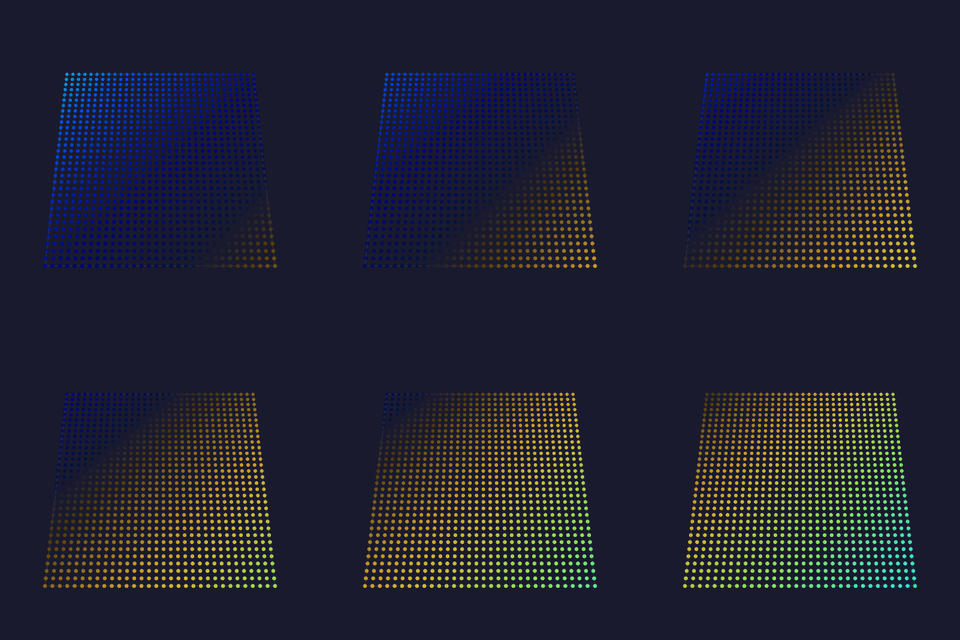 |
formation: how the heads relate:panBpm / tiltBpm: sweep rates (60 = one sweep a second). Different rates are what turn twopanRange / tiltRange: how much of the fixture's travel to use. A head at full pan spendspanCenter / tiltCenter: where the sweep is centered (128 = the fixture's middle).soundReactive: move and light with the music: the beam swings wider as the room gets louder, |
— |
| Pacman 💫🎶✨👾 · 2D The arcade cast crossing a light wall: Pacman chomps his way along while the four ghosts drift past, each in its own color, wrapping around the edges forever. Movement is a particle-pool entry per character and the shapes go through the draw::sprite power function; one ghost drawing serves all four colors because the art carries palette slots rather than fixed colors, and a single drawing serves both travel directions because draw::sprite can mirror it. In this first iteration the characters travel independently and do not notice each other. The maze, the pellets and the chase are the next step, built on the shapes and the movement grid this one establishes. Pacman is always his own yellow; the ghosts take their body colors from the active palette, so they stay four distinguishable characters whatever palette is loaded. |
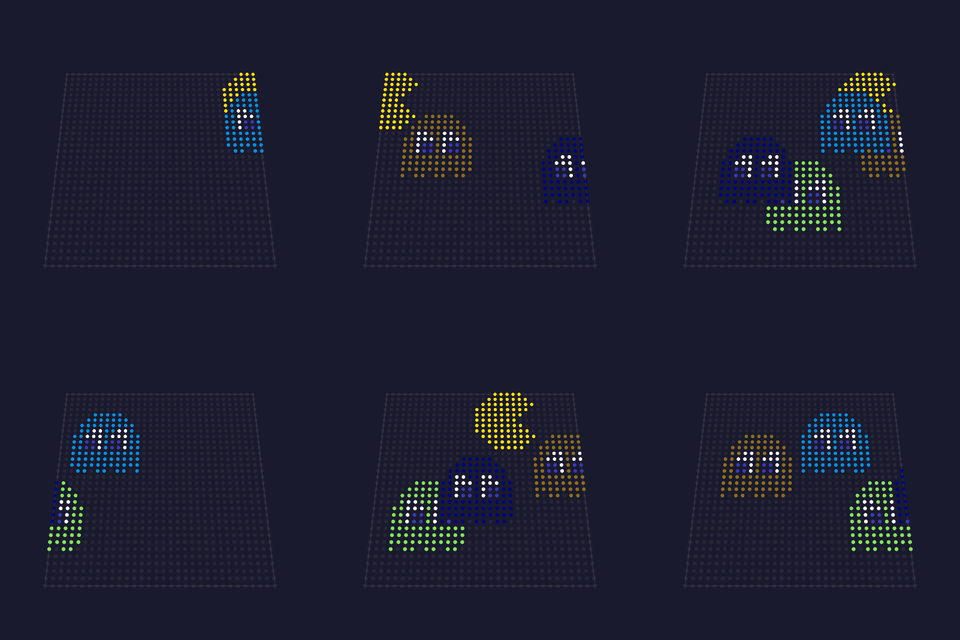 |
pacmen: how many Pacmen (0-4).ghosts: how many ghosts (0-8); the arcade cast is four.speed: travel rate in sprite-widths, so motion reads the same on any grid; Pacman runs slightly ahead of the ghosts, as in the original.spriteSize: integer magnification (crisp nearest-neighbor); 0 = auto, scaling with the grid so the characters read on a 16x16 matrix and on a 768-wide desktop grid alike.soundReactive: move to the music: each sprite follows its own frequency band, so the scene breathes rather than surging as one block, and silence stands it still. Without an audio source the sprites keep moving normally. |
projectMM original; inspired by Namco's Pac-Man (1980), the pixel art drawn fresh for this effect |
| Space Invaders 💫🎵👾 · 2D The 1978 formation marching down the wall: five ranks of squid, crab and octopus stepping sideways in the two-frame wiggle, dropping a row and reversing at each wall, and speeding up as the ranks thin. That acceleration is the defining mechanic rather than a flourish, because the arcade original sped up for a mechanical reason (fewer invaders meant a shorter loop for the hardware to draw) and the tension it produced is the reason anyone remembers the game. Invaders fire down, the cannon tracks the lowest one and fires back, and when the formation lands the board resets so the attract loop runs forever. On a panel narrower than the formation the ranks scroll through the court instead of turning at the walls, so a 16-wide matrix shows the march passing rather than a block stuck at the top. The invaders take their body color from the active palette. Origin: projectMM original; inspired by Taito's Space Invaders (1978), the pixel art drawn fresh for this effect |
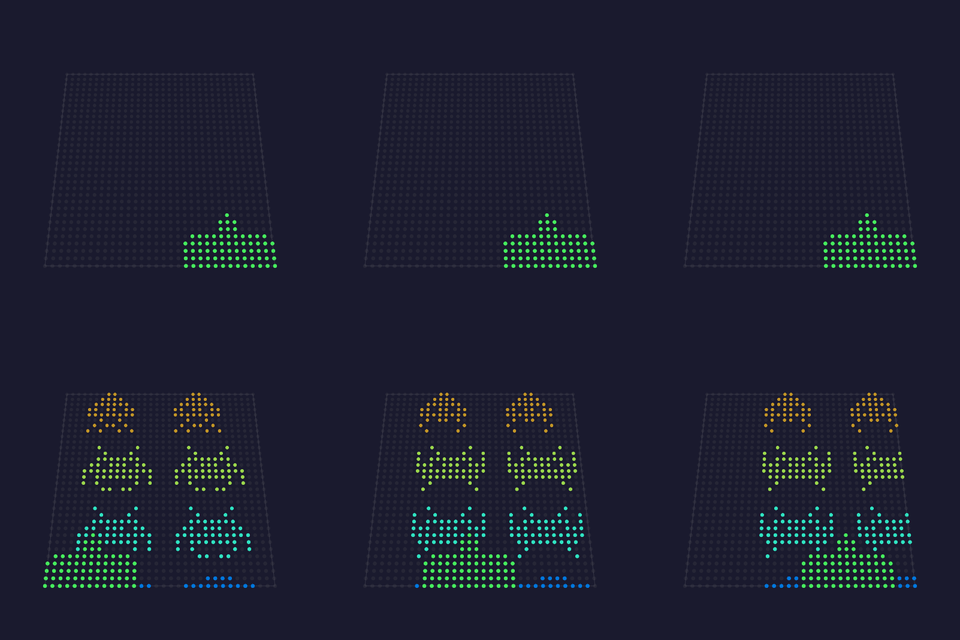 |
marchBpm: steps per minute at a full formation; the effective rate rises to four times this as the ranks are cleared.stepX: how far a step moves the formation sideways, in pixels.dropY: how far a wall turn drops it, in pixels.size: integer magnification per art pixel; 1 on a matrix, 2 or more on a wall.soundReactive: the beat becomes the clock: the formation steps on transients and stands still in silence, so the march locks to the track. |
— |
| Sprite Fountain 💫🎶✨👾 · 2D A fountain that throws the project's whole sprite cast: fish, Pacman and his ghosts, toasters and toast, and the three invaders, launched from the floor on a sweeping nozzle and falling back under gravity. The pixel art is SHARED with the effects that introduced it rather than copied, so a fix to a fish fixes it in both places. The particle pool's one spare byte per particle carries which character a slot is, which is what makes a mixed cast free: widening the pool for a sprite id would cost every particle system in the project memory for a field only this effect reads. Physics run on elapsed time, not per frame, so the plume looks the same on a 60 fps board and a 1200 fps desktop. Colors come from the active palette, one entry per sprite, held for its whole flight. Origin: projectMM original |
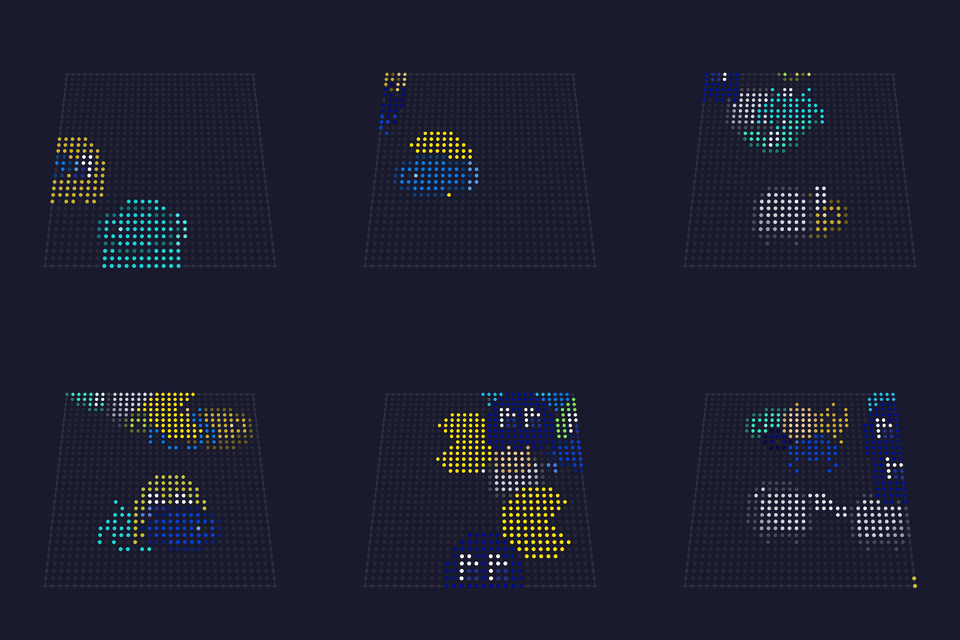 |
lift: how hard the nozzle throws; scales with the grid, so it fills a small panel and a wall alike.pull: gravity. Measured rather than guessed: 3 gives a two-second arc, which is long enough to read a 12x8 toaster.rate: sprites launched per beat of the emit clock.emitBpm: launches per minute, so the plume's density is a choice rather than a side effect of how fast the device runs.size: integer magnification per art pixel.soundReactive: one sprite per frequency band, thrown when that band is loud, so the cast maps onto the spectrum in order: the bass bands throw fish, the treble bands throw invaders. Silence throws nothing. |
— |
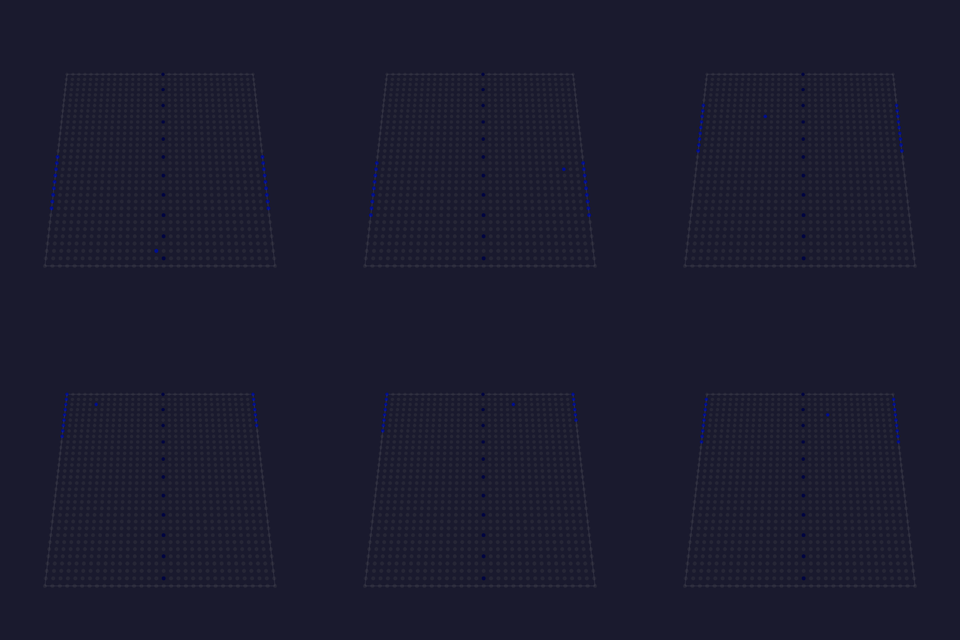
| Pong 💫🎵👾 · 2D Two paddles rallying a ball across the grid, the attract-mode reading of the 1972 original where both players are the machine. A perfect tracker would rally forever and never look like a game, so each paddle has a reaction delay and a small aiming error, re-rolled every exchange: it starts moving a moment after the ball turns and meets it slightly off center. That is what produces near-misses, edge hits and the occasional point. Where on the paddle the ball lands sets the angle it leaves at, which was the one piece of skill the original had. The court is fixed point rather than pixels, so the game plays identically on a 16x16 matrix and a 256-wide wall; positions are scaled to the grid only when they are drawn. Uses the global palette. Origin: projectMM original; inspired by Atari's Pong (1972) |
 |
rallyBpm: ball crossings per minute, so the rally takes the same wall-clock time on any grid.paddle: paddle length as a percentage of the court height; short paddles miss more, which is what makes points happen.reflex: how sharply a paddle chases the ball. Below full speed it lags a fast ball, which is where the misses come from.size: integer magnification, when the ball is a sprite.spriteBall: swap the classic square for a member of the shared sprite cast, re-picked on every hit, so a paddle knocks one character away and another back.soundReactive: the ball advances only on the beat, so it crosses the court in time with the track and stands still in silence. |
— |
| Aurora 💫🖌️🌫️🎡 · 3D Several noise fields, each drifting on its own clock, read in polar coordinates and composited into curtains of light. Nothing is simulated: layers of the same field at different scales, moved by independent oscillators, interfere with each other, and the interference is what reads as curtains folding through one another. The strongest layer at each pixel wins, so the layers stay distinct instead of averaging into haze, and which layer won picks the region of the palette. Every palette gives a different aurora. Cost is one warped field sample per layer per pixel. With warp above zero each of those is a warp8, which spends two noise samples finding where to look before the octaves samples of the field itself, so the budget is layers × (octaves + 2); at warp 0 it is layers × octaves. The polar address is a table read rather than an angle and a distance per pixel. |
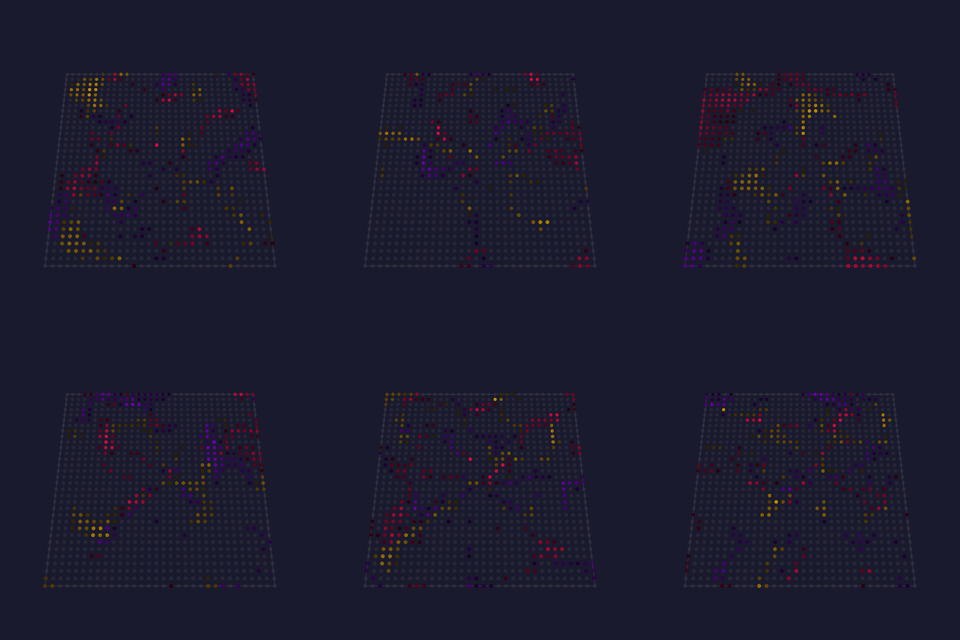 |
speed: master rate; every layer's motion scales from it, and 0 freezes the composition.scale: noise cells across the grid: low is broad curtains, high is fine structure.layers: how many fields are composited, and the main cost knob.warp: how far the field displaces its own sample angle, which is what makes a curtain fold over itself rather than sweep past.twist: how much the radius shears the angle, giving the curtains their lean.segments: kaleidoscope wedges; 1 leaves the composition unfolded.contrast: how much of the field lights. Low is cloud, high is a few sharp curtains. The window is placed against the field's own measured range, so this means the same thing on any grid and at any octave count.octaves: detail within each layer, multiplying the cost knob.polarTable, polarTable16: as PolarNoise above. |
projectMM original, in the shader vocabulary Stefan Petrick made recognizable in the LED world |
| Ballpit 💫✨ · 2D Falling balls that pile up and shove each other aside. The heap is emergent: gravity pulls, the floor stops, and contact between neighbors produces the shape. tilt turns the pit into a slope and the whole pile slides and re-settles. Exercises the half of the particle kernel Fireworks leaves untouched: sparks never notice each other, these do. Collisions are the one non-linear part of the kernel, so the pool is deliberately small. |
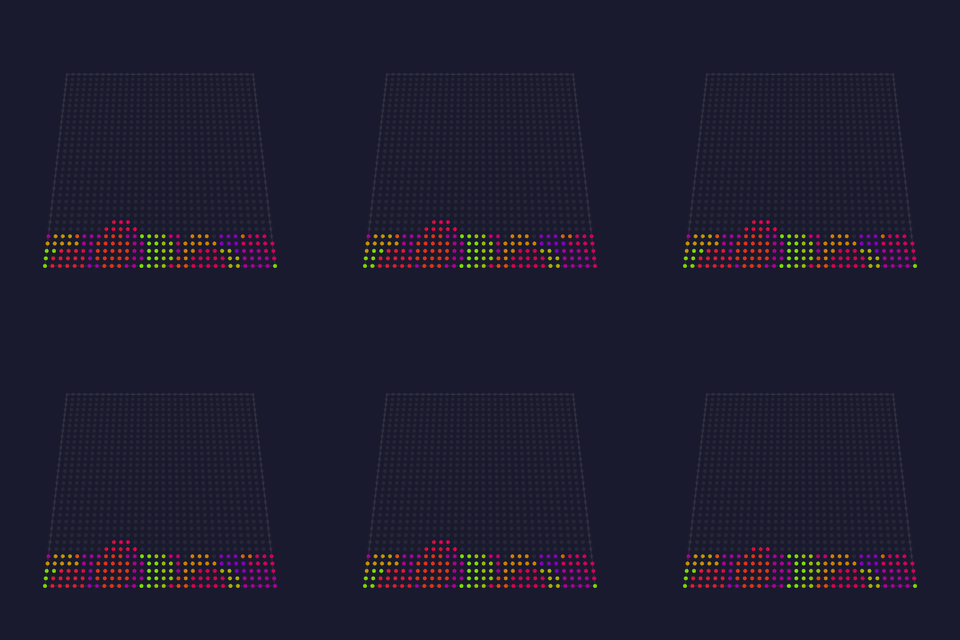 |
balls: how many share the pit.gravity: how hard they fall.size: contact radius in pixels: how far apart balls sit when touching.bounce: restitution: how much speed a contact keeps.tilt: sideways force, turning the pit into a slope.drag: damping, so the heap settles instead of sloshing. |
projectMM original, on the WLED Particle System's ballpit family by Damian Schneider / @DedeHai |
| Dissolve 💫 · 2D Two color fields trade places pixel by pixel in an order that looks random but is computed, so the transition needs no per-pixel state and no shuffled index list. Two devices rendering the same frame dissolve identically without exchanging anything. |
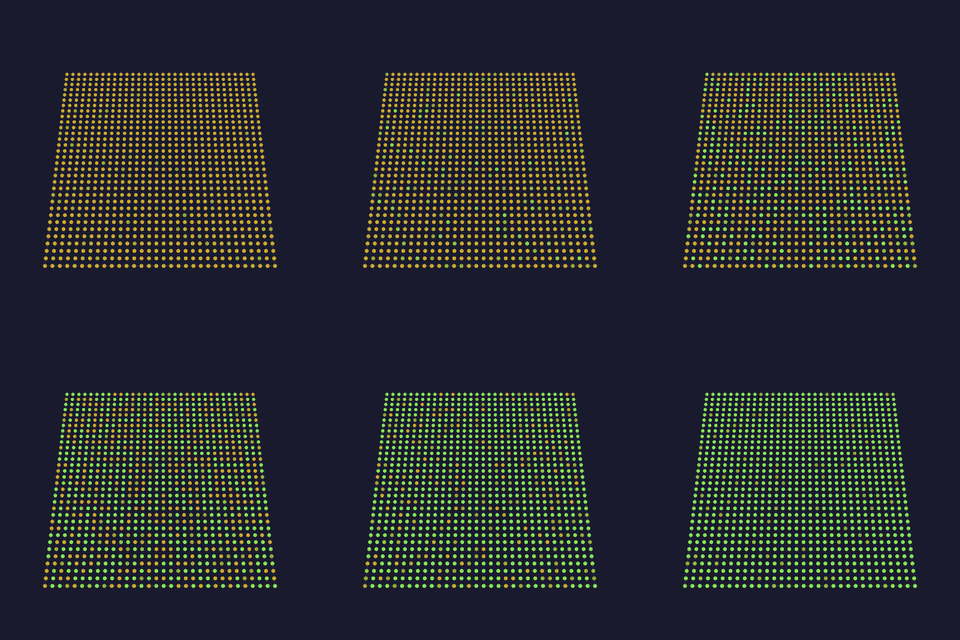 |
bpm: how fast one transition completes.spread: how much of the transition pixels spend mid-flight; 0 gives a hard edge.eased: ease the progress instead of sweeping linearly.scatter: random order; off gives a positional wipe from the same code. |
projectMM original, on the classic dissolve transition in its position-addressed (shader) form |
| Echo 💫✨ · 2D The previous frame fed back through a zoom and rotation, dimmed, with a bright source drawn on top: trails that spiral away from themselves, like a camera pointed at its own monitor. Shows that feedback is not a primitive: once the grid can be read as a texture ( sampleWrap), the whole family of trails, zoom blur and smear is a few lines. |
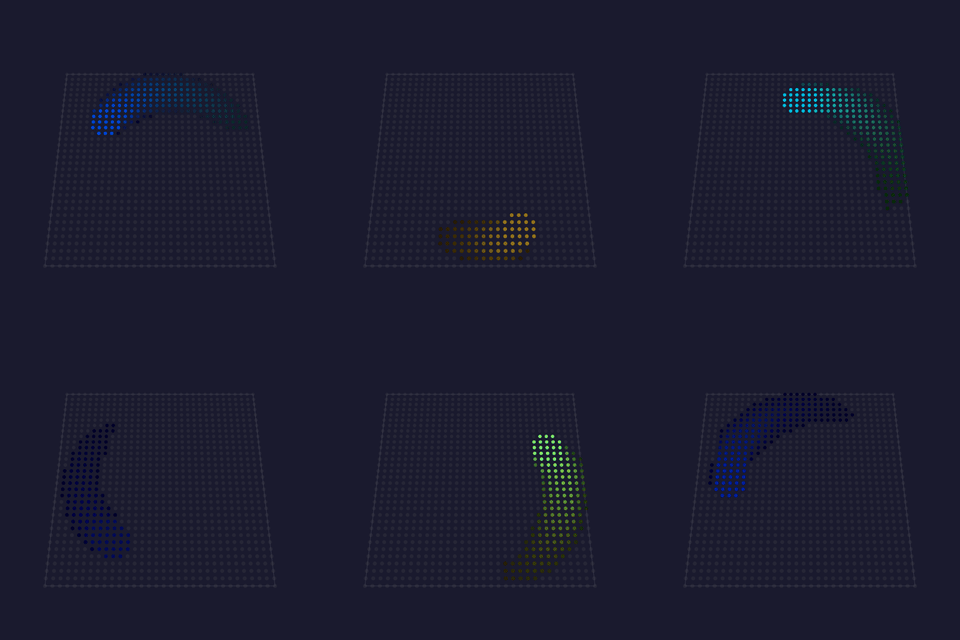 |
bpm: how fast the source orbits.zoom: how much the feedback grows each frame.rotate: rotation per frame, which turns the trail into a spiral.decay: how fast the echo fades; higher is a shorter trail.size: radius of the bright source. |
projectMM original, on video feedback and the standard texture-feedback shader shape |
| Spectrum 💫🎶 · 2D An audio analyser with real meter ballistics: bars rise fast enough to catch a transient and fall slowly enough to read, and a peak dot marks the recent maximum and drifts down. The asymmetry is the whole point; a symmetric follower either misses the hit or flickers. |
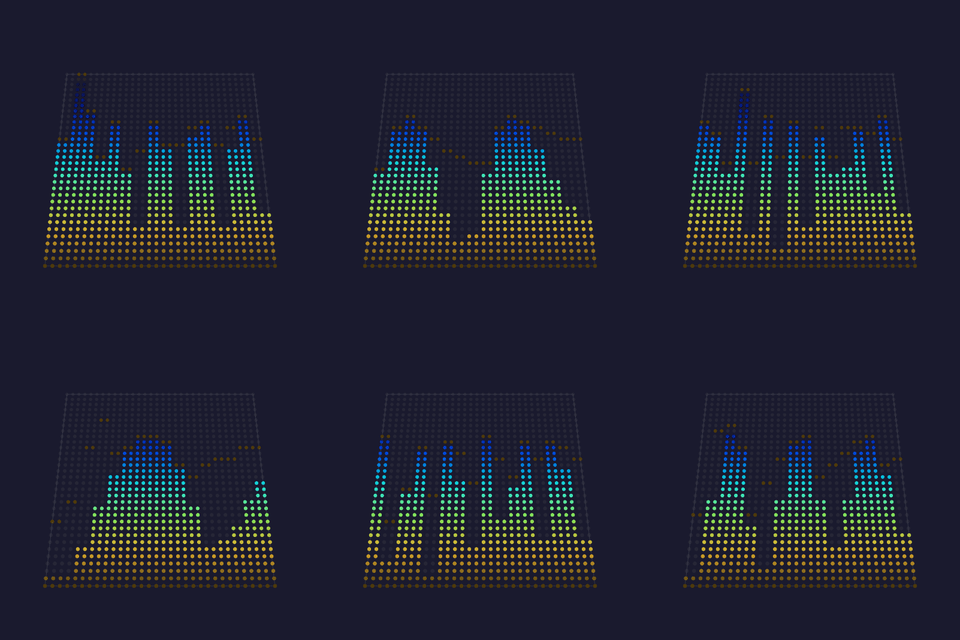 |
attack: how fast a bar rises toward a new level.release: how fast it falls back.peakDecay: how fast the peak dot drifts down.showPeaks: draw the floating peak dots.colorByColumn: color per band instead of by height. |
projectMM original, on standard VU/PPM meter ballistics and WLED's GEQ band mapping |
| Truchet 💫🖌️ · 2D A maze of interlocking arcs that never repeats, drawn without storing a single tile. Randomly-turned tiles with arcs at their edges join into continuous winding paths across the whole surface: the pattern looks designed, and nothing designed it. The representative 2D shader, and a better introduction to the form than Raymarch: no 3D, no rays, no float, cheap on any target. It shows the three moves most shader effects are built from: folding space so one tile becomes hundreds ( repeat), deciding each tile's orientation from its position alone (hashInt, so no array remembers it and two devices agree without exchanging anything), and turning a distance into a soft edge (smoothstep). |
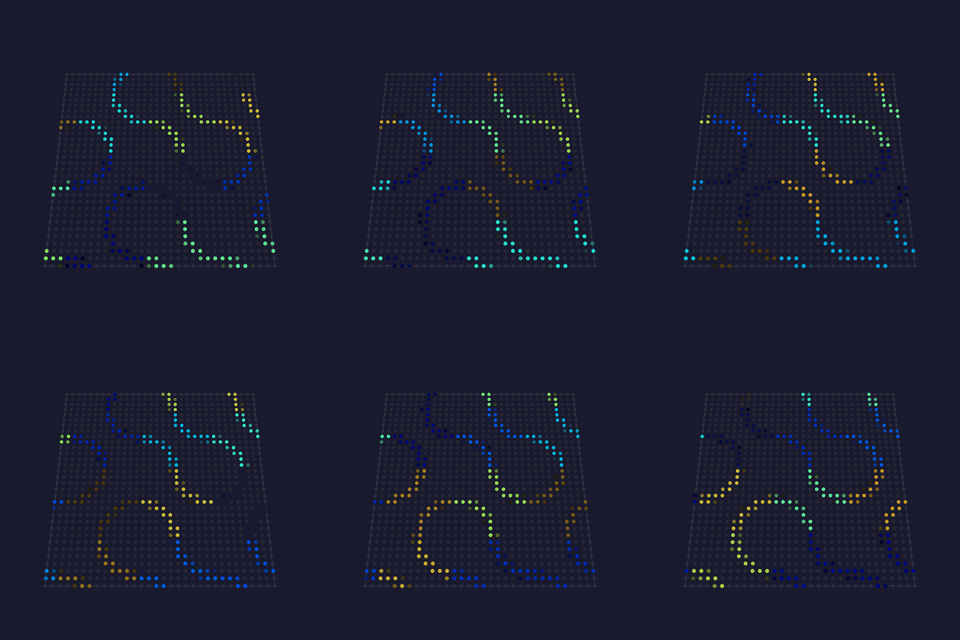 |
bpm: how fast the pattern drifts.scale: tiles across the short side.thickness: how fat the arcs are.softness: edge softness: the anti-aliasing width.shuffle: reshuffles which way the tiles face.drift: slide the pattern instead of holding still. |
projectMM original, on Sébastien Truchet's 1704 tiling and the standard shader fract/hash/smoothstep idiom |
| Fluid 💫🖌️🌊💨 · 3D Light poured into a simulated medium and carried by it. Every other flow in this library is a function of position and time; this one is state, so a jet fired now changes where everything downstream goes for seconds afterwards and the same settings never quite repeat a minute. The solver is Stam's stable fluid (diffuse, project, advect, project), which is unconditionally stable at any timestep, and the projection is what keeps the flow divergence-free so dye neither piles up nor drains away. The jets are the effect's character, and they are deliberately not on a fixed circle: each one's radius breathes between the center and the wall, its aim leans either side of the tangent, and alternate jets sweep against each other. Jets pinned to one circle all turning the same way sum into a single rotation, which the solver faithfully renders as a hollow ring with a dead middle. Colliding jets are what roll up vortex pairs. The dye is held at 16 bits and narrowed once on the way out, dithered temporally: a value multiplied by slightly less than one many times a second has nowhere to go at 8 bits. On a cube every depth slice is its own medium and the jets drift through the slices, so each one is stirred in turn and the slices differ rather than one plane repeating. Nothing is carried between slices: that is a volumetric solve, a different solver rather than a flag, and the same per-slice shape Trails has. A panel is depth 1 and pays nothing for it. Cost is several passes over the grid per frame plus iterations more for the pressure solve, so it is sized for the desktop and the P4. What an S3 can carry is unmeasured (performance.md holds the desktop rows). |
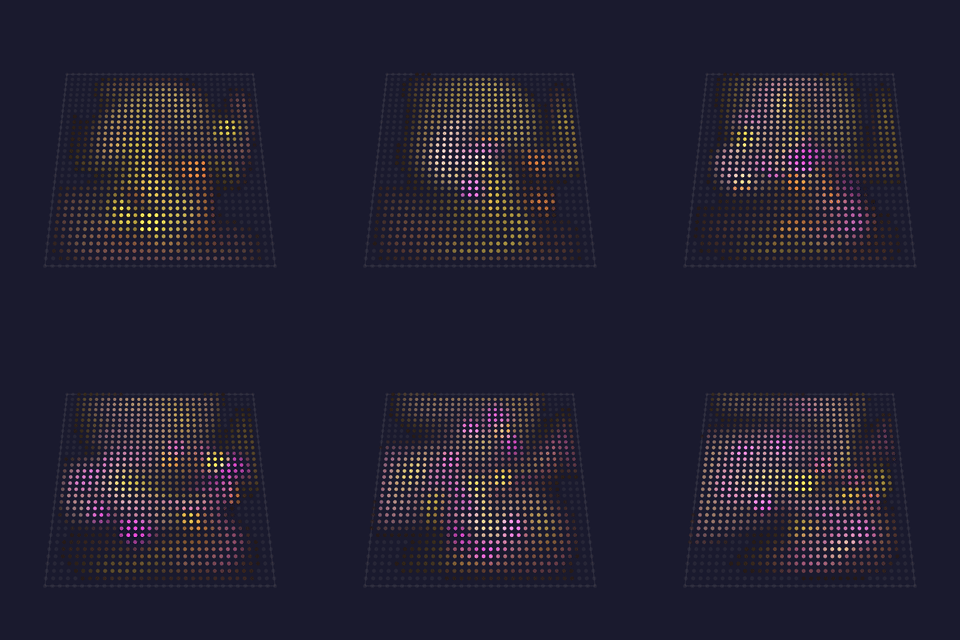 |
jets: how many places light is poured in.force: how hard each one pushes the medium.swirl: how fast the jets sweep, which is what stirs vortices rather than pumping in one direction.viscosity: how much the medium drags on itself; higher is syrup, lower is smoke.persistence: how long dye survives, as a half-life.iterations: pressure-solve effort, and the honest cost knob. At 1 the flow reads springy because the medium is not properly divergence-free. |
projectMM original, after Stam 1999 "Stable Fluids" |
| Nebula 💫🖌️💨🌫️ · 3D A noise field decides where light is born, a curl flow decides where it goes, and between them the cloud keeps folding into itself. The field is thresholded hard, so only its top survives and the rest is black; the flow is divergence-free, so nothing piles up or thins out. Neither half is new: what is, is that the emitter is a FIELD rather than a handful of dots, so light enters everywhere at once and the flow shapes a whole cloud instead of drawing trails. The cloud is held at 16 bits and narrowed once on the way out, dithered temporally, which is what keeps a slow fade smooth rather than stepped. |
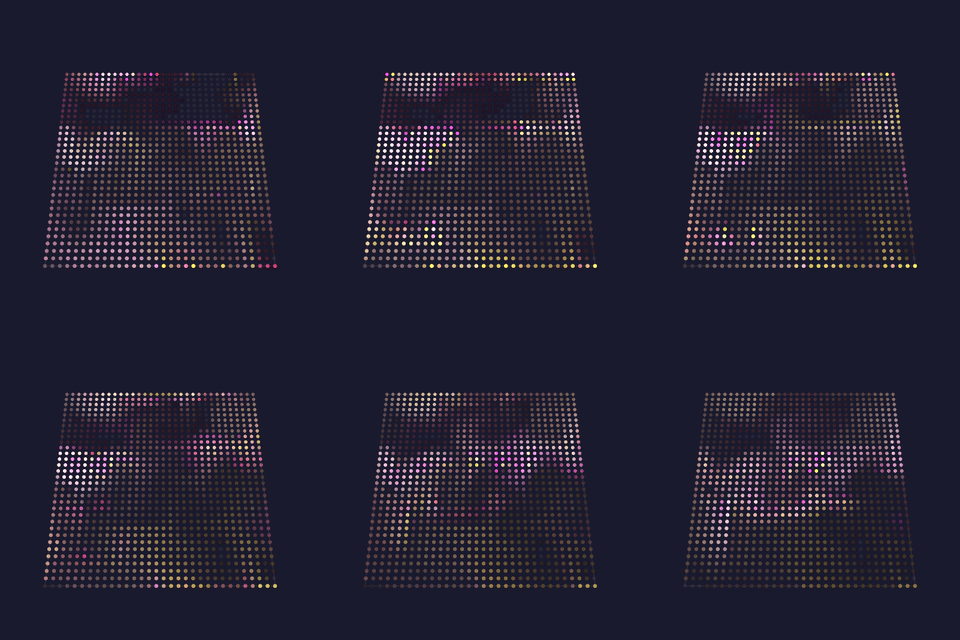 |
speed: how fast the medium moves, and with it the whole cloud.scale: the field's cell size; low is broad clouds, high is wisps.contrast: what FRACTION of the field is bright enough to be born, placed against the field's own measured range rather than an absolute value, so the same setting means the same thing on any fixture. Measured on a 64x64 panel: 0 floods it, 128 is a haze, 192 (the default) a cloud with bright cores, 255 a few wisps.persistence: how long light survives once it is in the flow, as a half-life.octaves: detail within the field, and its cost knob.fieldScale: compute the field at half or quarter resolution and stretch it. A field is smooth, so this costs little visually and saves a great deal: measured 3.0x at half and 6.6x at quarter on a curl field.fieldRate: recompute the field every N frames. The flow still carries the cloud every frame, so this costs detail rather than smoothness. |
projectMM original, composing the noise-field and curl-flow kernels: the contrast window is Aurora's, in the shader vocabulary Stefan Petrick made recognizable in the LED world, and the flow is Bridson's curl noise (SIGGRAPH 2007) |
| Trails 💫🖌️💨🌫️ · 3D Dots thrown into a moving medium, leaving tails the flow carries and bends. Nothing draws a tail: the tail is the previous frames' dots, transported along a velocity field and dimmed, which is why the shape of the flow is visible in it. On a cube each depth slice gets its own flow, so the slices differ rather than one plane repeating, though light is carried within a slice and not yet between them: the transport is 2D per slice until 3D advection ships. The trail plane the effect owns is 16-bit, which is what lets a tail fade smoothly: a byte plane multiplied by slightly less than one hundreds of times a second either truncates the tail away or, rounded, never fades at all. |
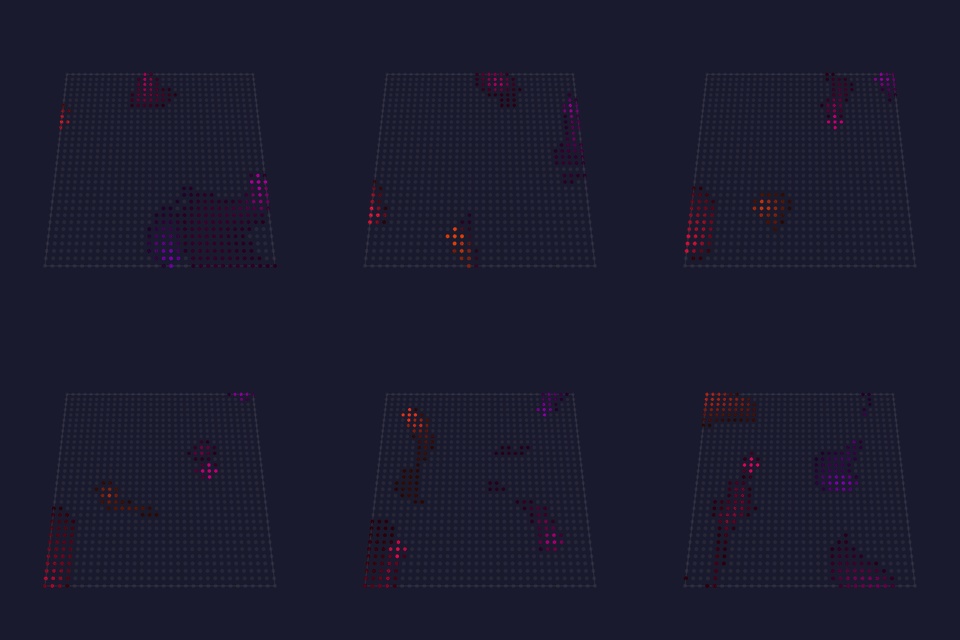 |
speed: how fast the medium moves, and with it every tail.dots: how many emitters are throwing light in.scale: the flow field's cell size; low is broad sweeps, high is eddies.persistence: how long a tail survives, as a half-life, so it is the same length in seconds at any framerate.breathe: how much the flow's strength rises and falls. |
projectMM original, in the flow-field idiom (4wheeljive's FlowFields, from a Stefan Petrick concept), with Stam's backward advection for the transport |
| Tunnel 💫🖌️🌫️🎡 · 3D A texture mapped onto the inside of an infinite tube, so the viewer appears to fly down it forever. Nothing is 3D: the angle around the center is one texture coordinate and the reciprocal of the distance is the other, which is perspective for the price of a divide. |
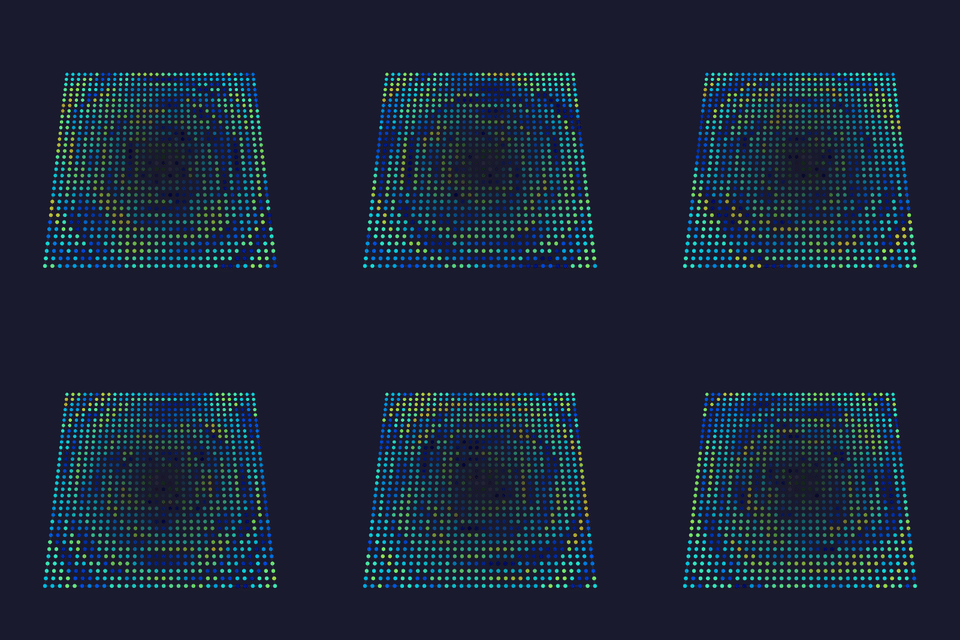 |
bpm: how fast the tunnel flies past.depth: texture scale along the tunnel; higher is finer rings.twist: rotation per unit depth, so the tunnel corkscrews.segments: kaleidoscope the wall; 1 leaves it plain.octaves: wall texture detail, and the cost knob.vignette: darken toward the vanishing point so it reads as receding. |
projectMM original, on the standard demoscene tunnel |
| VectorBalls 💫🖌️ · 2D A rotating 3D object drawn as shaded spheres: the demoscene classic that named the technique. The smallest complete demonstration of putting 3D on a panel: rotate, project, sort back-to-front, shade by distance, draw. Painter's ordering matters more than it sounds: without it a far ball can paint over a near one and the object reads as turning inside out. Costs a few microseconds a frame at default settings: 14 points rather than a per-pixel loop, so it is the cheapest of the showcases. |
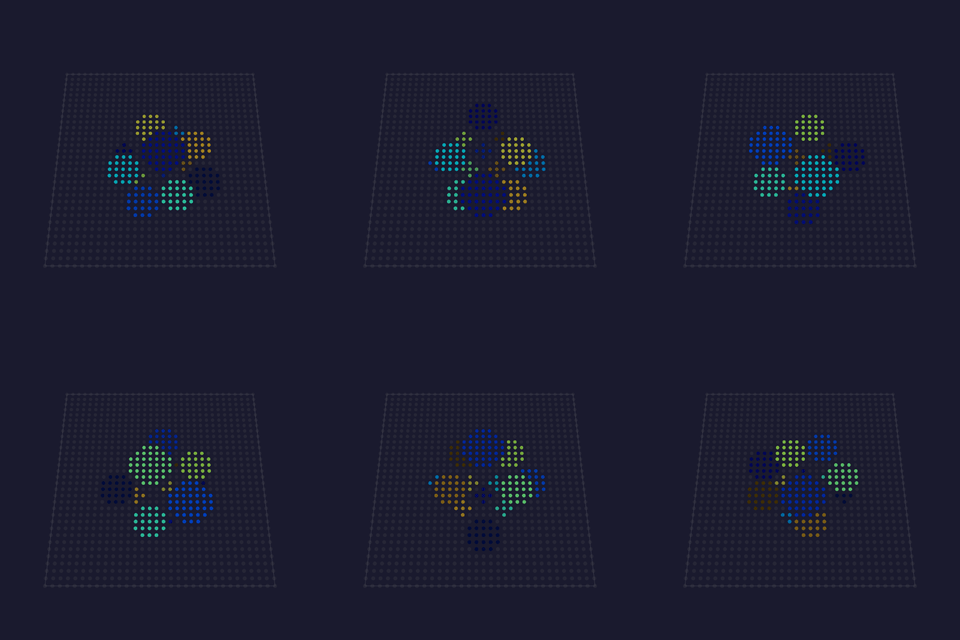 |
bpm: rotation speed.size: ball radius at the object's center, in pixels.spread: how far apart the balls sit.distance: how far the object is from the viewer.fade: dim the far balls, which is what reads as depth. |
projectMM original, on the Amiga-era demoscene vector-ball effect |
| WaterRipple 💫🧬 · 2D A propagating wave simulation: drops land, their rings spread outward, reflect off the edges and interfere where they cross. The crossing is what a closed-form ripple cannot fake, because two rings meeting have to add and cancel. Distinct from Ripples, which draws expanding rings from a closed-form radius: that one is cheaper and always looks like clean concentric circles, this one behaves like water. Costs two int16 buffers sized to the grid. |
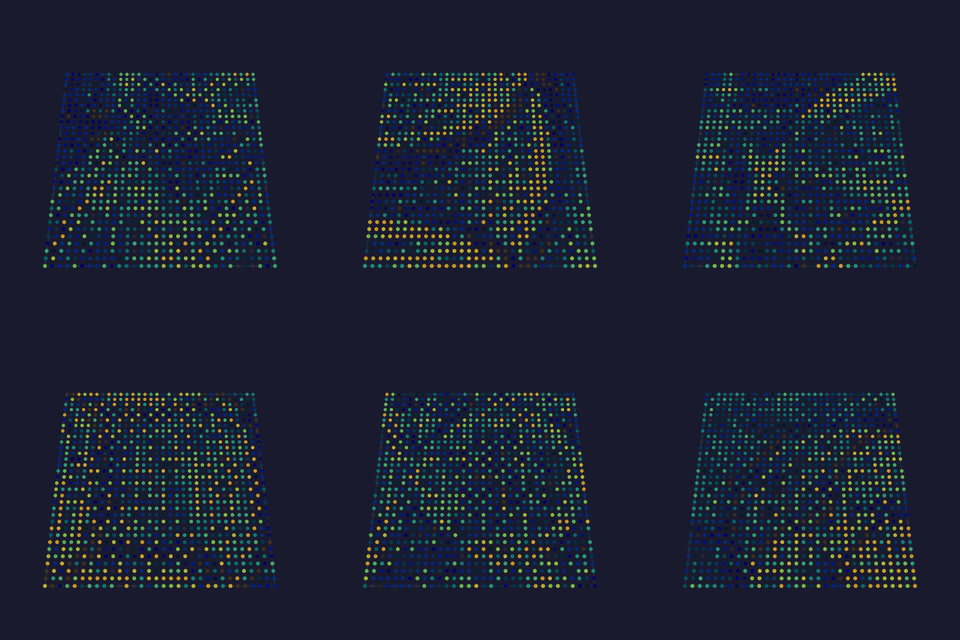 |
speed: simulation steps per second: how fast the water itself moves, independent of the framerate.dropRate: how often drops land, in time rather than per frame.damping: how fast waves lose energy; higher is calmer water.strength: how hard a drop hits.colorByHeight: color the surface by height so crests and troughs read differently.hueBase / hueSpread: where in the palette the still surface sits, and how far a crest and a trough reach from it. |
projectMM original, on Hugo Elias's water surface algorithm |
| Raymarch 💫🖌️ · 2D A lit 3D scene rendered by marching a ray through a distance field, one ray per pixel. Nothing draws a sphere: the scene is a function returning the distance to the nearest surface, and the spheres emerge because each ray stops where that function says a surface is. The lighting is derived too: the surface normal is the gradient of the distance field. Compiled only where the SoC declares a hardware FPU ( SOC_CPU_HAS_FPU, which the desktop and every ESP32 target this project builds satisfy: S3, P4, S31 and the classic ESP32 were each checked). A target without one simply does not carry the effect, rather than failing to build. This is the one stated exception to the integer-only render-path rule, and it is gated rather than assumed. The cost is per pixel, not per chip: measured at 0.30 ms/frame for 32×32 on desktop, and 1.64 ms for 4096 lights on an ESP32-S3 while still holding 409 fps. What limits it is pixel count; steps trades quality for cost. Frames also stream over NetworkSend, so a desktop can drive a fixture that could never compute this locally. |
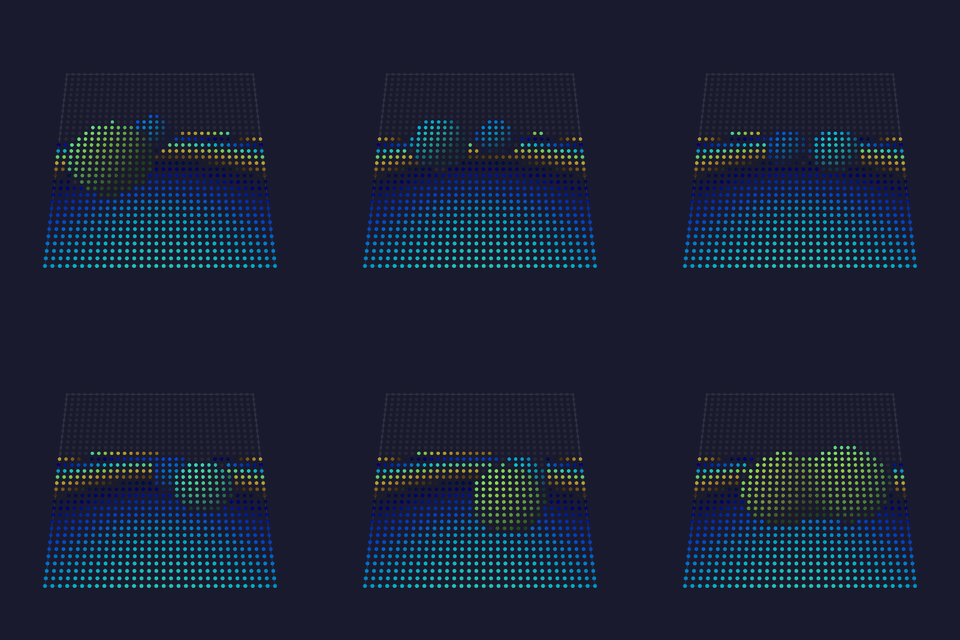 |
bpm: how fast the scene animates.steps: ray marching steps: the quality and cost knob.blend: how much the two spheres melt into each other.cameraY: camera height above the floor.showFloor: include the ground plane. |
projectMM original, on Iñigo Quilez's raymarching and distance-function articles |
| PolarNoise 💫🖌️🌫️🎡 · 3D A warped noise field addressed by angle and radius, folded into a kaleidoscope. The field turns and breathes around the center rather than scrolling past it. Cost scales with octaves and warp: at warp > 0 and octaves 2 it is roughly 4 noise samples per pixel. On a large wall set octaves to 1 or warp to 0, which degrades to a plain polar noise that still reads well. |
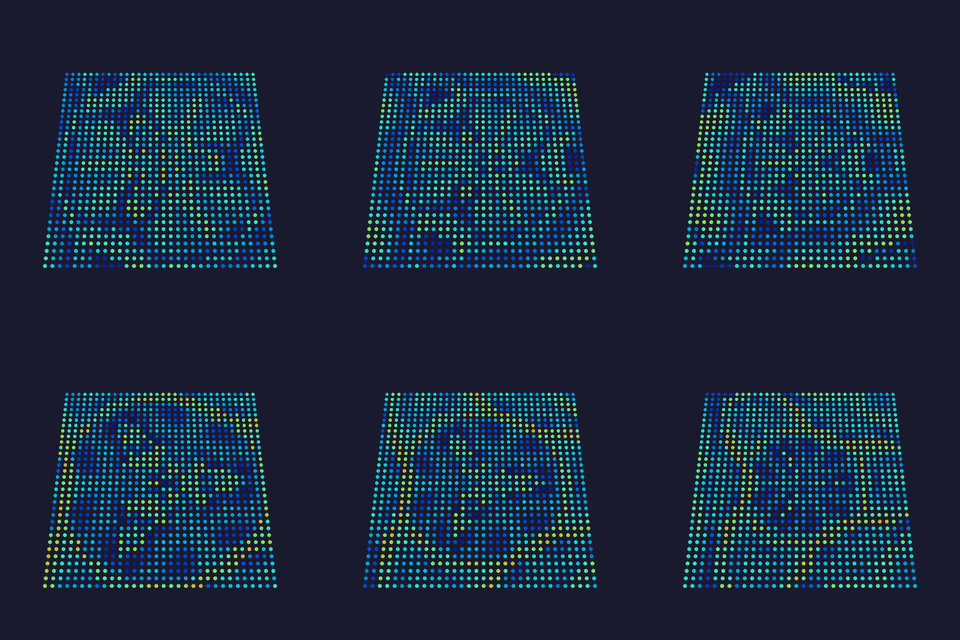 |
bpm: how fast the field drifts.scale: noise cells across the grid: low is broad shapes, high is fine detail.segments: kaleidoscope wedges; 1 disables the fold.warp: domain-warp strength; 0 gives a plain field.octaves: fbm octaves, and the main cost knob.twist: how much the radius shears the angle, setting the spiral.polarTable: read each pixel's angle and radius from a table instead of computing them every frame. On by default: measured 34% faster on an ESP32-S3, at 2 bytes per pixel. The 8-bit table quantizes the angle to 256 steps, so it is not pixel-identical to computing the address: a minority of channels differ, and only where the field is steepest. Turn it off on a device short of memory, and the effect computes the address per pixel instead.polarTable16: hold that table at full 16-bit precision, at 4 bytes per pixel instead of 2. This one IS pixel-identical to computing the address, which a unit test pins. |
projectMM original, after Stefan Petrick's polar/noise vocabulary and Iñigo Quilez's domain warping |
| SdfShapes 💫🖌️ · 2D A circle and a box orbit and melt into each other, drawn as signed distance fields rather than rasterized outlines. One distance per pixel yields three looks at once: an anti-aliased fill, an outline ( |d| - width), and a glow that falls off into the surrounding field. Measured on an ESP32-S3 at 128×128: 20 fps, 728 cycles/pixel using the true-distance form, alongside StarSky (692) and Metaballs (647) at the same size. |
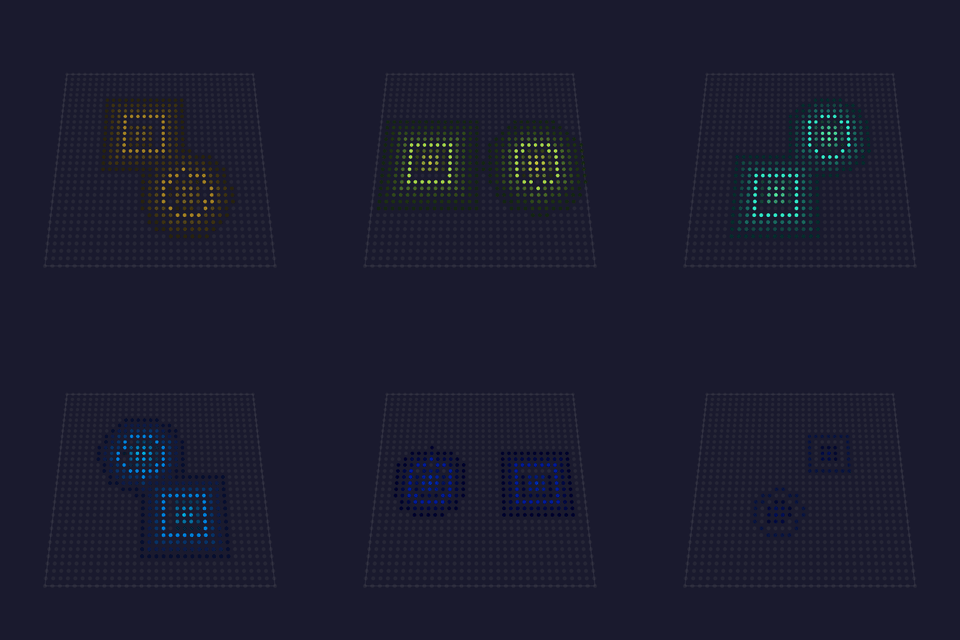 |
bpm: orbit speed.radius: circle radius, as a fraction of the short side.boxSize: box half-extent, same scale.blend: melt radius; 0 unions the shapes hard.outline: 0 fills the shape; higher draws an outline of that width.glow: tint the field around the shape by distance. |
projectMM original, after Iñigo Quilez's distance-function catalogue and polynomial smooth-minimum (iquilezles.org) |
| Solid 💫 · 3D A flat fill with five color modes: a plain RGB(W) color, the active palette spread across the lights, an RMS-averaged single palette color, or the palette banded along the grid's rows or columns. |
 |
red / green / blue / white: the flat color in RGB(W) mode (ignored in the palette modes).brightness: scales the flat and palette-spread output.colorMode: RGB(W), Palette (spread across the lights), Palette avg (RMS mean of the palette), Palette rows, Palette cols (palette banded along that axis).minRGB: in the band modes, drops palette entries whose every channel is below this floor.randomColors: in the band modes, deterministically shuffles the surviving palette entries. |
Tests Technical MoonLight · via MoonLight |
| SphereMove 💫 · 3D A hollow spherical shell that bounces through the 3D volume, its surface colored from the palette, leaving no trail. |
 |
speed: how fast the sphere moves through the volume. |
Tests Technical MoonLight · via MoonLight |
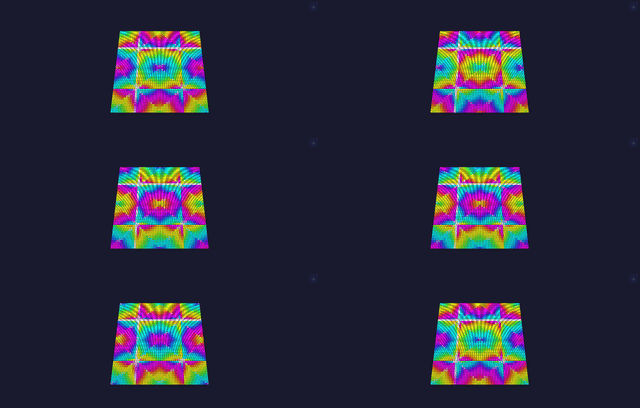
| Spiral 💫🦅🖌️🎡 · 2D Rotating spiral from angle + distance ( atan2_8/dist8). |
 |
bpm: rotation speed.twist: how tightly the arm winds (hue gain per unit of distance).hue_shift: rotate the palette index. |
Tests Technical projectMM original (rotating spiral) |
| StarField 💫🖌️ · 2D A perspective starfield: stars approach the viewer from a vanishing point, brightening as they near, then respawn at depth. |
 |
speed: how fast stars approach (frame throttle).numStars: how many stars are active.blur: motion-trail fade per frame.usePalette: color the stars from the palette instead of white. |
Tests Technical MoonLight · by @Brandon502, inspired by Daniel Shiffman / Coding Train · via MoonLight |
| StarSky 💫 · 3D Twinkling stars at random light positions, each fading in and out independently over a dark background. |
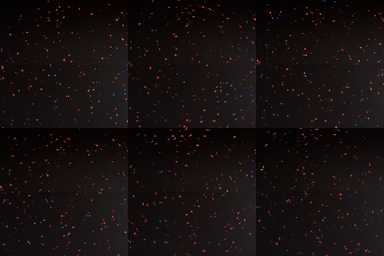 |
speed: fade rate per frame (how fast each star brightens/dims).star_fill_ratio: how many stars (as a fraction of the light count).usePalette: color the stars from the active palette instead of white. |
Tests Technical MoonLight · by limpkin · via MoonLight |
| Text 💫 · 2D Renders a multi-line string in a bitmap font. Static by default (laid out top-left, each newline dropping one font-height, clipped where it runs off the grid); turn on scroll to march the whole block leftwards as a wrapping marquee. Text color comes from the active palette. |
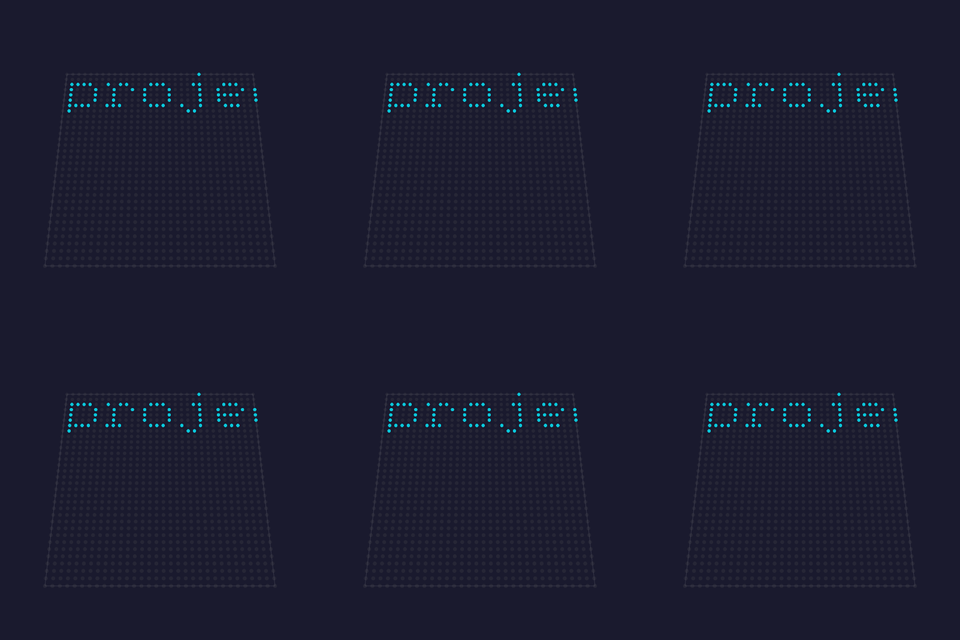 |
text: the string to show; a multi-line text area (each line renders on its own row).scroll: off (default) = static; on = horizontal marquee.font: glyph size (4x6 compact, 6x8 larger).speed: marquee speed (only used when scroll is on).hue: palette index for the text color. |
Tests Technical projectMM original, on MoonLight's Scrolling Text · via MoonLight |
MoonModules effects¶
| Name | Preview | Controls | Links |
|---|---|---|---|
| GameOfLife 💫🌙🧬 · 2D/3D Conway's cellular automaton generalised to 2D/3D: selectable rulesets (+ custom B#/S#), cells that inherit a neighbor's palette color on birth, optional green→red age coloring, a dead-cell blur fading toward the background color, toroidal wrap, a 1.5 s settle pause, and 3-CRC stasis self-respawn (R-pentomino/glider) when the board goes static. |
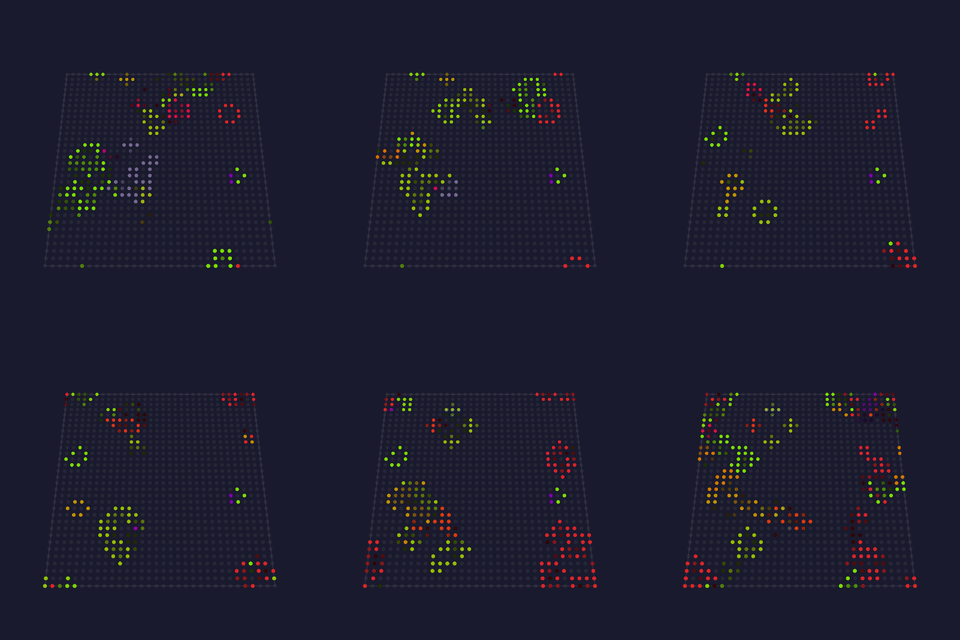 |
backgroundColorR / backgroundColorG / backgroundColorB: the color dead cells fade toward (0–255 each).ruleset: the birth/survive rule (Conway, HighLife, InverseLife, Maze, Mazecentric, DrighLife, or Custom).customRuleString: a custom B#/S# rule, read only when ruleset = Custom.GameSpeed (FPS): generation rate (0–100, 100 = uncapped).startingLifeDensity: % of cells alive at start (10–90).mutationChance: % chance a newborn gets a random color (0–100).wrap: toroidal edges (cells wrap around).disablePause: skip the 1.5 s settle pause between boards.colorByAge: green→red aging instead of inheriting a neighbor's palette color.infinite: respawn on stasis (R-pentomino/glider) instead of resetting.blur: dead-cell fade strength toward the background color. |
Tests Technical MoonModules · by Ewoud Wijma (2022), mods by Brandon Butler / @Brandon502 · natureofcode · via MoonLight |
| GEQ 💫🐙🎶 · 2D A flat graphic equaliser: the 16 audio bands rise as vertical bars from the bottom, with optional smoothing between bars, per-bar palette coloring, and falling peak markers. |
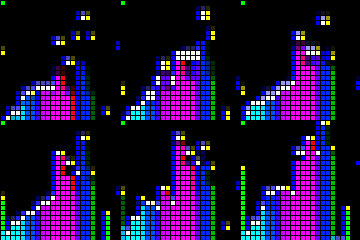 |
fadeOut: how fast bars fade each frame.ripple: falling-peak marker decay.colorBars: color each bar from the palette by band instead of by row.smoothBars: blend neighboring bands for smoother bar heights. |
Tests Technical WLED (audio) · by Andrew Tuline (WLED-SR) · via MoonLight |
| GEQ3D 💫🌙🎶 · 2D A 3D-perspective graphic equaliser: audio bands rise as bars with faked depth, their side/top lines drawn toward a "projector" vanishing point (sweeping left↔right) and shortened by depth. Bands left of the projector are painted right-to-left, bands right of it left-to-right; per-face darkening (side/top/front) and optional borders. |
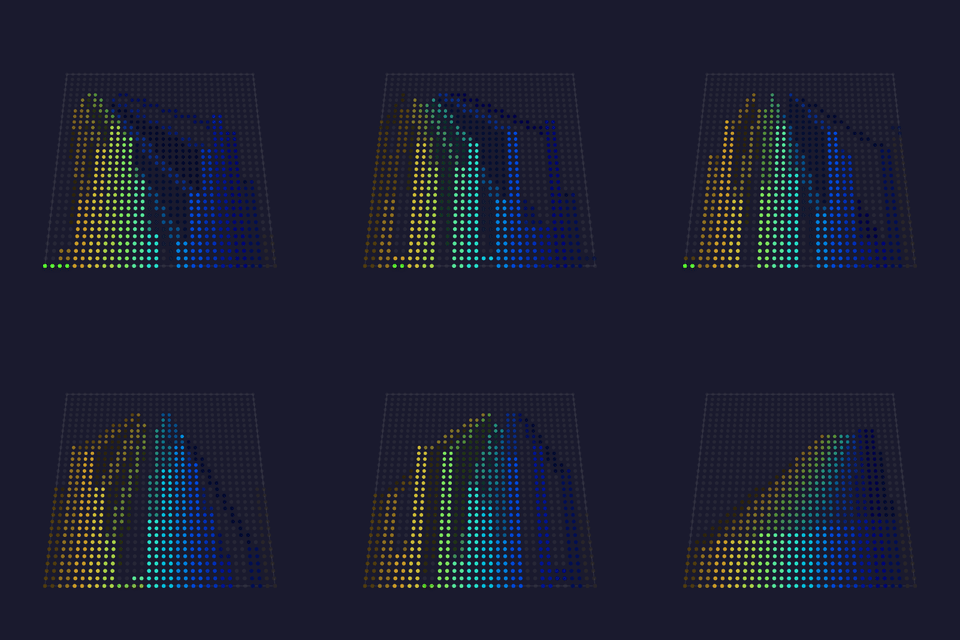 |
speed: projector sweep rate (1–10, higher = faster).frontFill: bar front-face fill strength (0–255).horizon: vanishing-point row the projector sits on.depth: how far the side/top perspective lines reach toward the projector.numBands: bands shown (2–16, fewer = wider bars).borders: outline each bar. |
Tests Technical MoonModules (audio) · by @TroyHacks (GPLv3) · via MoonLight |
| PaintBrush 💫🌙🎶 · 3D Audio-reactive brush strokes: lines whose 3D endpoints oscillate on the beat ( beatsin8, audio-band timebase), each stroke shortened to a band-magnitude length so the moving tip sweeps a curve over the fading field. |
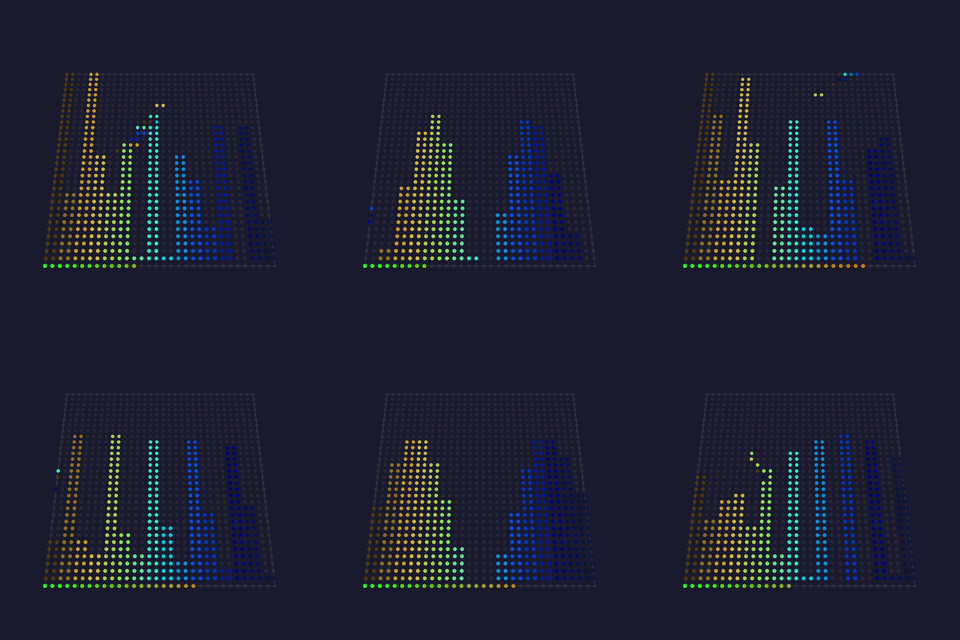 |
oscillatorOffset: phase-spread between the oscillating endpoints (0–16).numLines: parallel animated strokes (2–255).fadeRate: background decay per frame (0–128, higher = shorter strokes).minLength: a stroke draws only if longer than this, so quiet bands stay dark.color_chaos: per-line random hue vs a per-band gradient.phase_chaos: random per-frame phase jitter. |
Tests Technical MoonModules (audio) · by @TroyHacks (GPLv3) · via MoonLight |
| Tetrix 💫🌙✨ · 2D Falling Tetris-style blocks: each column drops a brick that lands on the growing stack, fills the column, then clears and restarts. |
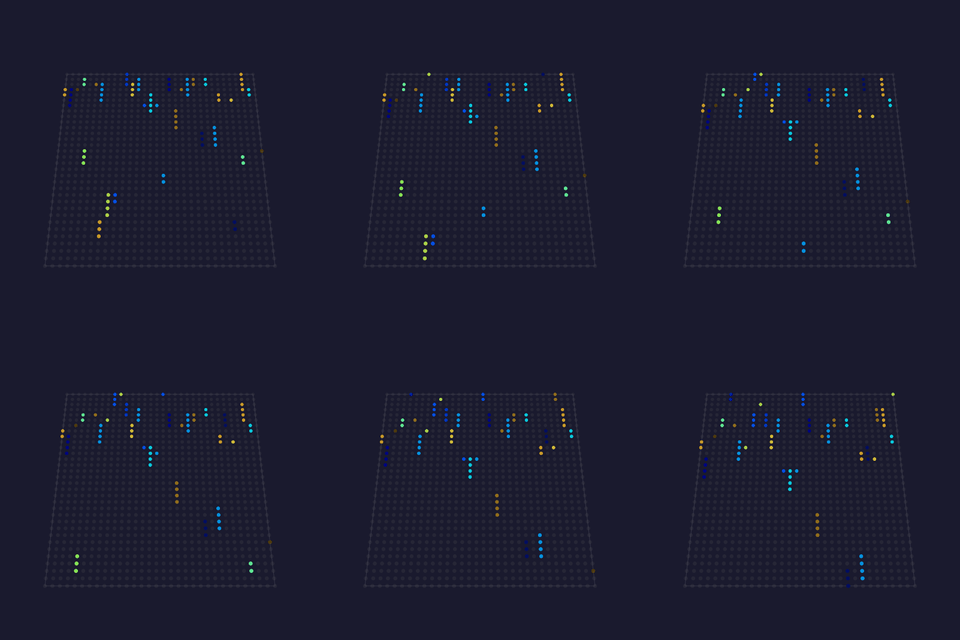 |
speed: fall speed (0 = randomised per brick).width: brick height (0 = randomised).oneColor: one advancing palette color for all bricks instead of random per-brick colors. |
Tests Technical WLED · by Andrew Tuline (WLED-SR) · via MoonLight |
WLED effects¶
| Name | Preview | Controls | Links |
|---|---|---|---|
| Blurz 🐙🎶 · 2D Audio-reactive blurred dots: one frequency band per frame lights a dot whose position maps to that band (or to the major-peak frequency), then the whole frame is blurred for soft trails. |
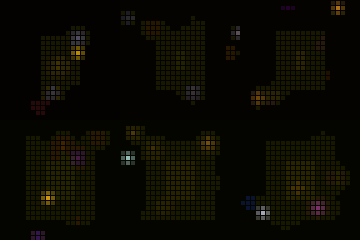 |
fadeRate: background decay per frame.blur: blur strength applied each frame.freqMap: place the dot by the major-peak frequency instead of scanning bands.geqScanner: scan the dot across the strip in a GEQ-like sweep. |
Tests Technical WLED (audio) · by Andrew Tuline (WLED-SR), enhancements by @softhack007 · via MoonLight |
| BouncingBalls 💫🐙 · 2D A row of balls per column bounce under gravity, each losing energy on impact and relaunching when it stops, palette-colored by ball index over a fading background. |
 |
grav: gravity strength (higher = faster fall, snappier bounce).numBalls: balls per column (1–16). |
Tests Technical WLED · by Andrew Tuline (WLED-SR) · via MoonLight |
| FreqMatrix 🐙🎶 · 1D A 1D scrolling frequency display: each frame shifts the strip and injects a new pixel at one end whose hue comes from the dominant frequency and whose brightness from the volume. |
 |
speed: scroll rate.fx: sound-effect intensity (scales the injected brightness).lowBin / highBin: the frequency window mapped across the hue range.sensitivity: input gain (10–100).audioSpeed: let the volume modulate the scroll speed. |
Tests Technical WLED (audio) · by Andrew Tuline (WLED-SR) · via MoonLight |
| Lissajous 🐙 · 2D A Lissajous curve traced across the grid from two phase-shifted sin8/cos8 sweeps, palette-colored along its length, with a fading trail. |
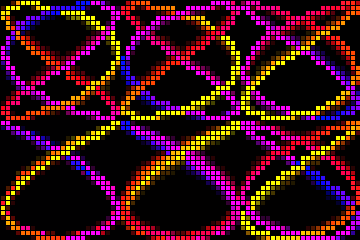 |
xFrequency: the x-axis sweep frequency (sets the curve's lobe count).fadeRate: trail fade per frame.speed: how fast the curve's phase advances. |
Tests Technical WLED · by Andrew Tuline (WLED-SR) · via MoonLight |
| NoiseMeter 🐙🎵🌫️ · 3D An audio VU meter rendered as a noise bar: the volume sets how many rows light from the bottom, each row colored by drifting Perlin noise, filling the full width and depth. |
 |
fadeRate: trail decay per frame (200–254).width: how strongly the volume drives the bar height. |
Tests Technical WLED (audio) · by Andrew Tuline (WLED-SR) · via MoonLight |
| Wave 💫🌫️ · 2D An oscilloscope waveform scrolls across the grid with a fading trail; six selectable shapes. |
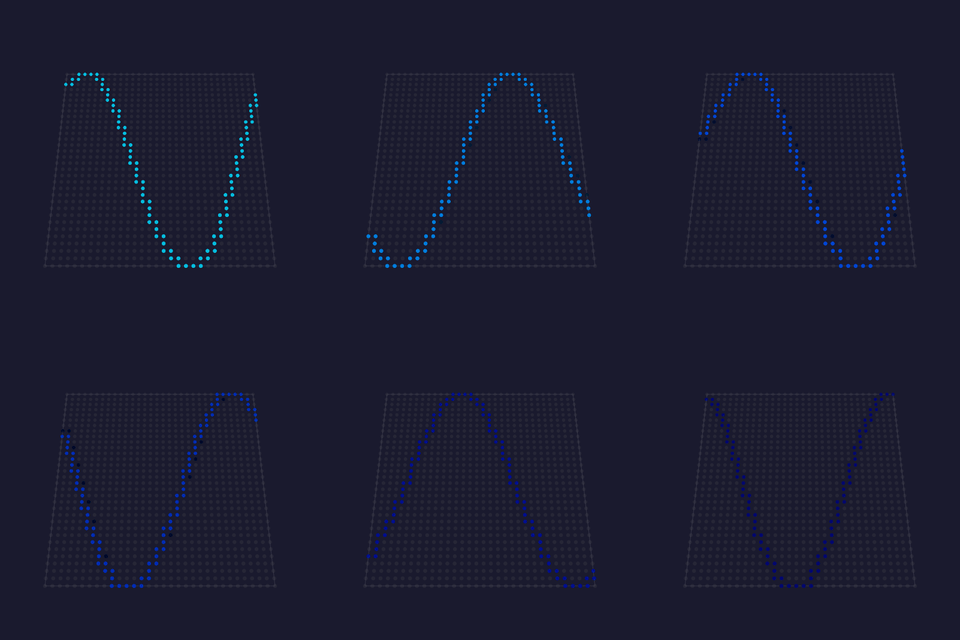 |
bpm: travel speed (phase advance per minute).fade: trail fade per frame (0 = instant clear, 255 = long tail).type: waveform shape (Sawtooth, Triangle, Sine, Square, Sin3, Noise). |
Tests Technical MoonLight · by Ewoud Wijma · via MoonLight |
FastLED effects¶
| Name | Preview | Controls | Links |
|---|---|---|---|
| Fire ⚡️🦅🧬 · 2D Fire2012-style heat field: sparks at the base rise and cool through the active palette (heat = palette index, cold at the low end, hottest at the high end); spark count scales with width. The flame color comes from the active palette. For the classic fire look pick the Lava palette (black→red→orange→yellow→white: the recommended default); any palette works, so an Ocean or Forest palette turns the flame blue or green. |
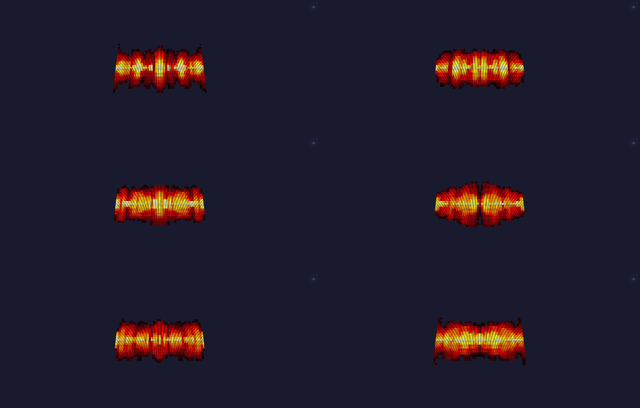 |
cooling: how fast heat dissipates as it rises (higher = shorter flames).sparking: chance of a new spark at the base each frame (higher = livelier fire). |
Tests Technical FastLED / MoonLight · Mark Kriegsman's Fire2012; MoonLight adapts MatrixFireFast (toggledbits) |
| Noise ⚡️💫🌙🐙🌫️ · 1D/2D/3D A gradient-noise field indexed straight into the palette: the plainest way to turn the field into light, and the effect every other noise effect is a variation on. |
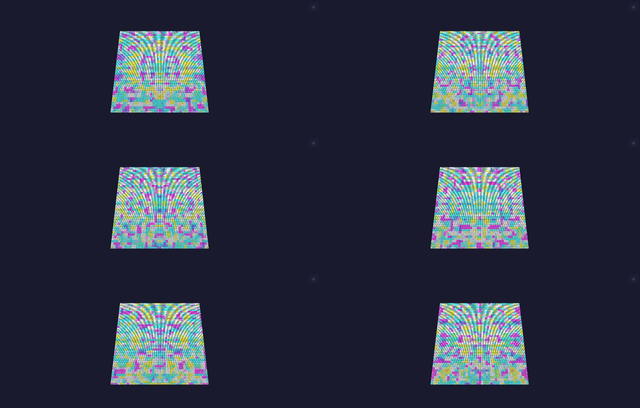 |
motion: what moves. drift scrolls the sample coordinates, so the field slides across the fixture like weather, each axis at its own rate so it flows rather than translating rigidly; on a volumetric fixture the third axis is the light's own depth, so the slices differ. morph holds the coordinates still and puts time on the third axis, so the field changes in place without going anywhere, which on a panel is the classic plasma wash; there is then no axis left for depth, so a volumetric fixture shows the same field in every slice.scale: spatial frequency: low is broad blobs, high is fine detail.bpm: how fast it moves. |
Tests Technical FastLED · inoise field (Mark Kriegsman); the morph form from WLED via MoonLight, which shipped it as a separate Noise2D effect until the two were merged |
projectMM-native effects¶
| Name | Preview | Controls | Links |
|---|---|---|---|
| AudioSpectrum 💫🎶 The 16 mic frequency bands spread across X, each column lit bottom-up by its magnitude. |
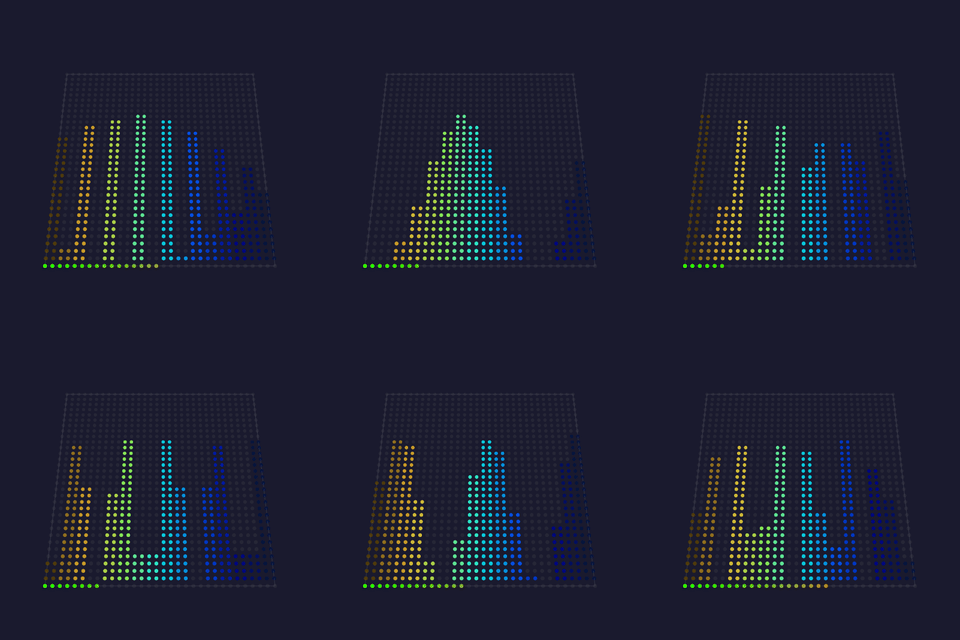 |
colorMode: bar coloring: height (green base → red top, the VU look) or per-band (each column its own hue, the rainbow analyser look). |
Tests Technical projectMM original, on the WLED-SR GEQ / spectrum concept (Andrew Tuline) · via MoonLight |
| BeatRipples 💫🎶🖌️ · 2D Every beat is a stone dropped in water. The surface is a real wave simulation, the classic two-buffer scheme: each cell's next height is its neighbors' average doubled minus its previous height, damped, which is the discrete wave equation. That gives what a drawn expanding circle cannot: ripples that pass THROUGH each other, reflect off the walls and interfere into standing patterns. The loudest band decides where the stone lands, so a bass hit falls near the center and a treble hit out at the rim, and the hit's strength sets how deep. The surface is rendered by SLOPE rather than height, because a water surface is visible where it bends light. |
— | damping: how long the water keeps ringing.drop: how deep a beat's stone falls.rain: idle drops when there is no music, so the surface is alive in silence.shine: how strongly the slope lights the surface. |
projectMM original, the two-buffer water simulation (Gomez 2000) driven by the onset detector |
| VuMeters 💫🎶🖌️ · 3D Sixteen needles, one per band, each with real mass. What makes a VU meter beautiful is not the dial, it is the needle: a physical meter is a spring and a damper, so it accelerates toward the signal, overshoots a peak, swings back and settles. That overshoot is why a mechanical meter reads as alive where a bar graph reads as a readout, and it is why the standard (IEC 60268-17) specifies 300 ms to 99% with 1 to 1.5% overshoot rather than a smoothing constant. Each band drives a damped harmonic oscillator integrated per frame, with the bass needles deliberately heavier than the treble ones, as they are on a real meter bridge: the low end swings, the high end flickers. The sixteen meters tile the panel as a grid of cells, as square as the shape allows, so a 64x64 panel is 4x4 dials and a 256x64 wall is 8x2. Each dial has a peak marker held at the highest reading and falling by a half-life, and a red zone past three quarters. On a cube every slice carries its own bank. |
— | damping: how much the needle overshoots. High is a critically damped studio meter, low is a loose needle that swings past and bounces off the pin.response: how hard the needle chases the signal at all.peakHold: how long the peak marker stays up, as a half-life.smooth: drive from the meter ballistic rather than the raw band. Raw is the truer instrument here, since the needle has its own ballistics already. |
projectMM original, on the VU ballistics of IEC 60268-17 |
| RadialSpectrum 💫🎶🖌️🎡 · 3D The spectrum as ripples. Each band owns a sector around the center, mirrored left and right with the bass at the top and bottom; sound is born at the center and travels outward, so the radius is time and a ring's length is that band's recent history. It is the circular visualizer the music-video world settled on, a radial spectrogram, and it is also the diagnostic a bar analyzer is: every sector is one band, so a band that is stuck or pinned shows as a sector that never moves or never dims. On a cube, under the spherical mapping, the ripples are expanding shells. Nothing is transported. The effect keeps a short history of band frames and every light reads it, its angle choosing the band and its radius the age: a table read per light, cheaper than drawing bars. |
— | speed: how fast sound travels outward, a ring every 10 to 105 ms.persistence: how far out a ripple stays visible.smooth: read the meter ballistic (bandsSmoothed) rather than the raw bands. Switching it is the comparison a person tuning the audio path wants: raw twitches, smoothed breathes.beat: a white shockwave born at the center on every detected onset, traveling out with the ripples.polarTable, polarTable16, mapping: the polar address, and cylindrical, spherical or radial on a volume (light/polar.h). |
projectMM original, the radial spectrogram on PolarLut and the onset detector |
| AudioVolume 💫🎵 A whole-grid VU meter: every light pulses with the mic level, color indexing the palette by loudness. |
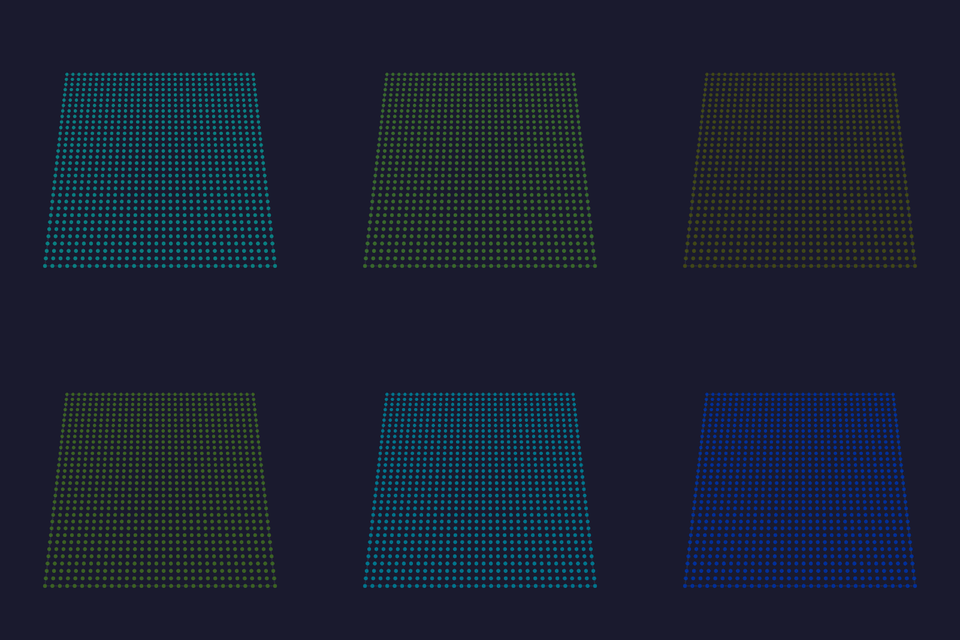 |
brightness: overall brightness ceiling for the VU pulse (1–255). |
Tests Technical projectMM original (VU meter) |
| DemoReel 💫 · 3D A demo reel: plays every other registered effect in turn, auto-advancing on a timer, so one Layer cycles the whole library hands-free: the showcase/test tool for everything. It hosts a single live effect at a time (created from the effect registry, rendered into this Layer) and swaps to the next when the interval elapses: new effects are picked up automatically. It can also pick a fresh palette each cycle and overlay the playing effect's name. The status line shows which effect is playing (e.g. playing: Plasma (3/20)). It never hosts itself, and it plays effects in sequence rather than compositing them (layering is the Layer stack's job). |
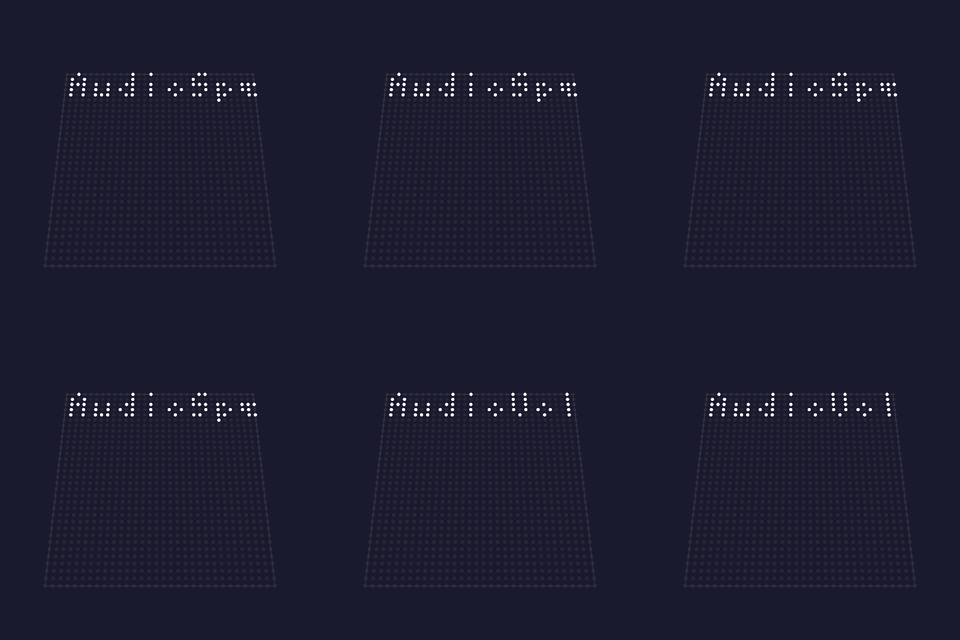 |
interval: seconds each effect plays before advancing (1–120).shuffle: jump to a random next effect instead of registry order.randomPalette: pick a random palette on each cycle (showcases the palette set); default on.showName: overlay the playing effect's name in a small font; default on. |
Tests Technical FastLED · Mark Kriegsman's DemoReel100; projectMM reel |
| NetworkReceive 📡🌙 Receives lights-over-UDP (Art-Net, E1.31/sACN, DDP) and writes it into the layer: the receive side for Resolume/Madrix/xLights/LedFx. Wire contract: listens for Art-Net, E1.31 / sACN, and DDP simultaneously; universe_start + channels_per_universe map incoming universes onto the layer buffer. The end-to-end pair with NetworkSendDriver. |
 |
universe_start: the first incoming universe to map onto the layer (mirrors the sender).channels_per_universe: bytes each universe maps to (510 = whole RGB lights per universe, the xLights/Falcon convention; 512 for Madrix-style senders that pack pixels across universe boundaries). |
Tests Technical projectMM original (E1.31 / Art-Net receive) |
| Sine 💫 · 3D R/G/B each follow a sine along one axis at 120° phase offset: a glowing, scrolling color box. |
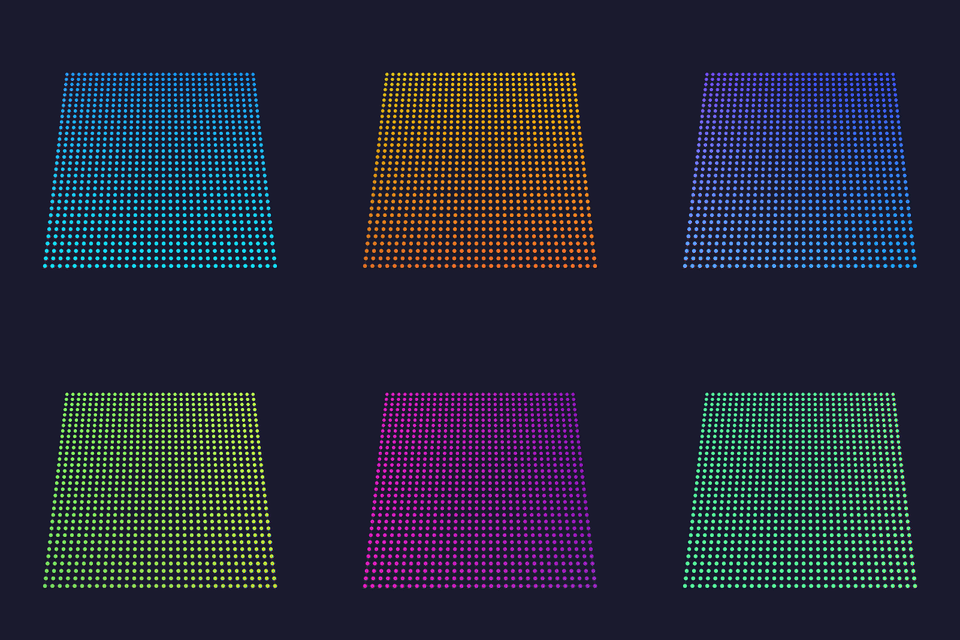 |
frequency: spatial frequency, waves across the box (1–20).amplitude: peak brightness (0–255, 255 = full).bpm: scroll speed. |
Tests Technical MoonLight (Sinus, AI-generated) · via MoonLight |