Videos
Every clip of the series, in the order you would meet them. Each one plays on the page that documents its subject; the link under the title goes there.
What is new in 7
How they are made
No clip is filmed by hand. MoonTube performs a run file in the real interface, the way a person would, narrates its captions with a synthesized voice and records the result. The same run file is a test, so a clip that drifts from the interface fails instead of going stale, and the whole series can be recreated against each release with one command per clip.
Start
 |
Why MoonLight was rebuilt Luna introduces MoonLight: what MoonModules built before, what she built from their prompts, and the principles that survived the rewrite. Getting started |
 |
No hardware needed The same installer, pointed at this computer: pick a release and download the app. Three ways in |
 |
Install it The web installer onto a device: erase, flash, join WiFi, and open the UI that comes back. Three ways in |
Look around
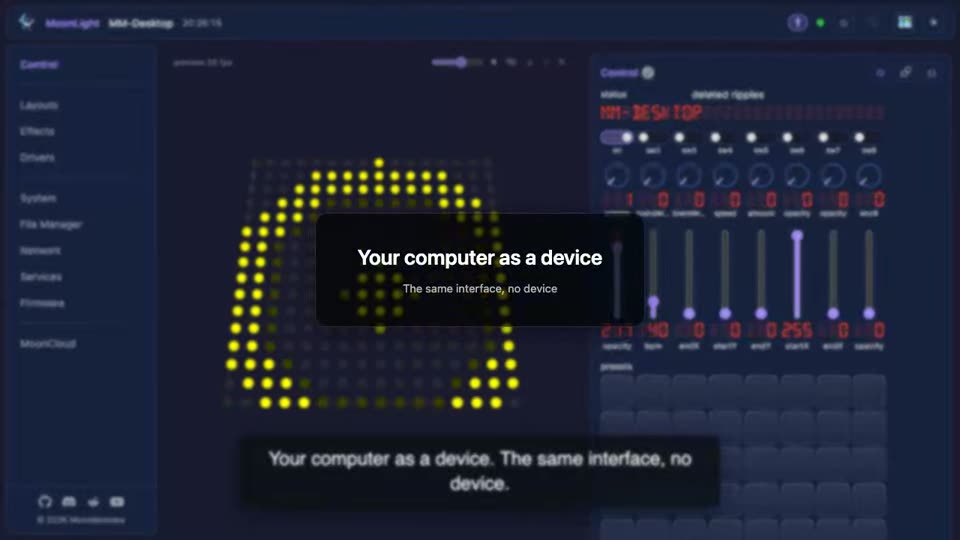 |
Look around The same tour on a computer: every module, and what sits inside each one. How MoonLight works |
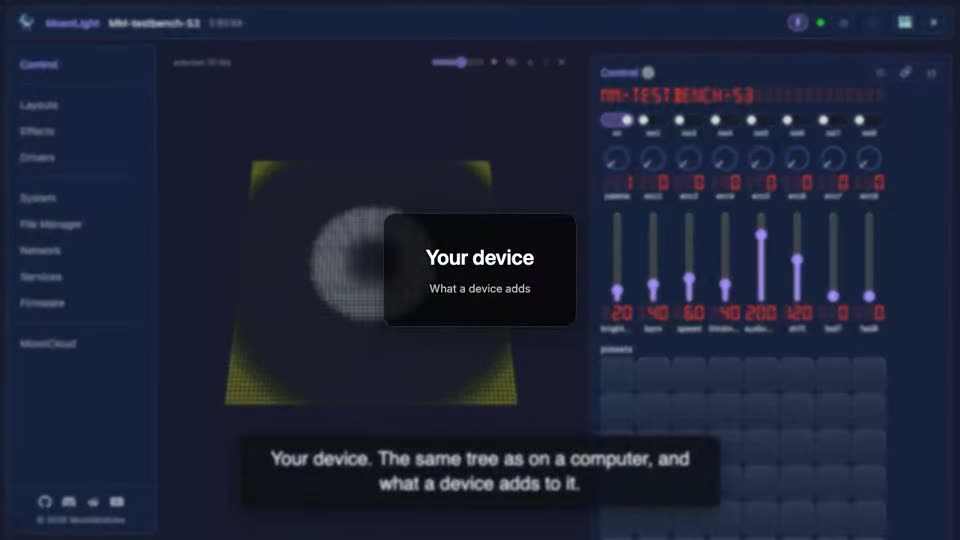 |
On real hardware The same tree on real hardware: what a device adds that a computer cannot, from LED pins to a microphone. How MoonLight works |
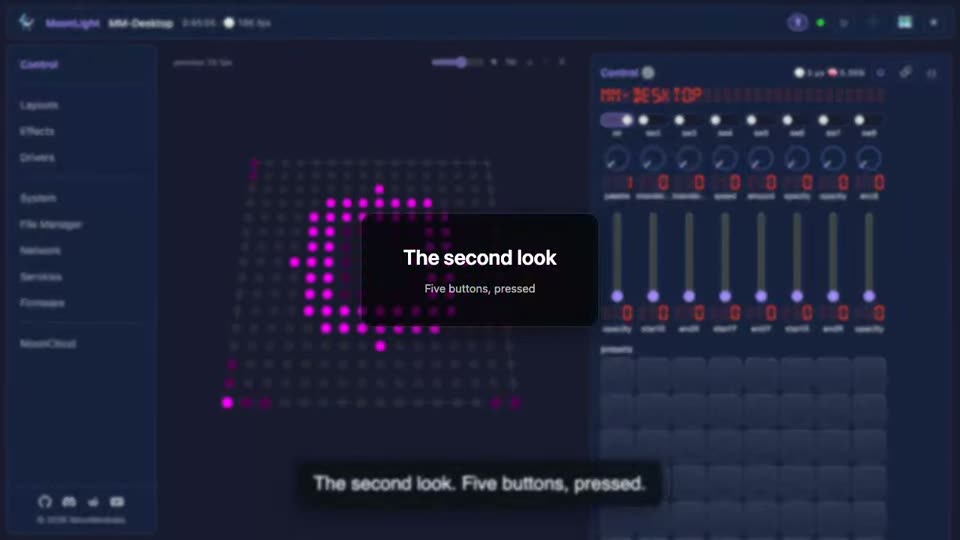 |
Change your mind freely The parts of the interface every card shares, each one pressed so you see what it does. How MoonLight works |
Build a show
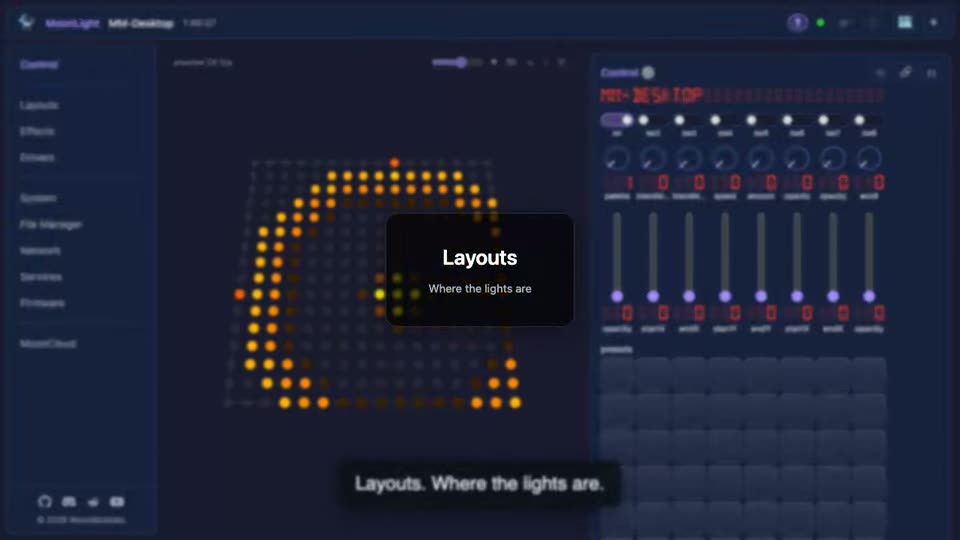 |
Say where the lights are Where the lights physically are: compiled layouts for the common shapes, and scripted ones for anything else. How MoonLight works |
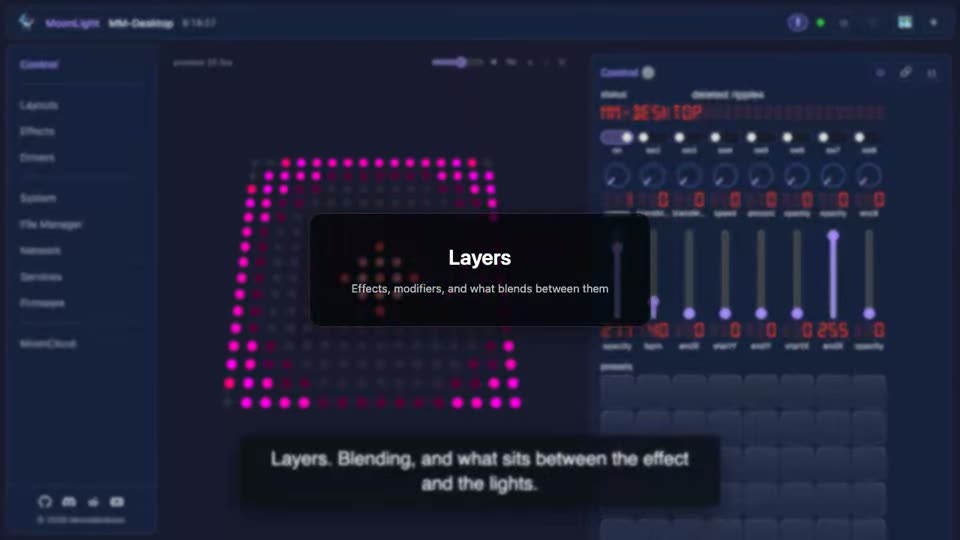 |
Paint them An effect, a modifier reshaping it, and a second layer doing the same, blended over the first. How MoonLight works |
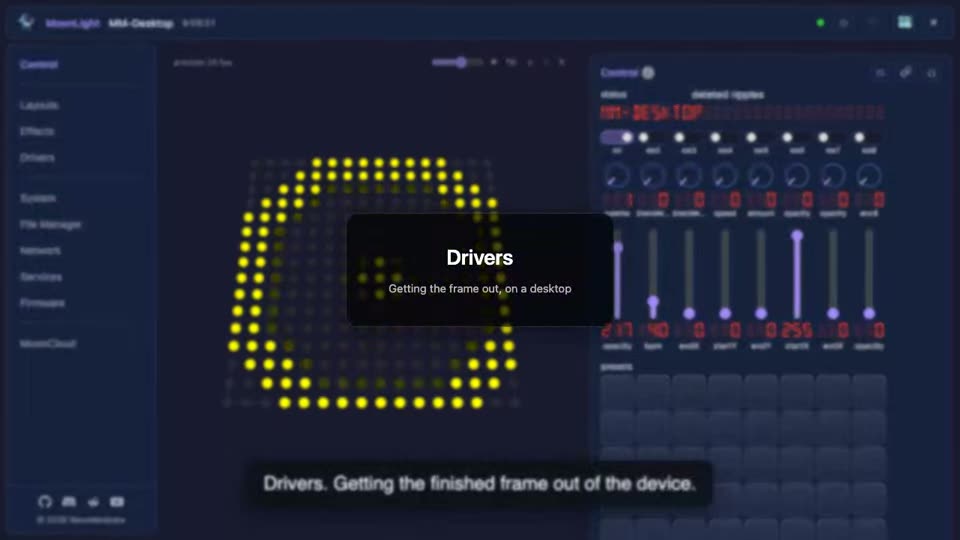 |
Get the frame out What carries the frame out of the device, on a desktop: a preview, the video senders, and the network protocols a fixture listens on. Drivers |
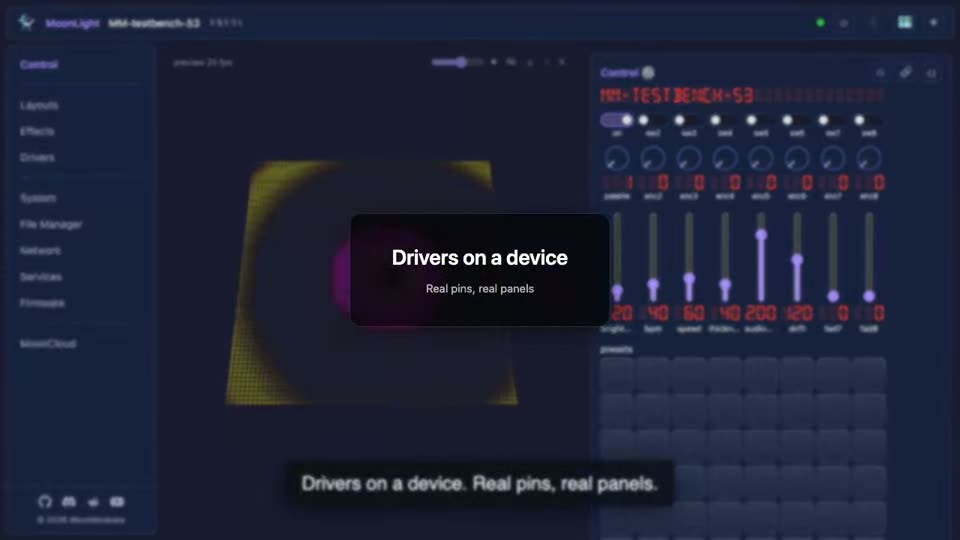 |
And out of a device What carries the frame out of a device: the LED pins only real hardware has, the panel protocols, and the network senders it shares with a desktop. Drivers |
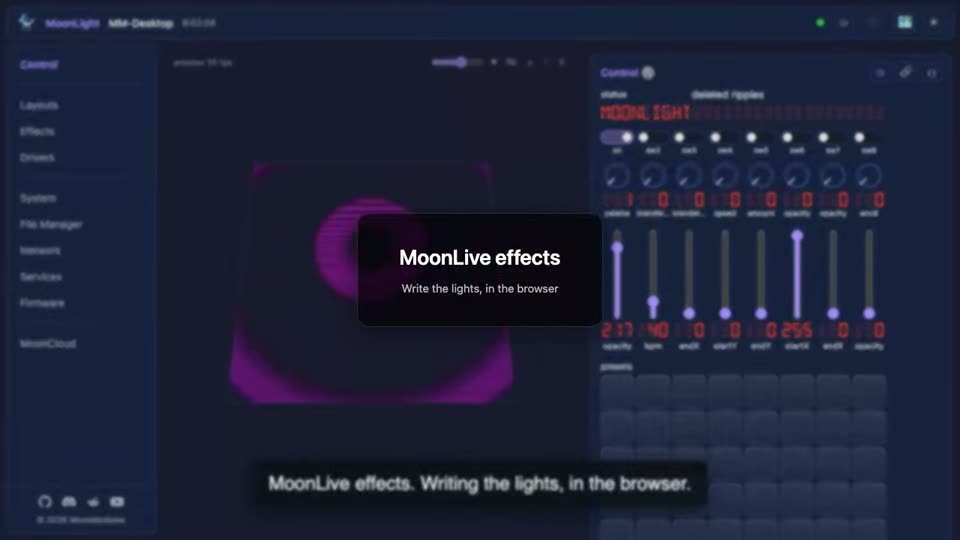 |
Write your own Scripting the lights in the browser: a library effect downloaded and run, then one written from nothing, from a single line to a particle system. MoonLive |
Control it
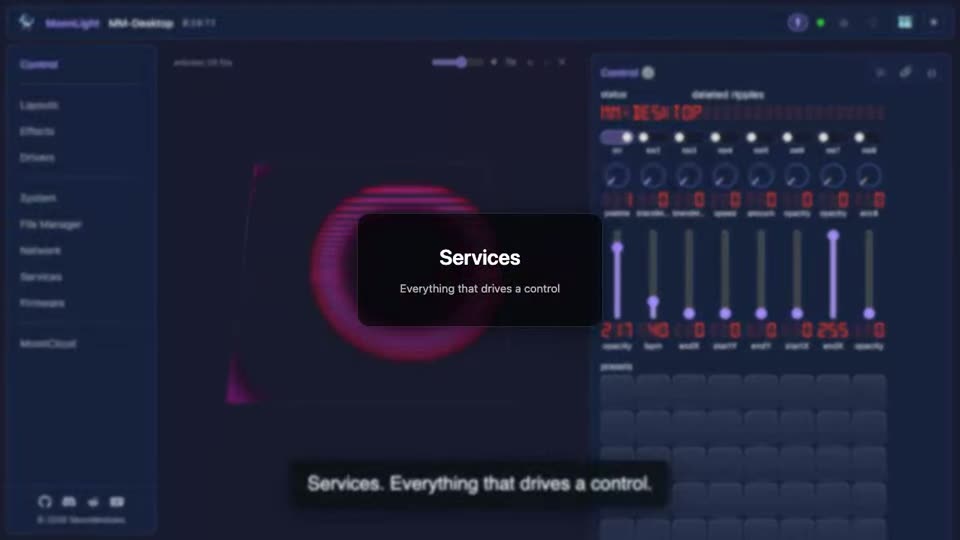 |
Everything that drives a control Inputs: the compiled services that read a button, a pin or a remote, and a scripted one for anything with a condition in it. Services |
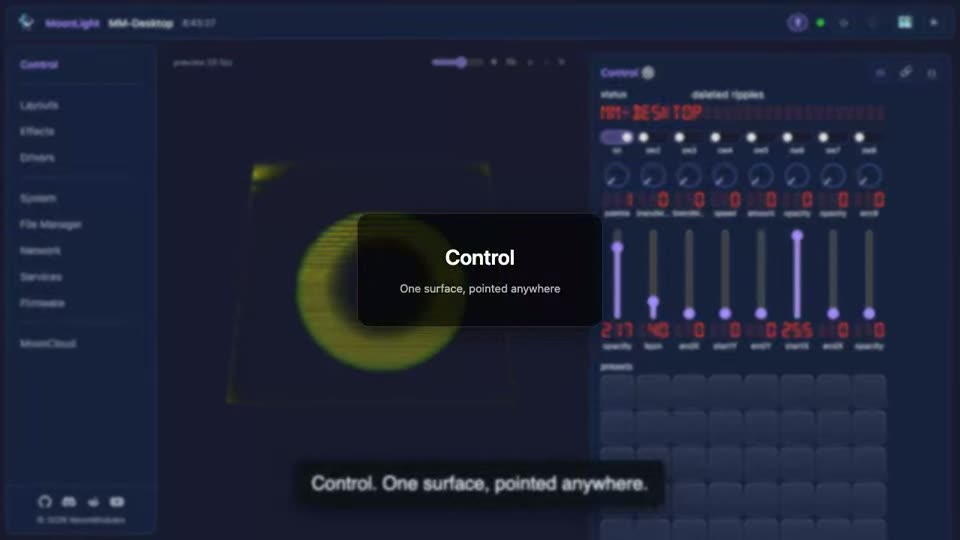 |
One surface, pointed anywhere The surface: eight switches, encoders and faders, each pointed at any control on the device, and the one place external control arrives. Control surface |
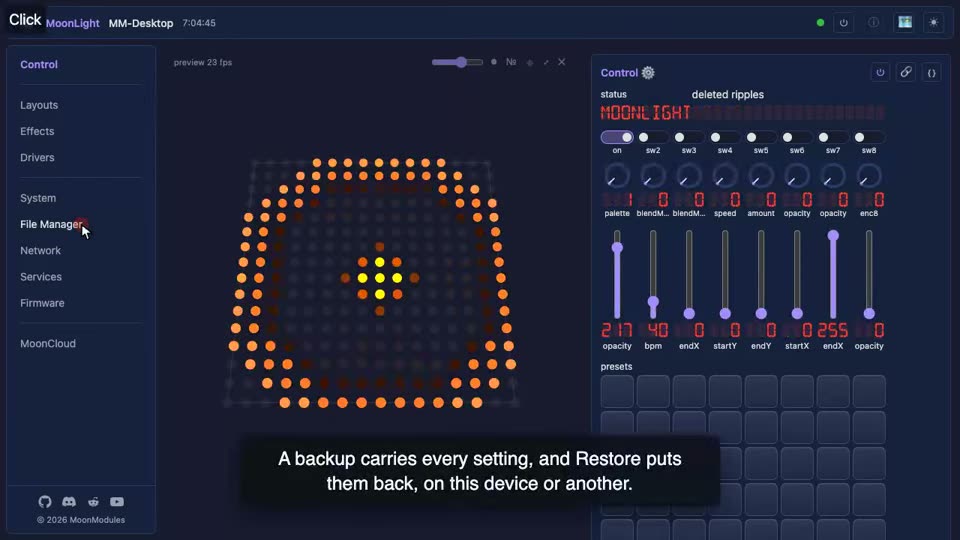 |
Restore a backup A backup from before config files were state documents, restored through the File Manager's Restore. Backup and restore |
The project
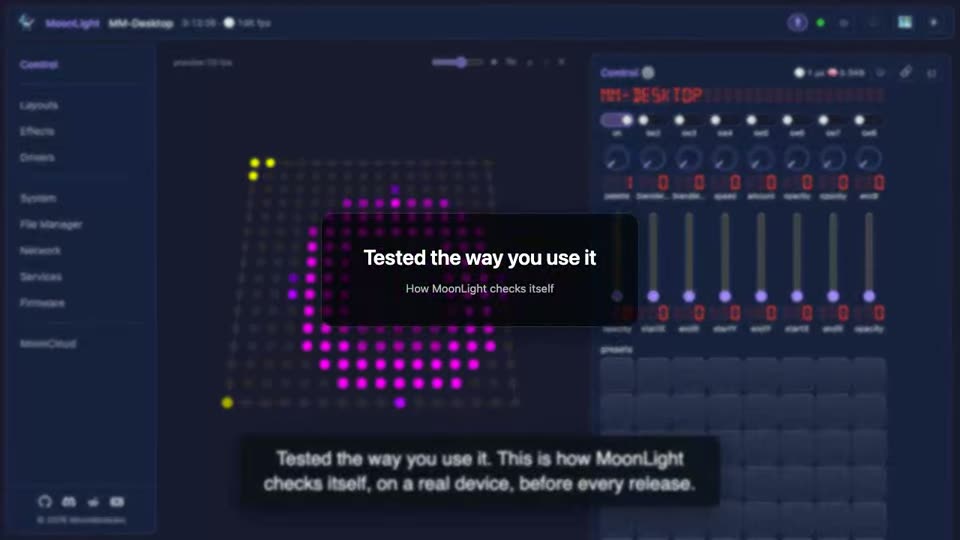 |
Tested the way you use it How MoonLight checks itself: a scenario driving the running device while you watch. Testing |
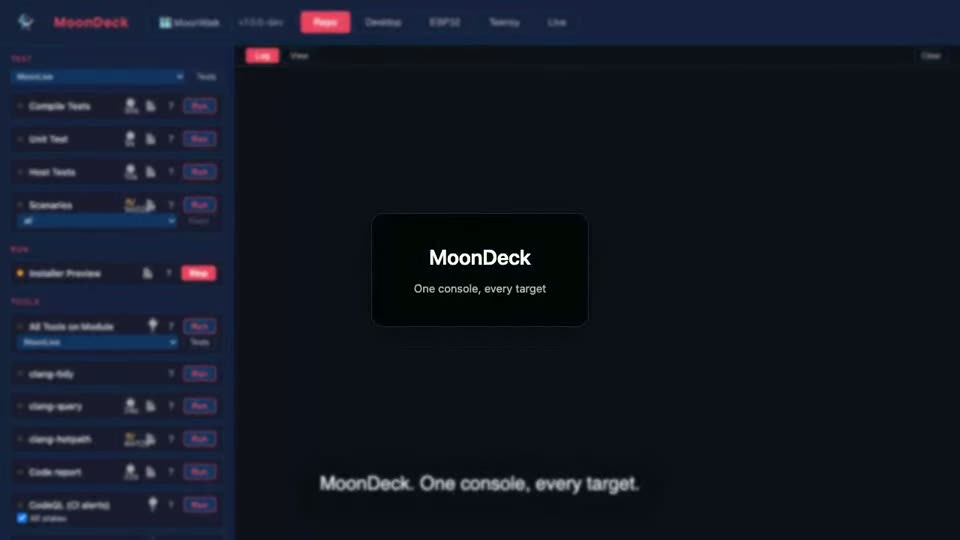 |
The console it is built from The developer console: one page that builds, flashes, tests and checks the project, and why it is ours rather than PlatformIO. MoonDeck |
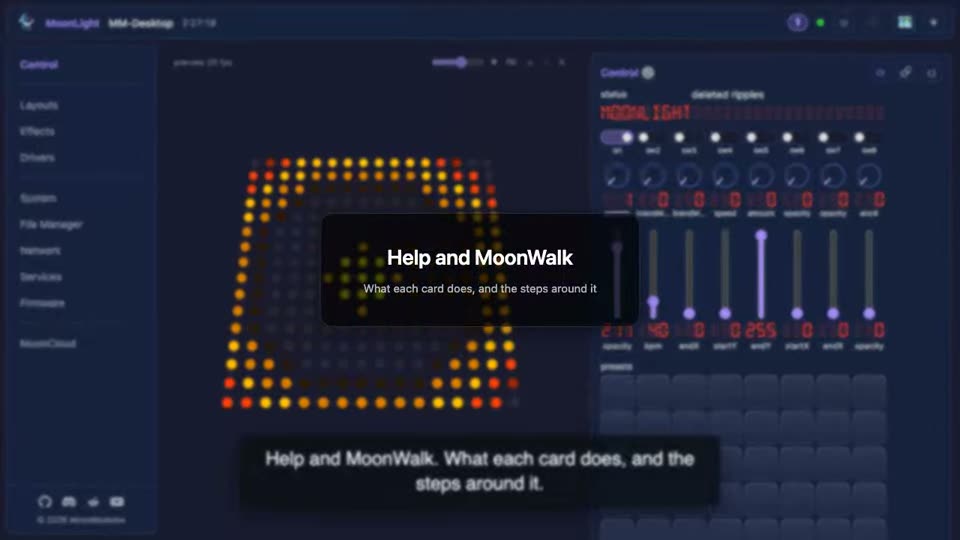 |
Help and MoonWalk Help on every card and control, the MoonWalk step a card takes part in, and the test that checks a control. MoonWalk |
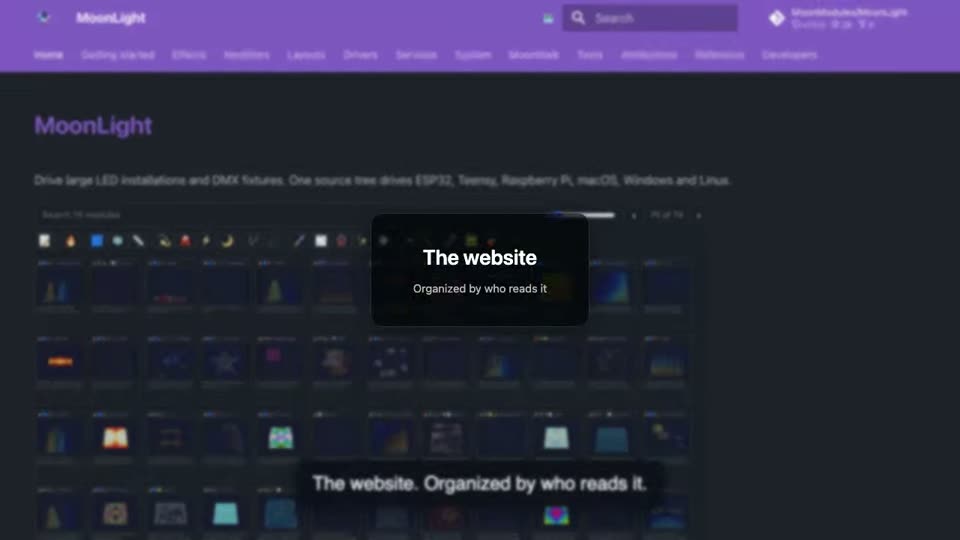 |
The website The documentation site, tab by tab: the home page, getting started, the catalogs generated from the code, MoonWalk, the tests, and the reference and developer pages. Getting started |
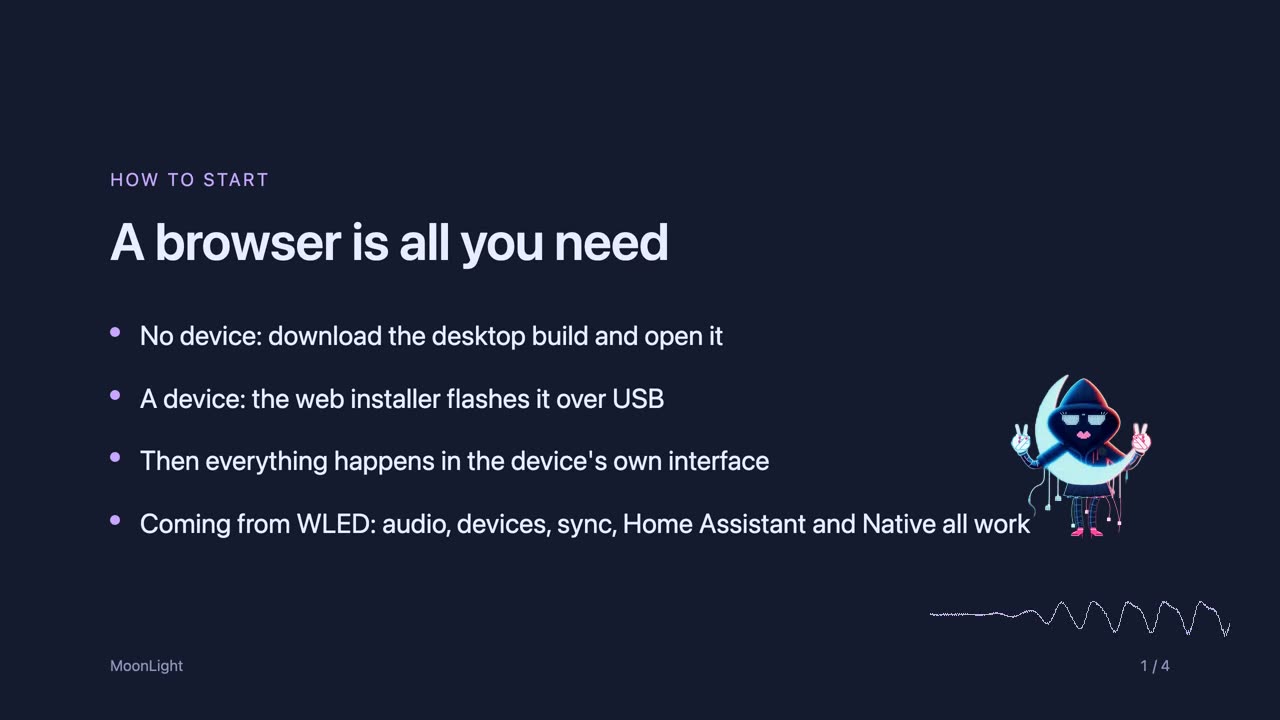 |
How to start How to start, how to contribute, and what comes next. Contributing |
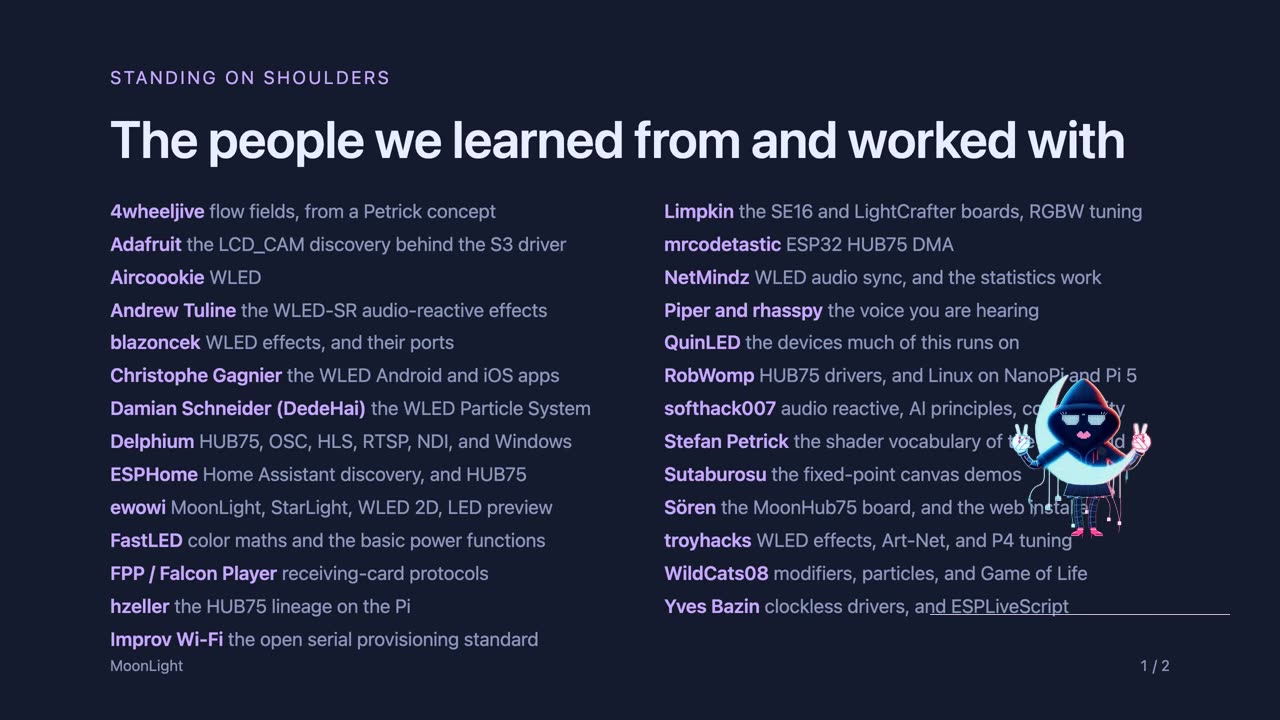 |
Standing on shoulders Who we learned from, and the standard algorithms MoonLight is built on. Attributions |