Layouts
Every layout, one block each: what it does and what each control means — together. A layout maps light indices to physical (x, y, z) positions — it defines the shape an effect draws onto and a driver sends out. The Layouts container holds one or more layout children and composes them into one coordinate space; a Layer renders over that combined space. (For how this page maps to the source/asset folders, see the folder-structure decision.)
MoonLight layouts
| Module | Details |
|---|---|
Car Lights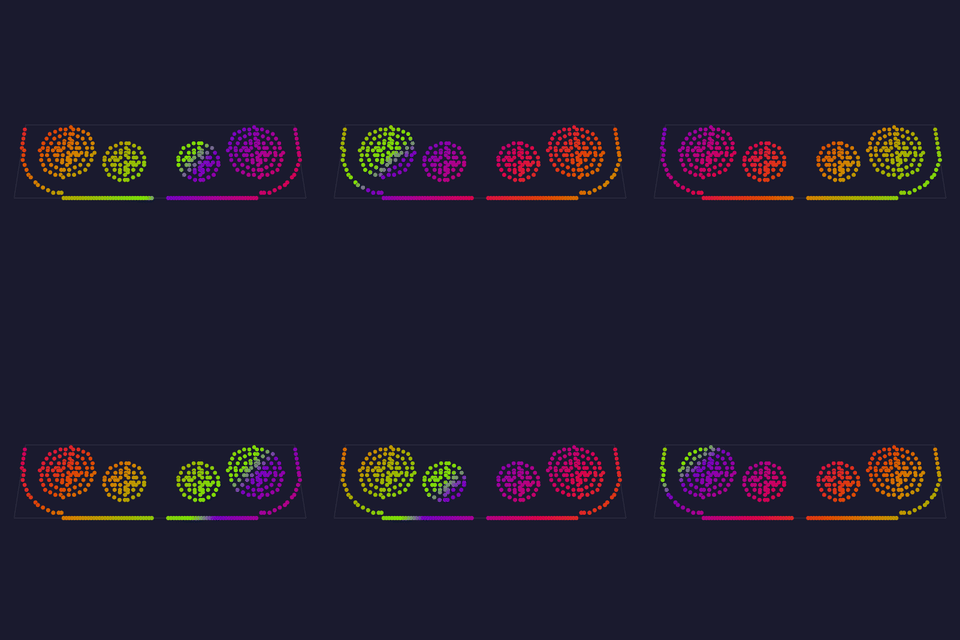 A pair of concentric-ring "headlight" clusters (nested rings of 1/8/12/16/24 LEDs) positioned to mimic a car's front lights — a fixed arrangement composed from Ring geometry. |
scale — overall size scale (1–10).Tests: none yet API: reference Details: none yet |
Cube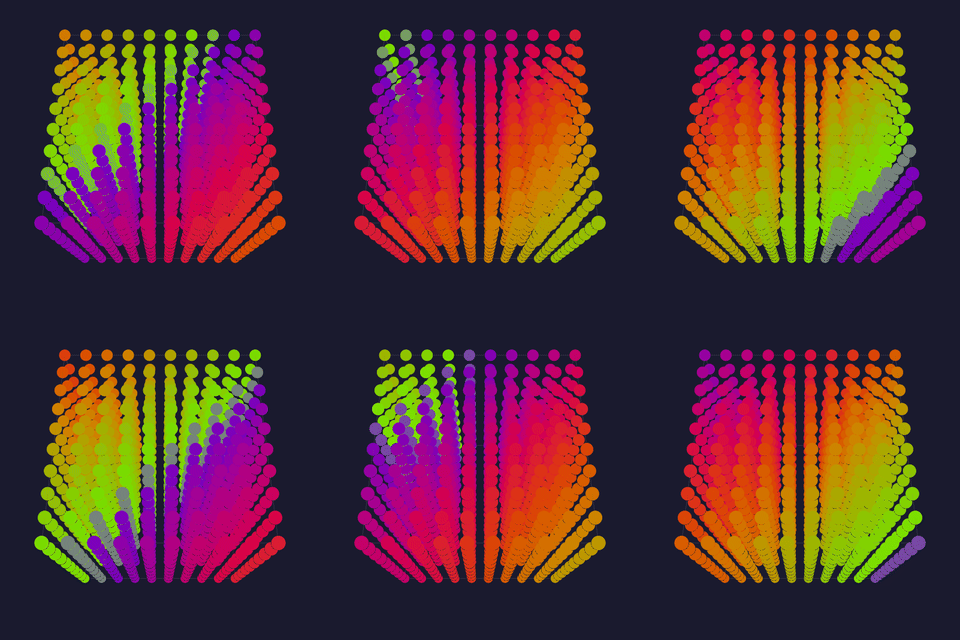 A 3D cube volume, width×height×depth, wired in a configurable axis order with optional per-axis serpentine — the 3D generalisation of Panel. |
width / height / depth — cube extent per axis (1–128).wiringOrder — the axis nesting order the strip follows.X++ / Y++ / Z++ — count up (vs down) along that axis.snakeX / snakeY / snakeZ — serpentine on that axis.Tests: none yet API: reference Details: none yet |
Human-Sized Cube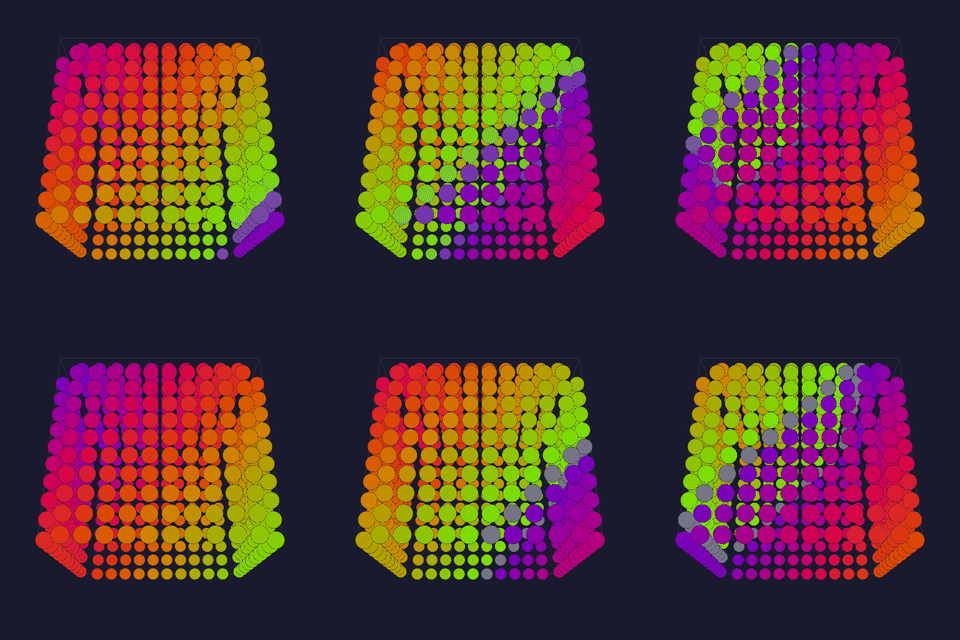 A hollow walk-in cube built from five LED-curtain faces (front, back, top, left, right), each a width×height×depth curtain — for large/room-scale cube installations. |
width / height / depth — cube extent per axis (1–20).Tests: none yet API: reference Details: none yet |
Panel A 2D matrix panel with full wiring control: choose the axis order, per-axis direction, and serpentine — the general matrix layout (Grid is the simple case). |
panelWidth / panelHeight — panel size in lights (1–512).wiringOrder — XY (rows) or YX (columns) nesting.X++ / Y++ — count up vs down along that axis.snake — serpentine wiring (alternate lines reverse).Tests: none yet API: reference Details: none yet |
Panels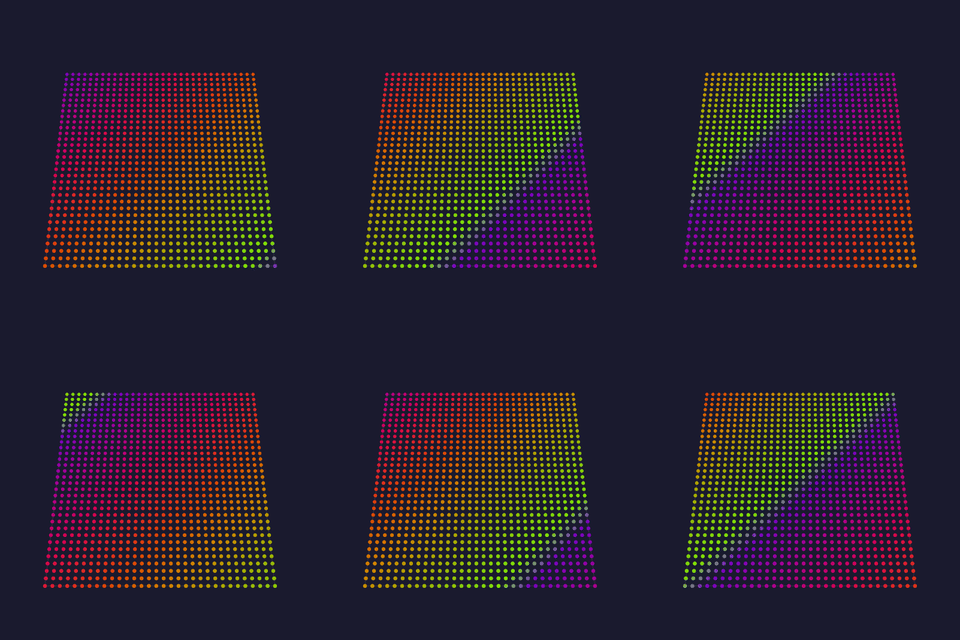 Tiles an M×N grid of full matrix panels into one large display: an outer walk over the panel grid plus an inner walk over each panel's lights, both independently wired — for multi-panel video walls. |
horizontalPanels / verticalPanels — panel-grid size (1–32 each).wiringOrderP / X++P / Y++P / snakeP — the panel-to-panel wiring.panelWidth / panelHeight — each panel's size (1–512).wiringOrder / X++ / Y++ / snake — the per-panel light wiring.Tests: none yet API: reference Details: none yet |
Ring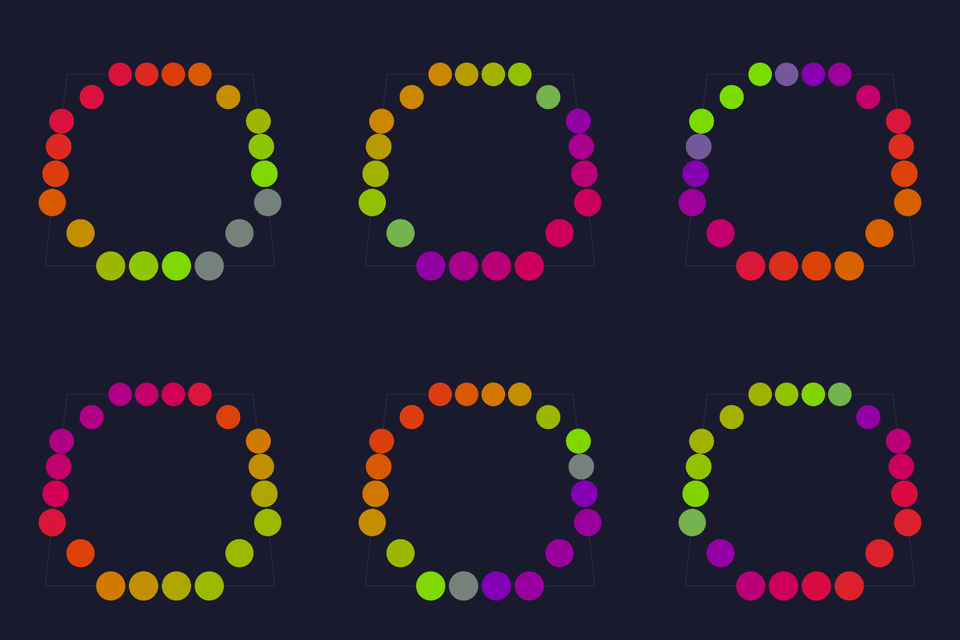 A single ring of LEDs evenly spaced around a circle — nrOfLEDs points, starting at angleFirst, spanning rotation degrees. |
nrOfLEDs — LEDs around the ring (1–255).angleFirst — starting angle in degrees.rotation — arc spanned (360 = full circle).clockwise — direction of travel.scale — spacing/radius scale.Tests: none yet API: reference Details: none yet |
Rings 241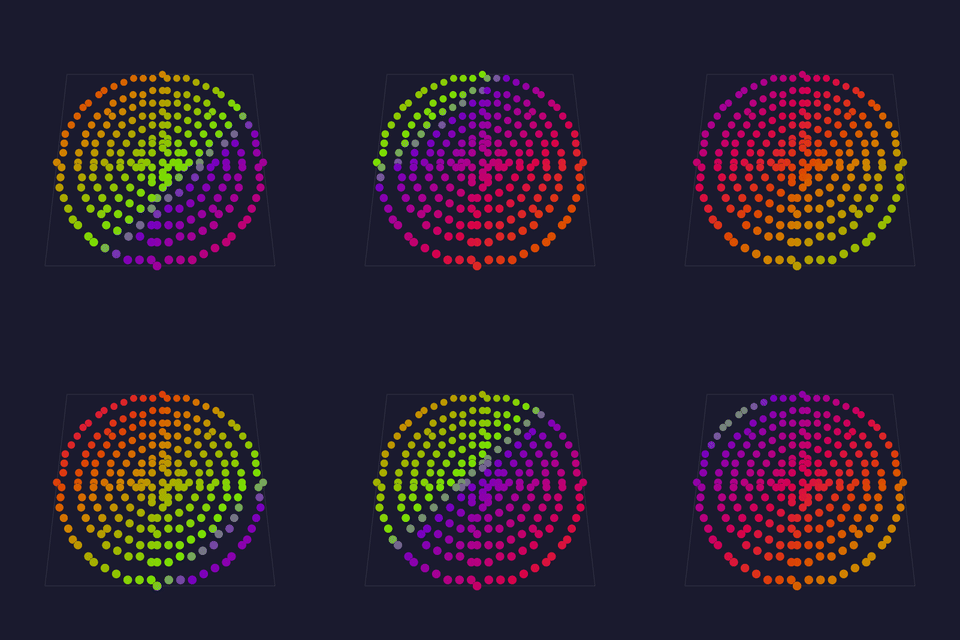 The classic 241-LED concentric-ring disc: nested rings of 1, 8, 12, 16, 24, 32, 40, 48, 60 LEDs sharing a center. |
scale — overall radius scale (1–10).outside in — light 0 on the outer ring, wired inward rather than outward.angleFirst — where light 0 of each ring sits, in degrees.Tests: none yet API: reference Details: none yet |
Single Column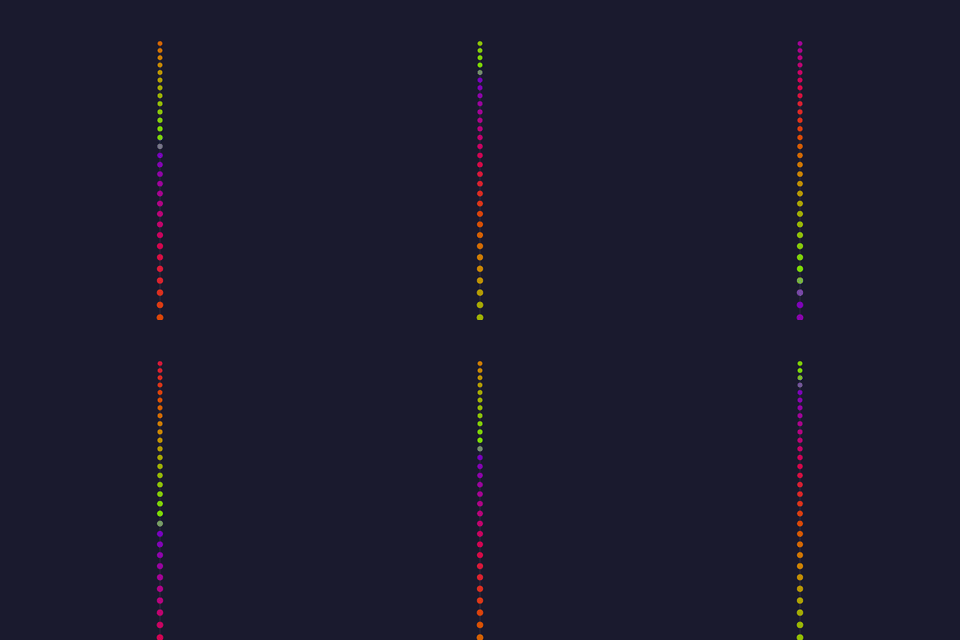 A vertical line of LEDs at a fixed X — the 1D column primitive. |
starting Y — the column's start row.height — LEDs in the column (1–1000).X position — the column's x.reversed order — wire top-to-bottom instead of bottom-to-top.Tests: none yet API: reference Details: none yet |
Single Row A horizontal line of LEDs at a fixed Y — the 1D row primitive. |
starting X — the row's start column.width — LEDs in the row (1–1000).Y position — the row's y.reversed order — wire right-to-left instead of left-to-right.Tests: none yet API: reference Details: none yet |
Spiral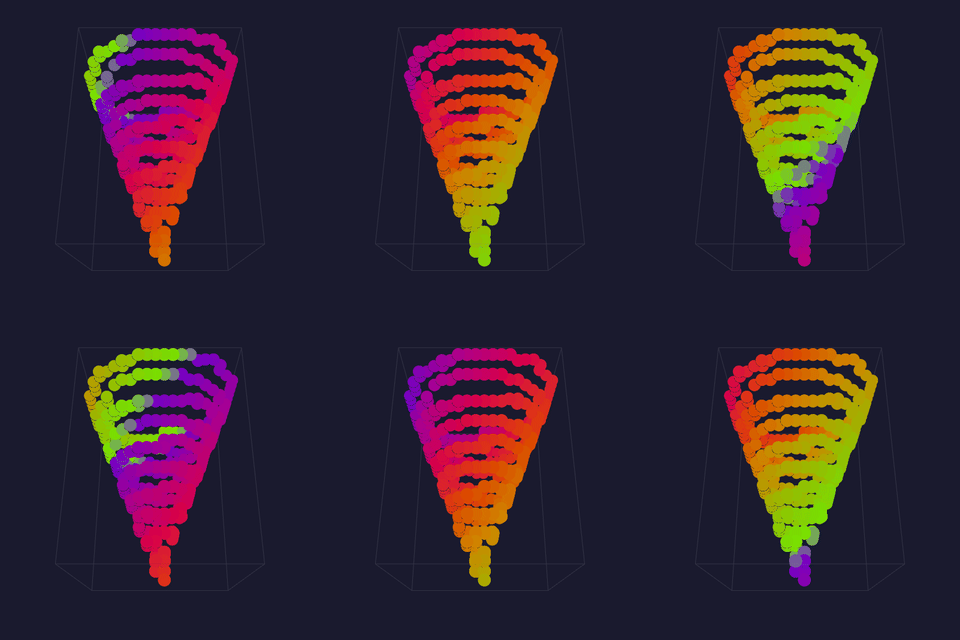 A conical spiral: ledCount LEDs winding up a cone from bottomRadius to a point over height. |
ledCount — LEDs along the spiral (1–2048).bottomRadius — radius at the base.height — spiral height.Tests: none yet API: reference Details: none yet |
Toronto Bar Gourds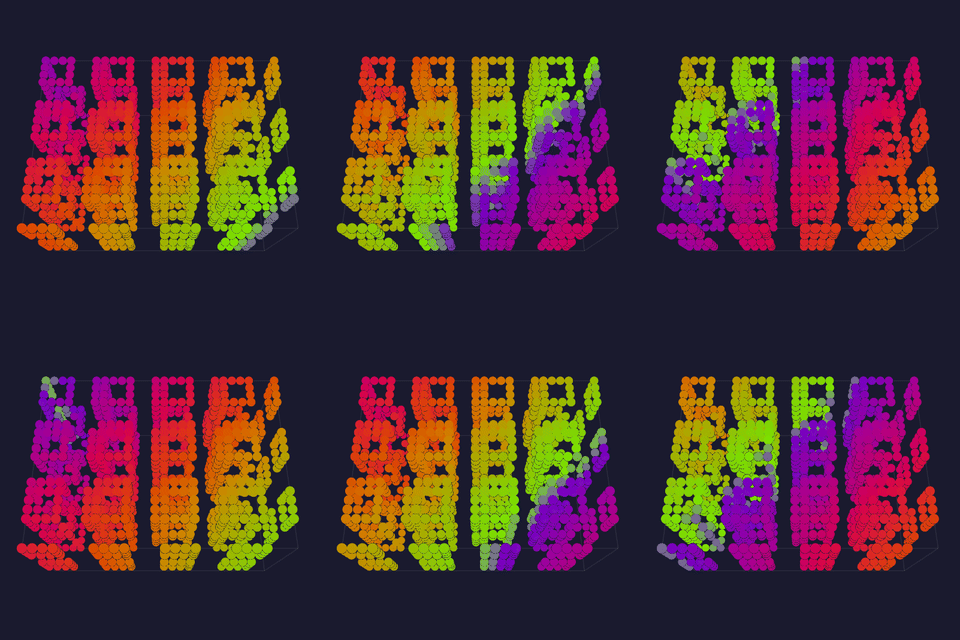 Maps a set of decorative "gourd" objects (a specific bar installation), each rendered at one of three granularities — one light per gourd, per side, or per LED. |
granularity — one light per gourd, per side, or per LED.nrOfLightsPerGourd — LEDs per gourd in the coarsest mode (1–128).Tests: none yet API: reference Details: none yet |
Tubes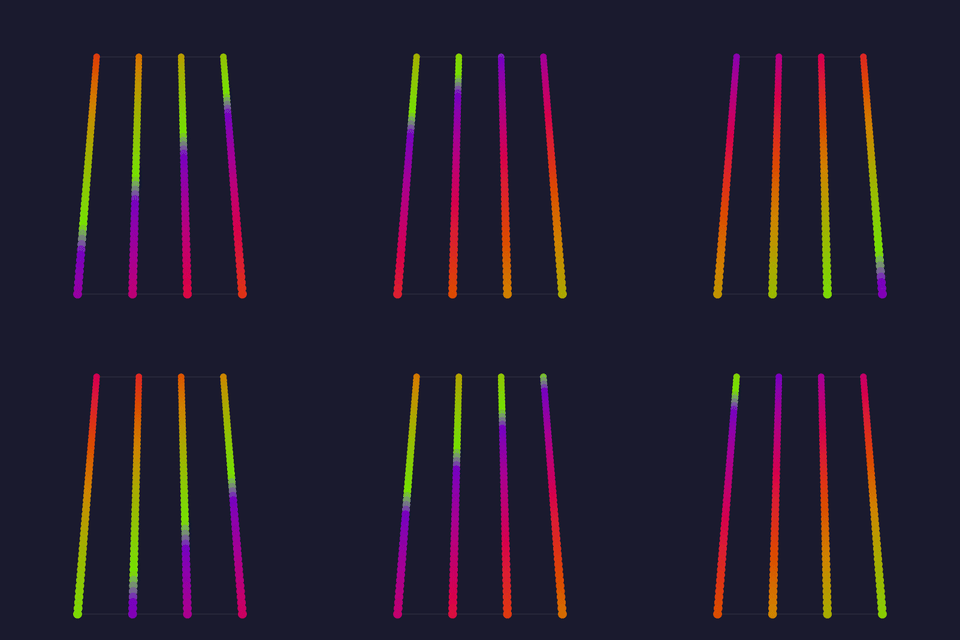 Parallel vertical tubes: nrOfTubes columns of ledsPerTube LEDs, spaced tubeDistance apart. |
nrOfTubes — number of tubes (1–64).ledsPerTube — LEDs per tube (1–255).tubeDistance — spacing between tubes.reversed — reverse the wiring order.Tests: none yet API: reference Details: none yet |
MoonLight-native layouts
| Module | Details |
|---|---|
MoonLive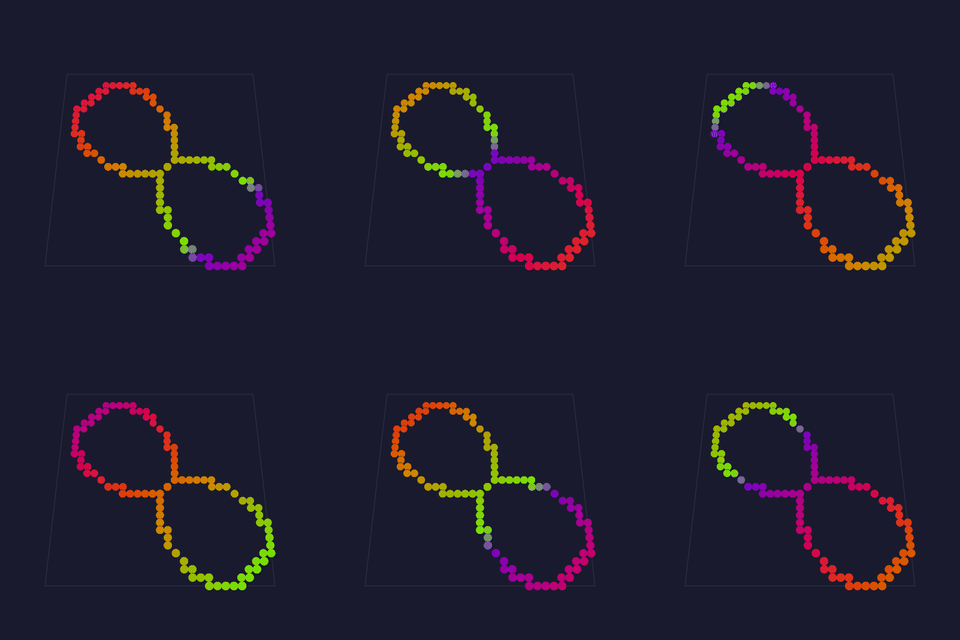 Where the lights physically are, written as text on the running device. A layout is the one part of the pipeline that differs for every build: a ring, a spiral staircase, a costume sewn last night. A script means the person who hung the lights describes where they went, and sees it immediately. The language is MoonLive. |
script — which .mll file runs, picked from the library and edited here.Everything the script declares appears as a real control.Tests: MoonLive API: reference · how the count is known Details: MoonLive, details |
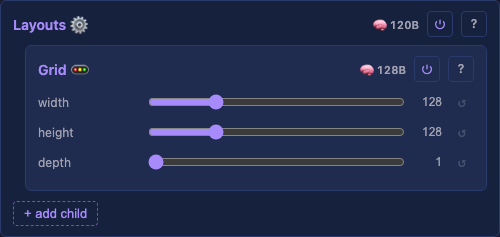
Grid A dense 3D grid, row-major (x fastest, then y, then z); every position maps to a light. |
width / height / depth — lights per axis (to 3840, 2160 and 512).serpentine — every other row runs in reverse, matching a snaked strip.Tests: Grid API: reference Details: none yet |
GridBlacks A Grid with mid-strand dark columns, held black in every row, for a sealed panel that must stay dark down a strip or a slat wall. A dark column is still a wire position the driver clocks, so data flows through the unlit LEDs to the lit columns beyond. The lit columns keep their true positions, so an effect maps straight across the gap. |
width / height / depth — grid extent on each axis in lights (1–512).serpentine — boustrophedon-wire alternate rows.blackCount — how many dark columns; 0 renders exactly like a Grid.blackStart — first dark column (shown only once blackCount is set).Tests: GridBlacks API: reference Details: none yet |
Sphere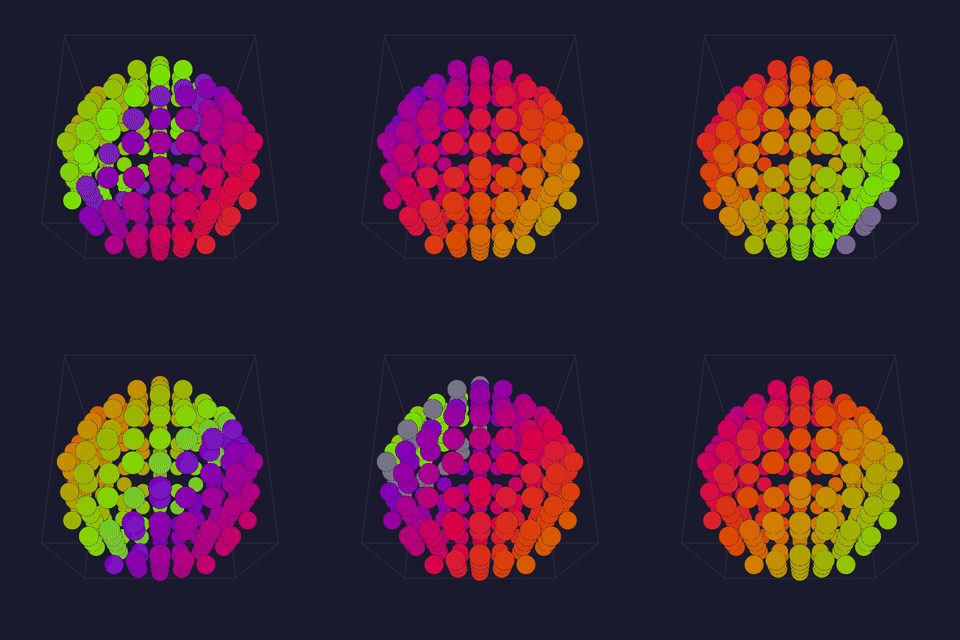 Lights on the surface of a hollow sphere — a one-light-thick shell inside a (2·radius+1)³ box, no interior lights. |
radius — the shell's radius in light-units (1–64).Tests: Sphere API: reference Details: none yet |
Wheel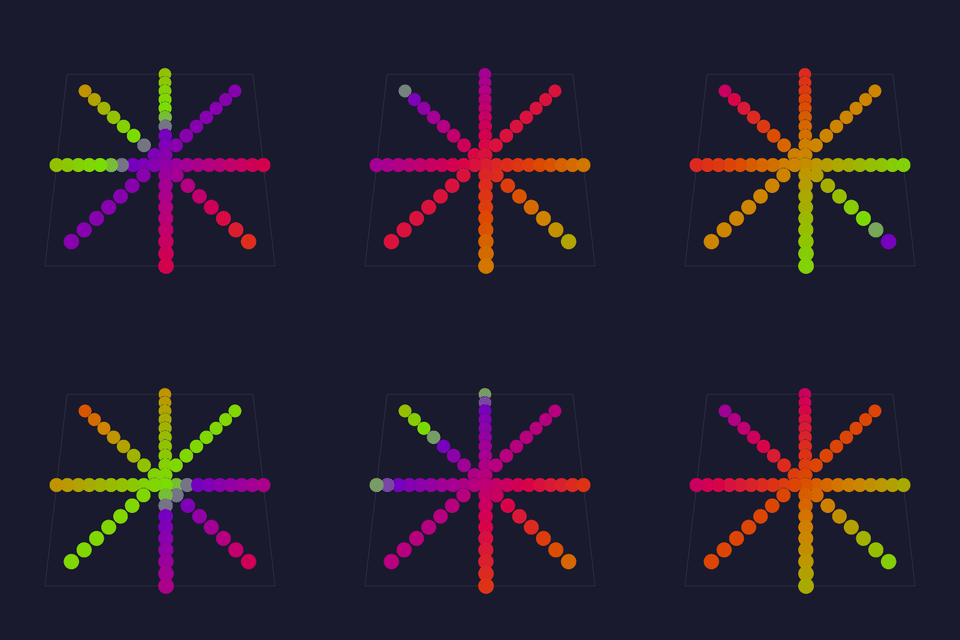 A bicycle-wheel: spokes straight rows radiate from a center hub, each carrying ledsPerSpoke LEDs spaced one unit apart outward. The Layouts container itself takes no controls — see its page for coordinate iteration, reordering, and rebuild propagation. |
spokes — number of spokes radiating from the hub (2–64).ledsPerSpoke — LEDs along each spoke, one unit apart.Tests: Wheel API: reference Details: none yet |
MoonLive, details
How the light count is known
A layout answers how many lights before it produces a single coordinate, because the Layer sizes its buffer from that number and only then asks where each light is. A script cannot be asked how many without running it.
So it runs twice. The first pass counts what addLight places, and the second emits each position. Same script and same arithmetic, so a deterministic script agrees with itself, which is what the compiled layouts do for the same reason.
Nothing is stored between the passes. Staging 16,384 coordinates costs 48 KB, which a classic ESP32 driving that many lights does not have spare. Running the script again is cheaper than remembering what it said.
A script calling random16 breaks that determinism. The passes disagree on the count when a random value decides a loop bound, while a random coordinate keeps the count right and places the lights elsewhere on the second pass.
What a layout script is given
addLight(x, y, z) places the next light along the strand. There is no index, because the order the script calls it in is the strand order.
t is the one system variable a layout reads, and it is always 0: the script runs twice per rebuild and must agree with itself. width, height and depth read 0, since a layout is upstream of the grid it defines.
A script names its own size controls, such as cols and rows. The pipeline derives the bounding box from the coordinates actually placed, so a size passed in from outside would be a second answer that could disagree with the first.