Getting started
This documentation follows the latest pre-release; a tagged release may lack what is described here.
How it works for you
-
Every device, one show
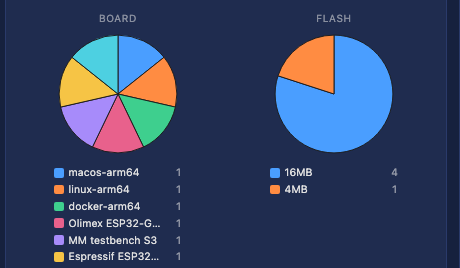
ESP32, Teensy, Windows, Linux, macOS and containers run the same interface, and several play together as one installation.
-
Everything works the same way
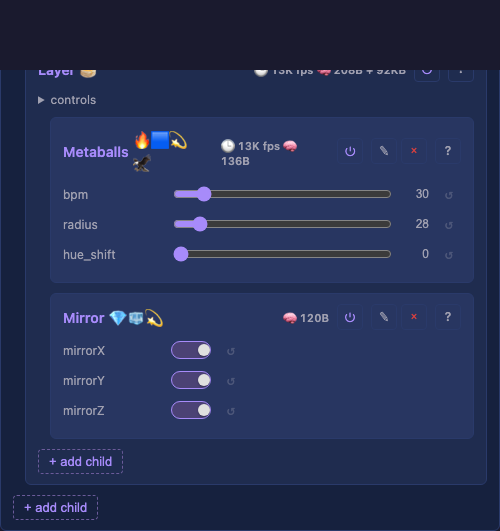
Every effect, layout, driver and service is a card with the same buttons and controls, so once you know one, you know them all.
-
Help where you need it
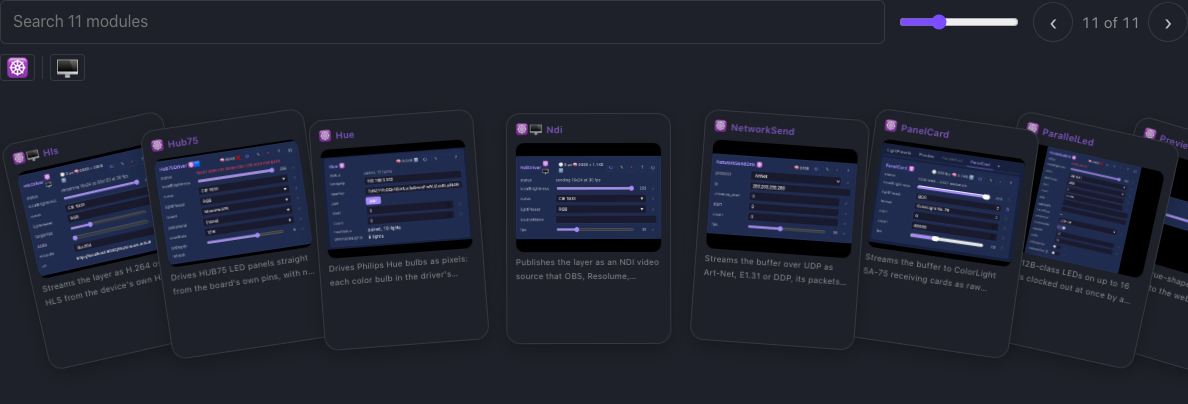
Every control has a help line under it in the interface, the same text as the Effects, Layouts, Modifiers and Drivers pages, so the help always matches your firmware.
-
The steps are on the device
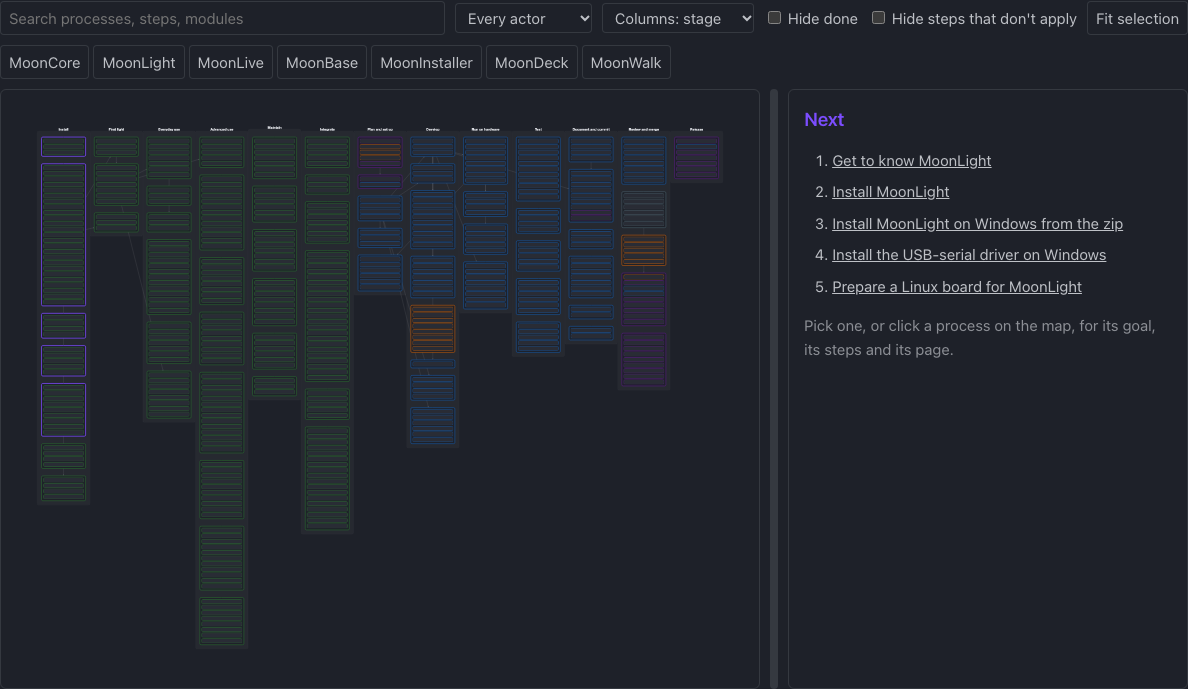
MoonWalk shows what to do next, from a first install to a multi-device show, and marks each step your device has already done.
-
Every change is live
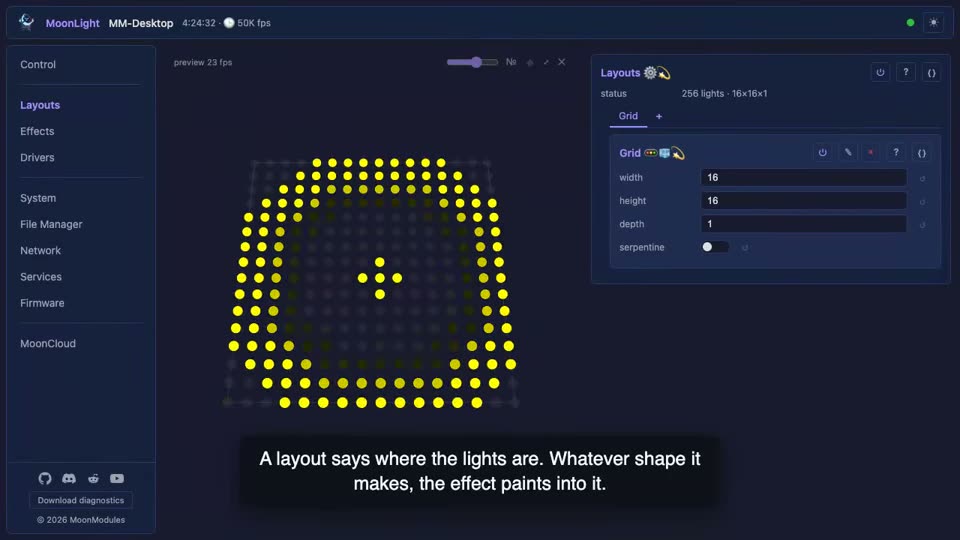
Every setting applies on the next frame, with no reboot. Add, remove or rearrange anything while the lights run, in any order and at any size: the device degrades rather than crashes.
-
Every behavior tested
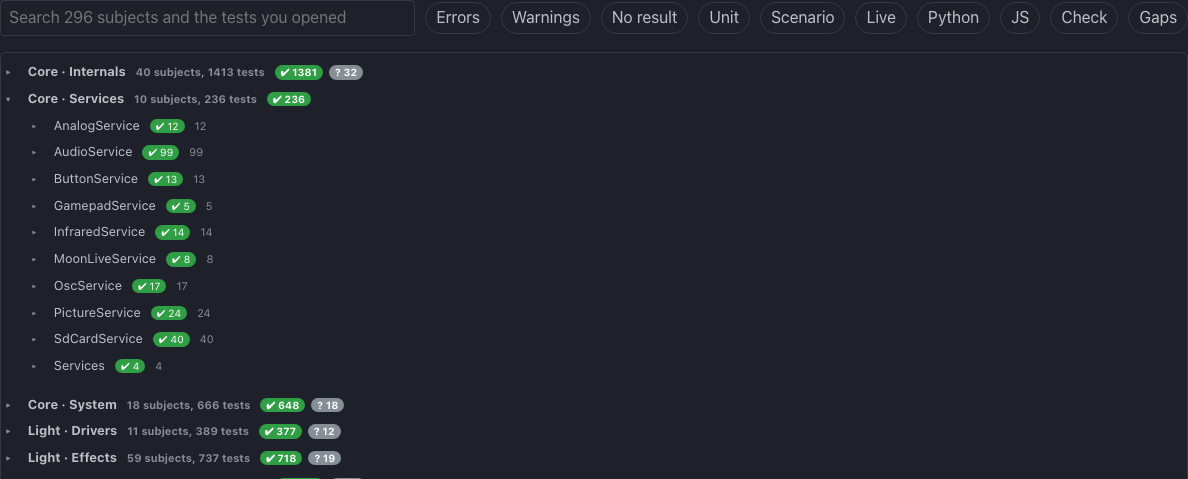
Every behavior has a test, and every crash found becomes one. Where a scenario proves a control, the control's help links it.
-
Private by default
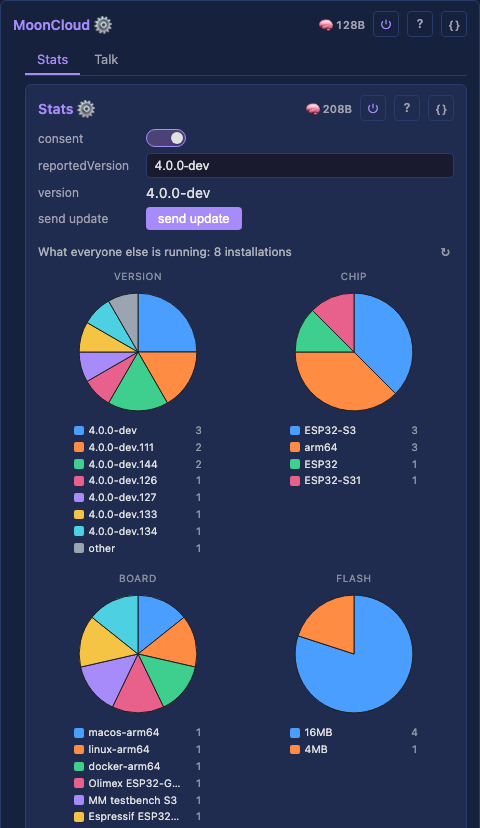
MoonLight sends nothing to us unless you switch it on, and asks first. An update check or a download goes to GitHub, never to a server of ours.
-
Credit where it is due
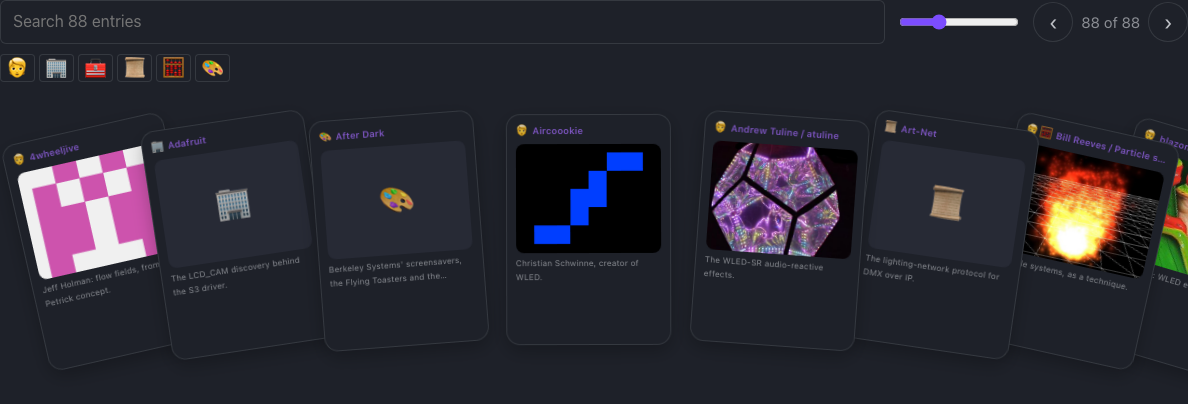
Every effect and idea we learned from someone is credited by name, with what they inspired.
Three ways in
Whichever you have at hand: a board, a laptop, or the source.
An ESP32, from your browser
Open the web installer in Chrome or Edge, plug in your device, and follow it. It picks your device, flashes the matching firmware and hands the device your WiFi credentials over USB, with no toolchain and no recompile.
Install MoonLight walks you from a blank board to a running device, and Show an effect on your lights from there to your first light show.
A laptop: the desktop build
Download your build from the releases page, then open http://localhost:8080/. It runs the same interface and effect pipeline on macOS, Windows and Linux, driving fixtures over Art-Net, DDP or E1.31. Install MoonLight goes through it for macOS, Windows, Linux and Docker, with screenshots.
From source
You need uv, CMake 3.20+ and a C++20 compiler, plus ESP-IDF v6.x for ESP32. Then launch MoonDeck, the developer console:
Open http://localhost:8420 to build, run, test, flash and discover devices. Every target, step by step: the build processes.
The introduction
Why MoonLight was rebuilt, who wrote it, and the principles it kept.
A tour of this website, tab by tab: what each part holds and who it is for.
The whole series, all seventeen clips in one chaptered video, is on YouTube: MoonLight v6.0.0, the full tour.
How we build it
For developers: every change travels the same road, from a decision to a release.
flowchart TB
    subgraph build [" "]
        direction LR
        PO["Product owner<br/>decides what to build"] --> MW["MoonWalk<br/>the process to follow"] --> AG["Agents<br/>write code and docs"] --> MM["MoonModules<br/>one building block"]
    end
    subgraph ship [" "]
        direction LR
        T["Tests and checks<br/>pin every behavior"] --> R["Product owner<br/>reviews, tests on hardware"]
        D["Docs from the code<br/>catalogs and help"] --> R
        R --> REL["Release"]
    end
build --> ship-
Six principles
Minimalism, textbook solutions, architecture first, guardrails, continuous improvement and robustness bind every change.
-
One building block
Every module is a MoonModule with one lifecycle and the controls it declares, on a domain-neutral core, from one source tree for every platform.
-
Docs from the code
The catalog pages and the device's help are generated from the module headers.
-
Agents write, the product owner thinks
AI agents write the code and the docs; the product owner decides what to build, reviews every line, tests on hardware and controls every release.
-
Our own code
No third-party libraries: we study others' work and write our own against our architecture.
-
One console, every task
MoonDeck builds, flashes, tests and measures on every target, and every commit records flash, memory and frame rate.