Getting started
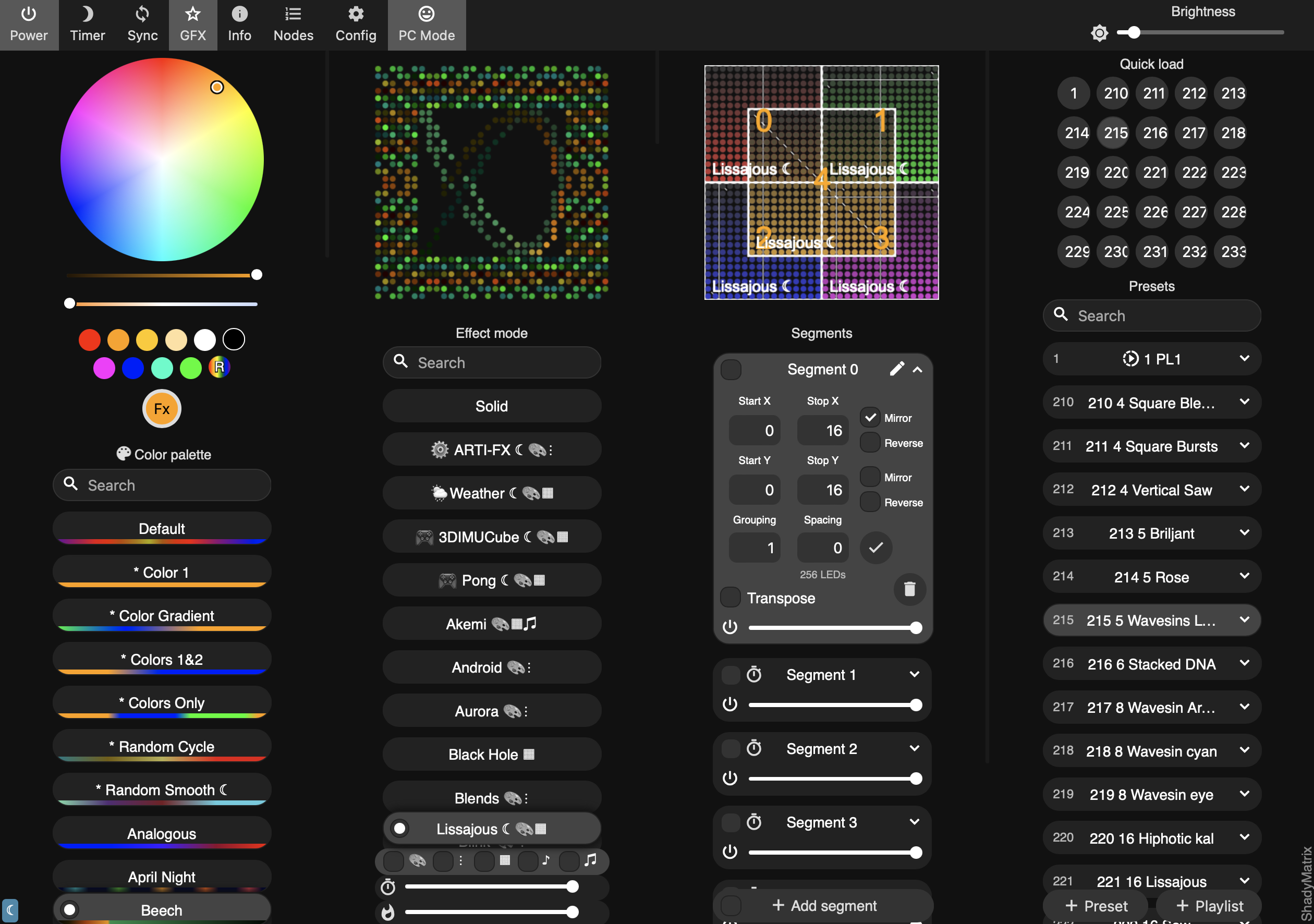
Choose the product that matches your setup. The What to use table helps if you are unsure.
You need Chrome or Edge for web-based flashing. Safari is not supported.
WLED-MM
Difficulty: Beginner, no programming required
Cost: ~€20–35 (ESP32 board + LED strip)
Time: 30–60 minutes to first lights
WLED-MM is the easiest starting point. It uses the standard WLED installer and is well documented.
What you need: An ESP32 board, a WS2812B-compatible LED strip, a USB cable that carries data (not charge-only), and a WiFi network.
- Wire your LED strip to the ESP32. The default data pin is GPIO16. Connect grounds together.
- Open the WLED web installer in Chrome or Edge. Select your board, click Install.
- After flashing, connect to the
WLED-APaccess point (password:wled1234). Open4.3.2.1in your browser. - Go to Config → Wifi Setup, enter your network credentials, and save. The device will reboot onto your network.
- For WLED-MM specific features, download the latest
.binfrom GitHub releases and flash with the ESP flasher by srg74.
Documentation: mm.kno.wled.ge · Power calculator
MoonLight
Difficulty: Beginner to intermediate, no programming required for basic setups
Cost: ~€35–80 (ESP32-S3 board + LEDs; moving heads extra)
Time: 1–2 hours to first lights
MoonLight has its own web installer and supports more complex setups (multiple outputs, DMX, moving heads).
What you need: An ESP32-S3 or ESP32-P4 board (the QuinLED Dig-Next-2 is the simplest plug-and-play option), a USB data cable, Chrome or Edge.
- Open the MoonLight installer in Chrome or Edge.
- Select your board from the table, tick Erase on first install, and click Connect. Follow the on-screen steps. Some boards require bootloader mode: hold Boot, press Reset, release Boot.
- After flashing, connect to the
ML-xxxxWiFi access point. Openhttp://4.3.2.1in your browser. - Enter your home WiFi credentials and hostname, then restart the device.
- Select your IO board preset, create a LED layout, add a driver and an effect, and press Save.
Documentation: moonmodules.org/MoonLight
FastLED-MM
Difficulty: Developer, C++ coding required
Cost: ~€10–20 (any ESP32 board)
Time: Varies; assumes existing FastLED familiarity
FastLED-MM is aimed at developers already familiar with FastLED who want to add a web UI and REST API without writing a server layer.
What you need: An ESP32 board, PlatformIO or Arduino IDE, basic familiarity with FastLED.
- Clone or download FastLED-MM from GitHub.
- Open the project in PlatformIO. Edit
main.cppto set your LED pin, width, and height. - Flash to your ESP32.
- Connect to the
FMML-xxxxaccess point. A browser control panel with live preview is immediately available at4.3.2.1.
Documentation: GitHub README
projectMM
Difficulty: Advanced developer, platform/firmware development
Cost: ~€10–20 (any ESP32 board; also runs on Raspberry Pi and PC)
Time: Open-ended; this is a development platform
projectMM is for developers who want to build on the MoonModules runtime directly, writing their own modules or extending the platform. It will get an installer for end-users in the future
- Read the why projectMM page first to understand the design intent.
- Follow the getting started guide in the projectMM documentation.
Documentation: ewowi.github.io/projectMM
Still stuck?
Join the Discord server. Most questions are answered within hours.