Contributing
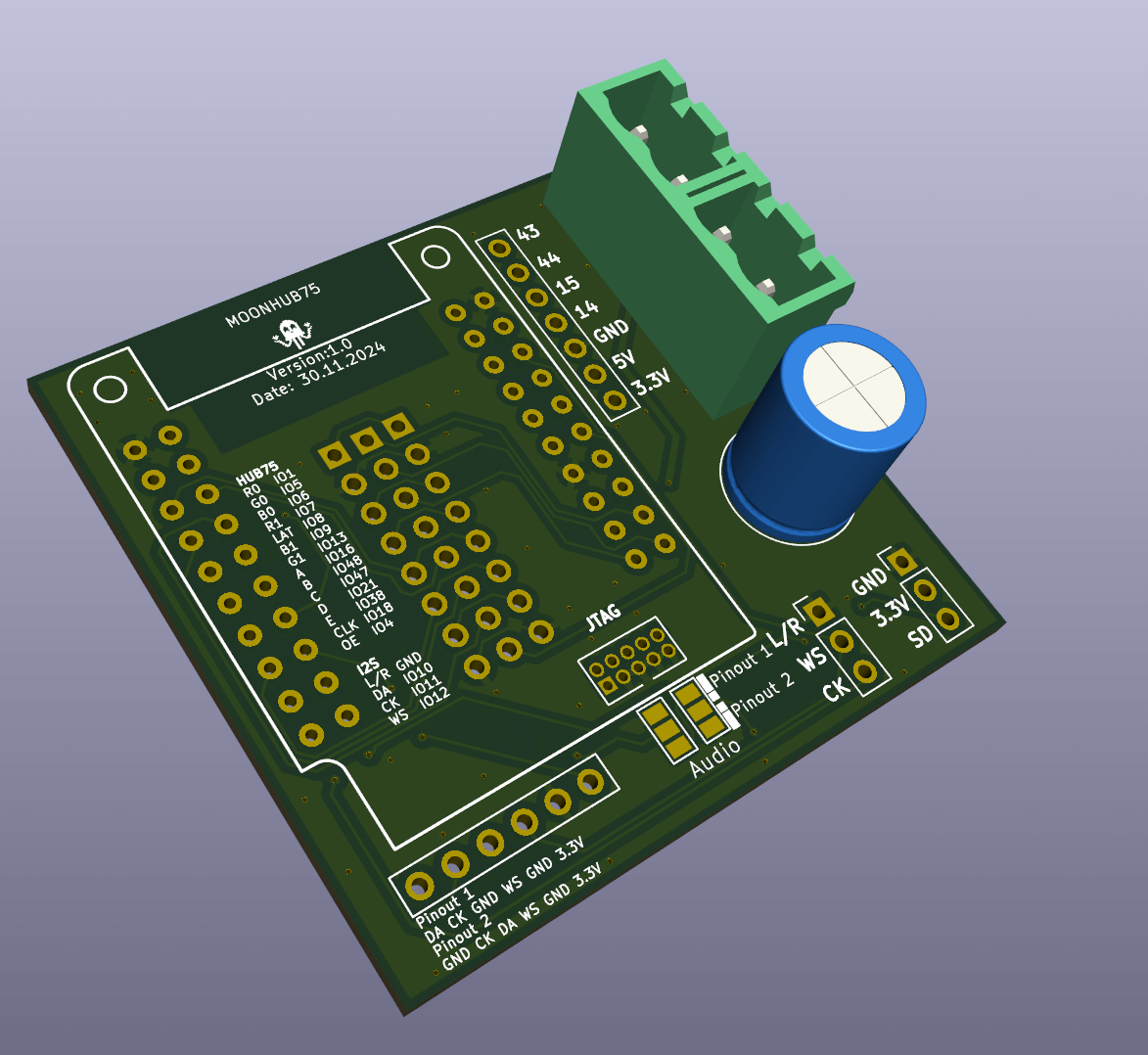
Anyone can suggest changes to this site. All content lives in the GitHub repository and is edited via pull requests.
Editing an existing page
Every page has a pencil icon in the top right corner. Clicking it opens the file directly in GitHub. Make your changes, write a short description, and propose a pull request. A maintainer will review and merge it.
Adding a new page
- Add a Markdown file to the relevant folder under
docs/ - Add an entry for it in
mkdocs.ymlundernav: - Submit a pull request
Adding a new post (when the blog is active)
The blog is not yet active. When it is, instructions will be added here.
Updating the Instagram feed
The Reddit and YouTube feeds update automatically every night via GitHub Actions. Instagram does not have a public API, so the feed is updated manually by a maintainer.
One-time setup: log in with instaloader (stores a session file locally):
.venv/bin/instaloader --login ewoudwijma
Enter your Instagram password and 2FA code when prompted.
To refresh the feed:
.venv/bin/python scripts/fetch_instagram.py
This writes docs/assets/instagram-feed.json with the 3 most recent posts from each contributor account. Commit the file to publish the update.
The nightly CI also runs the script but will produce an empty feed (no session file in CI). That is expected and harmless.
Style guide
Language
- Write in plain English. Assume the reader is intelligent but not a WLED or ESP32 expert.
- Use European spelling: colour, favourite, grey, recognise, centre.
- Write in the third person for documentation. Use "you" only in direct instructions.
- Keep sentences short. One idea per sentence.
What to avoid
- No TLDR sections. If a page needs a summary, shorten the page.
- No AI-sounding phrases: avoid "dive into", "leverage", "seamlessly", "robust", "comprehensive", "unlock".
- No hyphens for stylistic effect: write "easy to use" not "easy-to-use".
- No excessive emoji. Emoji in headings or navigation are not used on this site.
- No excessive bullet lists. Three or more bullet points that each deserve a sentence should be rewritten as a short paragraph.
Headings
- Describe the content, not the action: "Installation" not "How to install it step by step".
- Use sentence case: "Getting started" not "Getting Started".
- No emoji in headings.
Links
- Use descriptive link text: "read the MoonHub75 guide" not "click here".
- External links open in the same tab unless there is a specific reason not to.
Images
- Compress images to under 200 KB before uploading. Use TinyPNG or Kraken.
- Set an explicit width in pixels so the layout does not break on different screen sizes.
- Images can be stored in the GitHub repository (drag and drop while editing) or in external cloud storage.
Visual style
Colours
The site uses Material for MkDocs with a teal primary and amber accent, dark mode by default. The header uses a custom dark gradient with an amber accent line, consistent across both schemes.
| Role | Value |
|---|---|
| Primary | Teal (Material teal) |
| Accent | Amber (Material amber) |
| Header background | Dark teal gradient: #0a1f1a to #0d3028 |
| Header accent line | Amber: #ffab40 |
| Dark scheme | Slate (near-black background) |
| Light scheme | White background |
Do not introduce additional colours in content. If you need to highlight something, use the built-in admonition types (note, warning, tip) rather than custom colours.
Typography
| Role | Font |
|---|---|
| Headings (h1–h4) | Space Grotesk, 600 weight |
| Body text | Roboto |
| Code | Roboto Mono |
Do not override fonts in content via inline HTML or custom CSS.
Logo
The MoonModules mascot is the moon character in a hoodie. It lives at docs/assets/moonmodules-logo.png.
- Minimum display size: 32 × 32 px
- Do not stretch or recolour it
- Do not place it on a coloured background in content. Use it on neutral or transparent surfaces.
- An SVG version is on the backlog; for now use the PNG
Admonitions
Use admonitions to draw attention to specific information. Three types are used on this site:
note: neutral information, used on archive pages to show future homewarning: used on archive pages to flag outdated contenttip: for genuinely useful shortcuts or non-obvious advice in instructions