Effects module
Overview
The Effects module defines Effects and Modifiers. They run in a layer.
- Effect 🔥: An animation running in a layer, see below for an overview of effects. Effects can run in 1D, 2D or 3D coordinate spaces.
- Modifier 💎: An effect on an effect e.g. mirror, multiply or rotate. See Modifiers
- Layer: An area on a (LED) display. Effects and modifiers run in this area. Each layer has its own pixel buffer and maps a coordinate space to the display.
3D
MoonLight is built from the ground up to support 3D. First there were LED strips, later LED matrices and now also 3D shapes like spheres or cubes, making it suitable for art-installations. 1D and 2D objects can be seen as 3D objects where some dimensions have a width of 1. Most effects are 1D or 2D, they will slowly be adapted to support also 3D. Modifiers can be used to project 1D on 2D or 2D on 3D layouts.
Layers
Up to 16 independent layers can run simultaneously. Each layer:
- Has its own isolated pixel buffer — effects on one layer never interfere with another.
- Composites additively into the display: colour channels (R, G, B, W) saturate at 255, so two layers at full brightness sum together. Two layers each at half brightness (128) cross-fade naturally.
- Has its own Start / End bounds (as % of the full fixture) to restrict it to a section of the display. Non-overlapping layers each cover their own segment; overlapping layers blend additively.
- Has its own Brightness (0–255).
- Fades in automatically (500 ms) when created.
- Is destroyed automatically when its last node is removed.
Control channels (pan, tilt, zoom for moving heads) are not additive — the last layer wins.
Controls
-
Layer: Select which layer to configure. Adding the first node to a new layer slot creates that layer.
- Start / End: bounds as % of the fixture on each axis (X, Y, Z). Default 0–100% = full fixture.
- Brightness: per-layer output brightness (0–255).
-
Nodes: list of Effects and Modifiers for the selected layer.
- Nodes can be added (+), deleted (🗑️), edited (✎) or reordered (drag and drop). Press save (💾) to persist changes across restarts or to save as a preset (see Light Control).
- Reorder defines execution order:
- Effects: determines which effect draws on top.
- Modifiers: order matters — e.g. Circle then Multiply gives a different result than Multiply then Circle.
- Each node can be switched on/off and has its own controls (e.g. speed, palette).
- See below for a list of existing Effects and Modifiers.
Effect 🔥 Nodes
Below is a list of built-in effects in MoonLight. Want to add an effect to MoonLight, see develop.
You can also create custom effects and modifiers as Live Scripts — .sc files that are compiled and run directly on the ESP32. Any .sc file on the filesystem can be selected as an effect node. See Live Scripts for how to write and run them.
MoonLight effects
These effects have first been created in MoonLight:
| Name | Preview | Controls | Remarks |
|---|---|---|---|
| Solid |  |
Can be used as background to other effects when ordered before other effects | |
| Lines | 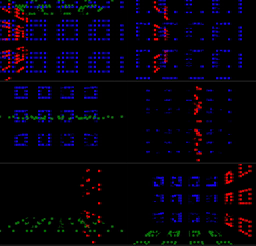 |
To test a layout, Red = x, Green = y, Blue = z | |
| Frequency Saws ♫ | |||
| Moon Man | No controls | only on devices supporting M5 library, e.g. AtomS3R | |
| Particles 🧊 | Supports gyro, see IMU driver | ||
| Rainbow | |||
| Random | |||
| Ripples 🧊 | |||
| Rubik's Cube 🧊 | |||
| Scrolling Text | Preset: Auto, IP (.ddd), FPS (ddds), Time (HHMM), Uptime (s/m/h), Status (AP/STA), Clients (dC), Connected (dCC), Active (dAC) | ||
| Sinus | |||
| Sphere Move 🧊 | |||
| StarField | |||
| Praxis | |||
| Wave | Type: Saw, Triangle, Sinus, Square, Sin3, Noise | ||
| Fixed Rectangle | To test a layout | ||
| Star Sky | 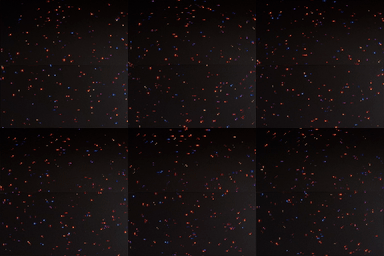 |
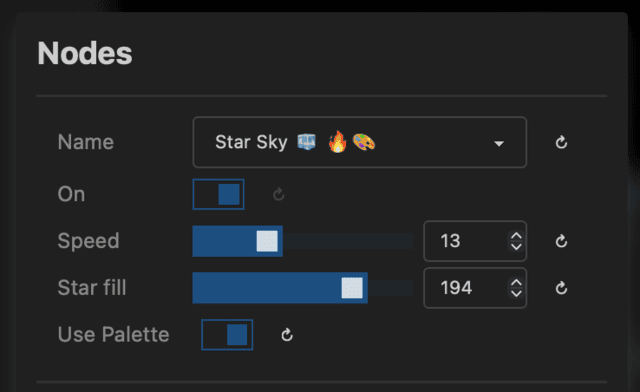 |
tip: add the rotate modifier |
MoonModules effects
The following effects are created by the MoonModules team, mostly first in WLED-MM and enhanced in MoonLight:
| Name | Preview | Controls | Remarks |
|---|---|---|---|
| GEQ 3D ♫ | 2D effect | ||
| PaintBrush ♫ 🧊 | The bass drives the timebase, pushing the 4 sine waves (x1,y1,z1,x2,y2,z2) "into the future" by adjusting their timebase by the amount of the lowest bass. Phrase chaos adds a random number into the phase offset. Color chaos wraps thru the colors whereas without it, it's picking a color based on the bar. |
||
| Game Of Life 🧊 | 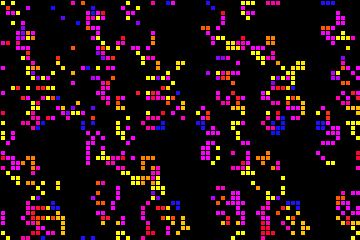 |
WLED effects
The following effects originated from WLED, most have been enhanced in WLED-MM and further enhanced in MoonLight:
| Name | Preview | Controls | Remarks |
|---|---|---|---|
| Blackhole | 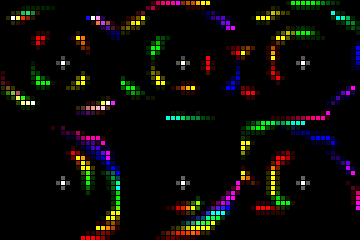 |
||
| Bouncing Balls |  |
||
| Blurz ♫ |  |
||
| Distortion Waves | 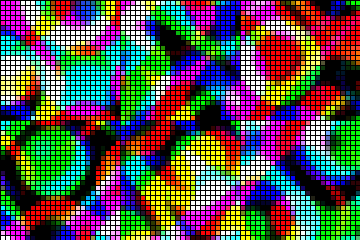 |
||
| Frequency Matrix ♪ |  |
Not really a matrix ... | |
| GEQ ♫ | 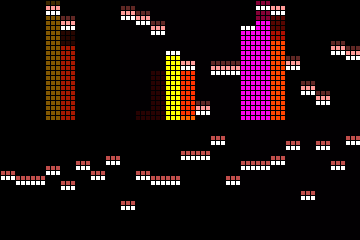 |
||
| Lissajous | 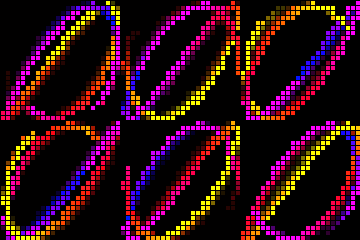 |
||
| Noise 2D | 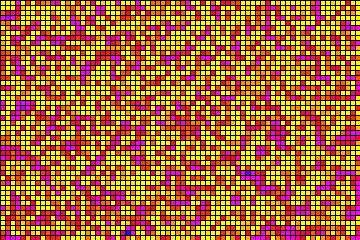 |
||
| Noise Meter ♪ |  |
||
| PopCorn ♪ |  |
||
| Waverly ♪ | 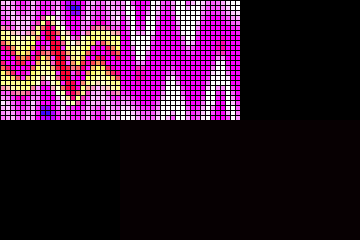 |
Moving head effects
The following effects are created in MoonLight, supporting driving Moving Heads over Art-Net:
Select Moving heads in light presets, see Light presets
| Name | Preview | Controls | Remarks |
|---|---|---|---|
| Troy1 Color ♫ | |||
| Troy1 Move ♫ | |||
| Troy2 Color ♫ | |||
| Troy2 Move ♫ | |||
| FreqColors ♫ | |||
| Wowi Move ♫ | |||
| Ambient Move ♫ |