MoonLight Overview
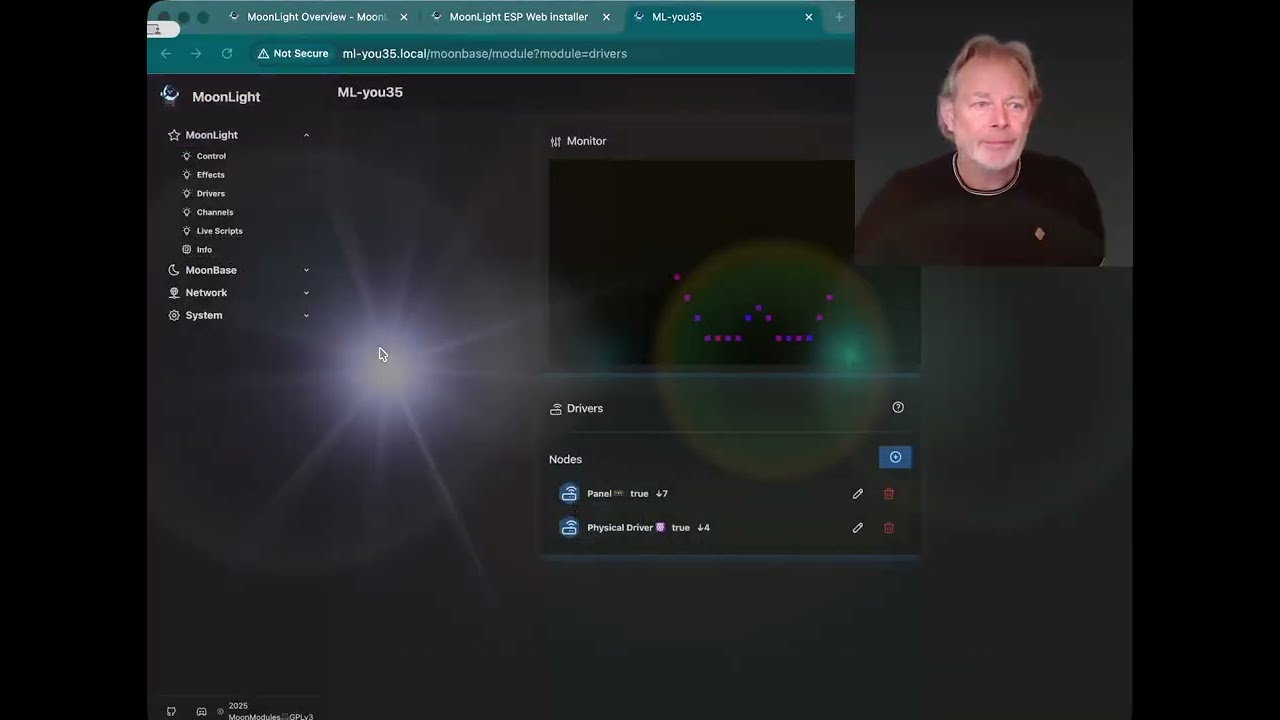
▶️ Watch the functional overview
MoonLight is open-source software that lets you control a wide range of DMX and LED lights using ESP32 microcontrollers — for home use, art installations, and professional stages.
What's inside MoonLight
MoonLight is organised into modules, each covering a specific area of functionality:
| Module | What it does |
|---|---|
| Lights Control | Global brightness, colour, presets and external control (DMX, IR, Home Assistant) |
| Effects | Visual effects and modifiers that run on virtual layers |
| Drivers | Layouts and drivers that send data to physical lights |
| Channels | Live monitor of the raw channel data going to your lights |
| Live Scripts | Write and run custom effects directly on the device |
| MoonLight Info | Firmware build info and system diagnostics |
About MoonModules
MoonLight is created by MoonModules — a collective of light artists, hardware and software developers who love building DIY lighting solutions based on ESP32. You can find our work on GitHub and reach us on Discord.
We develop our products for a large community of light enthusiasts and show them at art exhibitions, in venues, and at festivals. See also about MoonModules.
We started creating WLED-MM, a fork of WLED focused on driving more LEDs, supporting new platforms (e.g. ESP32-P4), and better audio. As most of the MoonModules team are also core WLED developers, WLED-MM functionality is gradually moving back into WLED.
Starting in 2023 we began building MoonLight — a modern alternative to WLED with a reactive UI, 1D/2D/3D layout support, live scripts and flexible LED drivers.
Why build MoonLight when WLED already exists?
| Pain point | How MoonLight addresses it |
|---|---|
| Complex UI — two separate UI systems, hard to extend | Single reactive SvelteKit UI, fully generic module rendering |
| ESP8266 legacy — constrains the codebase | ESP32-only, no legacy baggage |
| Outdated libraries — ArduinoJson, FastLED, ESP-IDF | Philosophy: keep dependencies up to date |
| 1D/2D effects only — lots of hardcoding | 3D at the core; effects don't know fixture size |
| Strip/panel mapping — no 3D, hacks for rings/hexagons | Inverse mapping: just define LED coordinates |
| Accumulated tech debt — hard to maintain audio-reactive | Clean architecture with Node-based isolation |
| Too large to change — deep architectural changes are nearly impossible | Built from scratch with extensibility in mind |
What I love most about WLED and wanted to keep: UserMods ❤️ — small, isolated, opt-in code pieces each with their own UI. That idea evolved into MoonLight's Nodes class: self-contained objects that initialise, run, expose controls, and clean up after themselves.
Project status
MoonLight v1.0.0 is the last release of this codebase. Active development is shifting to ProjectMM, but MoonLight remains in production for large LED, DMX and Art-Net setups, and PRs are still welcome.
See v1.0.0 and Beyond for the rationale, what's been done, and how to contribute.
Emoji key
Effects, Modifiers, Layouts and Drivers use emojis to show their capabilities at a glance:
| Emoji | Meaning |
|---|---|
| 🔥 | Effect |
| 🐙 | WLED origin |
| 💫 | MoonLight origin |
| ⚡️ | FastLED origin |
| 🚨 | Moving head — colour effect |
| 🗼 | Moving head — move effect |
| 💎 | Modifier |
| 🚥 | Layout |
| ☸️ | Driver |
| ♫ | Audio-reactive (FFT-based) |
| ♪ | Audio-reactive (volume-based) |
| 💡 | Supports 0D and up |
| 📏 | Supports 1D and up |
| 🟦 | Supports 2D and up |
| 🧊 | Supports 3D |
Reporting issues
Found a bug or want to request a feature?
Checklist
- Search existing issues first — your issue may already be reported
- For bugs, include the module API output (see below)
- For feature requests, describe the use case
Bug report template
See A github issue for an example.
1. Describe the problem
Steps to reproduce:
1. ...
2. ...

Expected behavior:
[What should happen]

Actual behavior:
[What happens instead]
2. Attach module API outputs
The API output is a JSON snapshot of your device state — ⚠️ this is the most useful diagnostic data!
Get the API output:
- Open the affected module in the MoonLight UI (e.g. Effects, Drivers)
- Click the API icon (↔) at the bottom-right of the module card
- Copy the entire JSON, paste it in your issue in a code block
Include the following API output:
- Always: System status
- If lights related: MoonLight Info
- If pins related: Board preset
- If drivers related: Drivers
-
Affected module, e.g.:
use ```text to have all the output on one line to avoid very long issue texts like this:
API output:
- System status
```text
{"esp_platform":"ESP32-S3","firmware_version":"10.0.1","firmware_date":"20260406","firmware_target":"esp32-s3-n8r8v","platform_version":"pioarduino-55.03.37","ma...}
```
- MoonLight info
```text
{"nrOfLights":256,"channelsPerLight":3,"nrOfChannels":768,"size":{"x":16,"y":16,"z":1},"nodes#":2,"layers":...}
```
- Module IO Board preset
```text
{"boardPreset":"LightCrafter16","modded":false,"maxPower":500,"pins":...}
```
- Module Drivers
```text
{"nodes":[{"name":"Panel â¹ï¸ 🚥","on":true,"controls":[{"name":"panelWidth","value":16,"default":16,"p":1009379704,"type":"number","valid":true,"min":1,"max":65536,"size":16},]}]...}
```
3. Ask for analysis (optional)
Add a comment to your issue:
CodeRabbit will analyze the logs and suggest a fix.
Feature requests
Describe the use case, expected behaviour, and alternatives you've considered.