Hardware
To get started the minimal you need is an ESP32-device connected via USB to your computer. The ESP32 can drive LEDs directly or can use Art-Net over the network to Art-Net controllers.
If driving LEDs directly, one or more LED-strips or panels should be connected via 3 wires to the vcc, ground and a supported GPIO pin of the ESP32.
It's most easy to start with premade boards, however, you can also DIY.
Premade ESP32 devices
See IO module for premade devices which can be preconfigured in MoonLight.
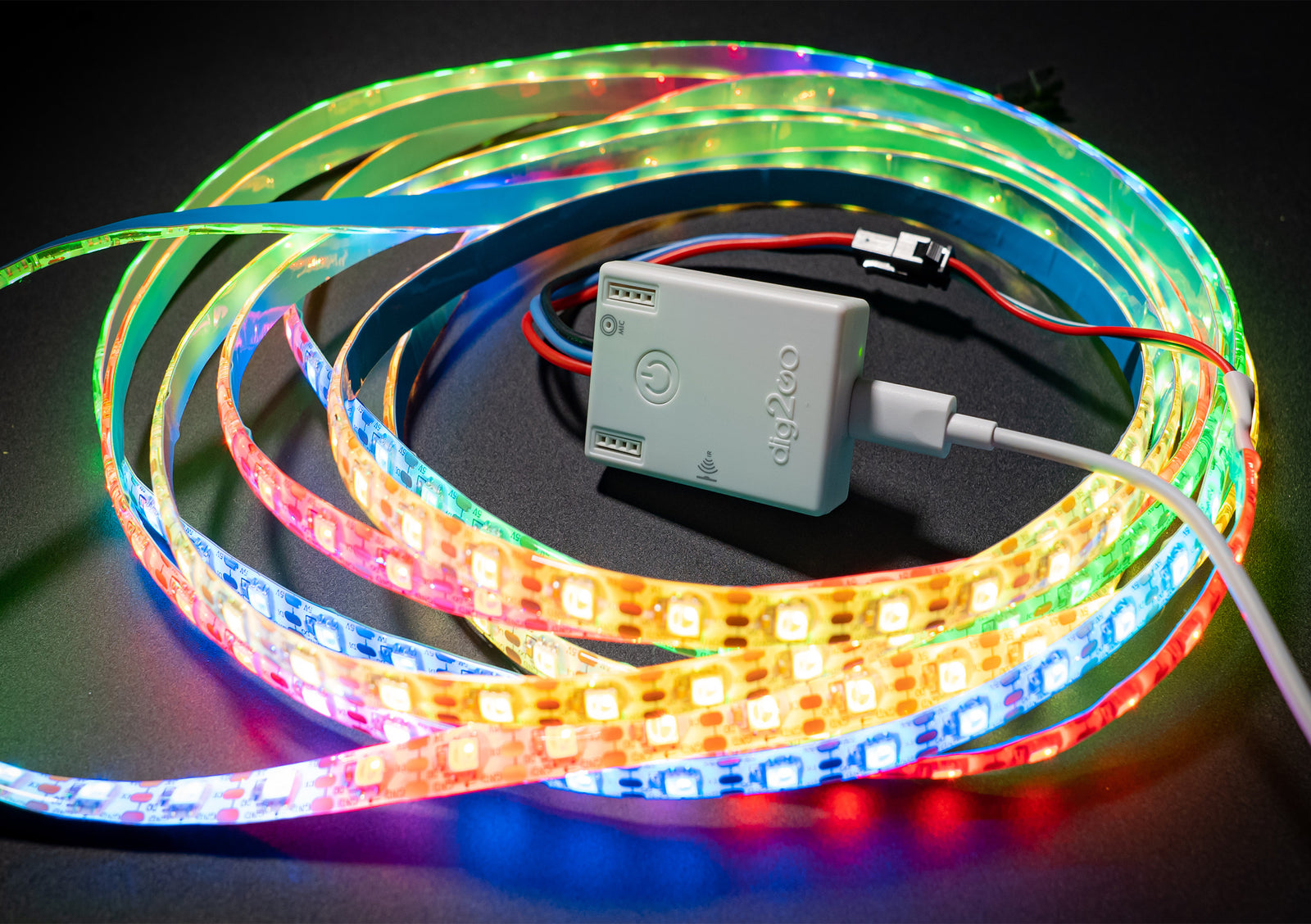
- QuinLed LED pre-assembled boards. The Dig-2-Go is the easiest complete package to use.
- Serg74 shields
- Home control, e.g. the ESP32-P4 Nano shield
- Athom / Gledopto / M5Stack / ...
DIY
Minimal hardware
- One of the ESP32-devices shown in MoonLight Installer. Any ESP32-S3 board or ESP32-P4 nano recommended as they have more memory (PSRAM) then the traditional ESP32-D0 boards.
- Any WS2812 LED strip or panel. 256 LED panel recommended.
- Connect the ESP32-device with USB to your computer, connect the LED strip or panel
Above is the minimum requirement to have lights burning.
Recommended hardware
The M5Stack AtomS3R can be used to offer 'MoonLight in a box'. It is perfactly usable to drive Art-Net. To drive LEDs a few more components are needed:
| Product | Image | Shop |
|---|---|---|
| M5Stack AtomS3R |  |
Shop |
| Level shifter SN74HCT125(N) | Shop | |
| Resistors: 33 or 249 ohm | see QuinLed - The Myth of the Data Signal Resistor | |
| External power supply | ||
| Capacitors |
Currently it is DIY to make it:
Work in progress to make this available as pre-assembled board (Contact us if you want to help manufactering this).
DMX / Art-Net
A few examples are shown below. Note that MoonLight also supports Art-Net in which can be uased as an alternative to off-the-shelve controllers. In this scenario there is one MoonLight device sending Art-Net and one (or more) MoonLight devices receiving Art-Net
| Product | Image | Shop |
|---|---|---|
| Artnet-LED-controller | Shop | |
| Pknight Art-Net DMX 512 | Shop | |
| 18 LED Bars | Shop | |
| 19x15W Zoom Wash Lights RGBW Beam Moving Head | Shop |
For an impression of hardware in use: